
All Your Notes in One Place
You've been highlighting things. Adding sticky notes. Saving text. But where does it all go?
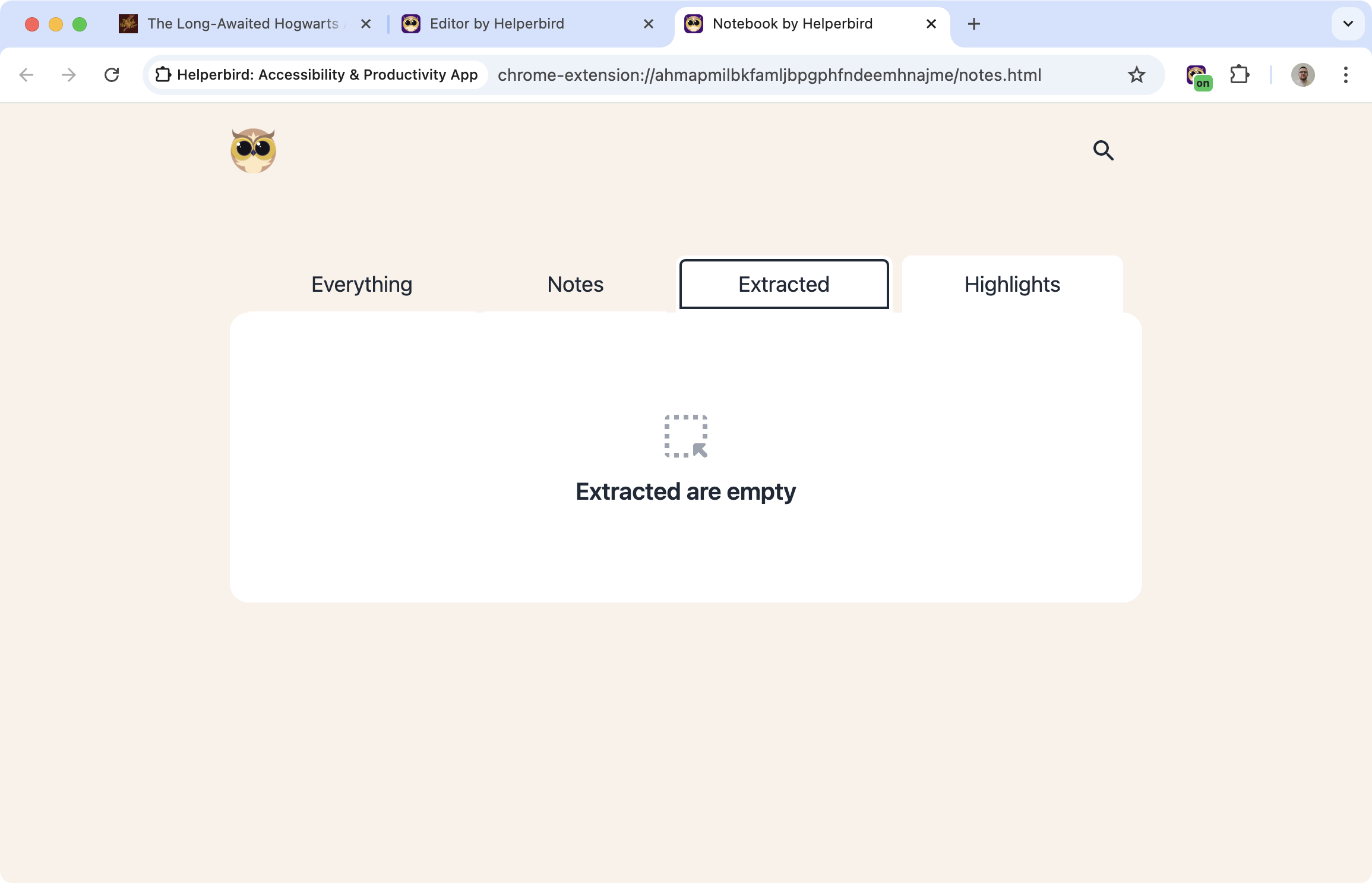
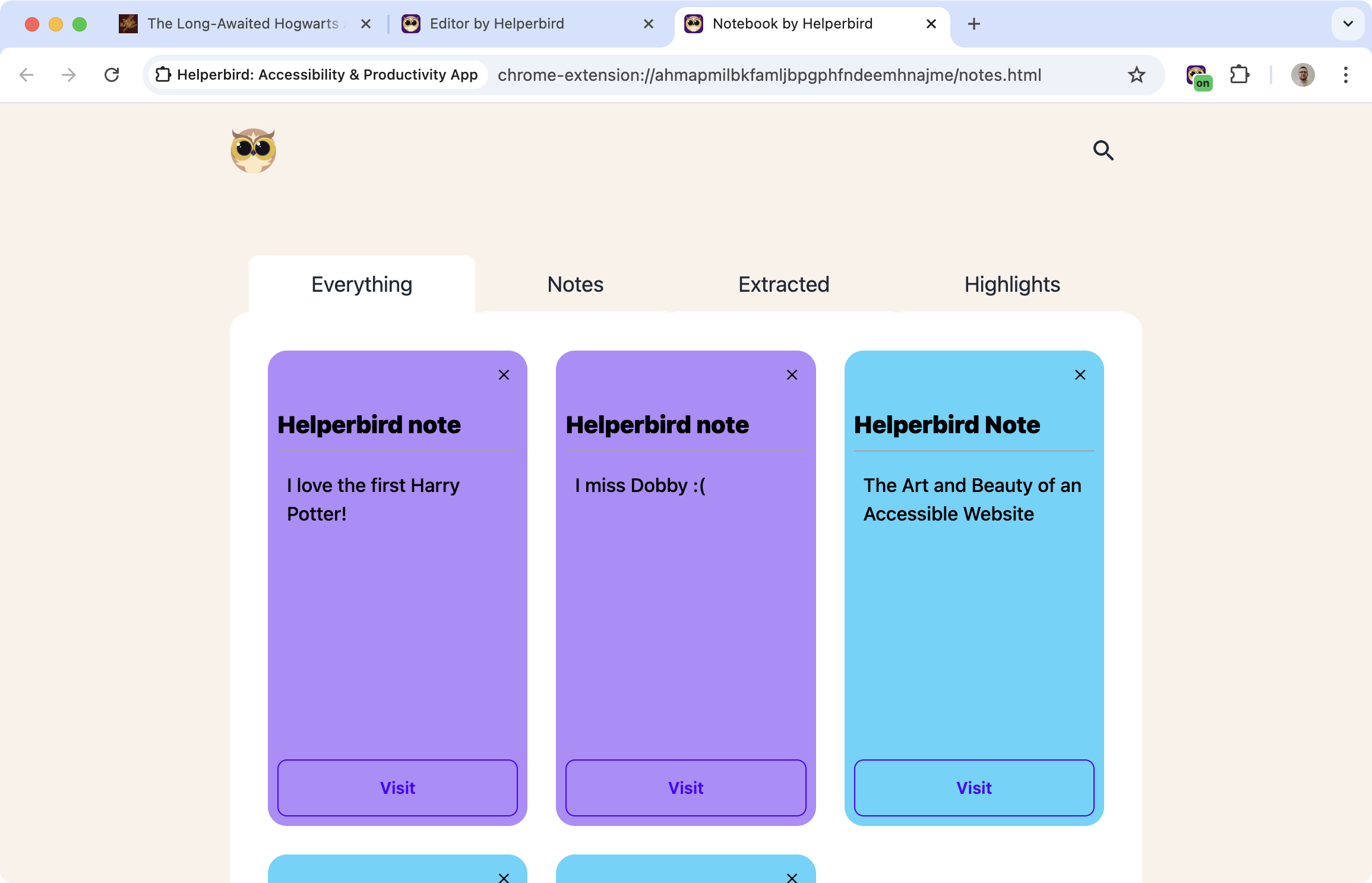
The Note Organizer collects everything you've saved with Helperbird - highlights, sticky notes, extracted text - and puts it in one searchable, organized dashboard.
Learn how to use the Note Organizer
Related features
- Sticky Notes & Annotations - Add comments and notes directly to websites and PDFs as you research.
- Web Highlighter - Highlight important text with color coding that syncs to your note organizer.
- Notepad - Write longer, formatted notes and essays in a dedicated notepad space.
What You Can See
Highlights: Everything you've highlighted across all websites.
Sticky notes: All your annotations and comments.
Saved text: Text you've extracted or copied.
Timestamps: When you saved each item and from which page.
What You Can Do
Search: Find notes by keyword instead of trying to remember which site they came from.
Edit: Update notes without going back to the original page.
Delete: Remove notes you don't need anymore.
Export: Get your notes out in different formats for use elsewhere.
Synced Across Devices
Notes save to Helperbird's cloud. Take a note on your laptop, see it on your phone. Everything stays in sync.
Who Uses This
Researchers collecting information from many sources.
Students keeping track of notes across different subjects and sites.
Professionals organizing web research and reference materials.
Anyone who takes notes while browsing and wants to actually find them later.
Is This Free?
The Note Organizer is a Pro feature in Helperbird.
