
Control How Wide Text Spreads
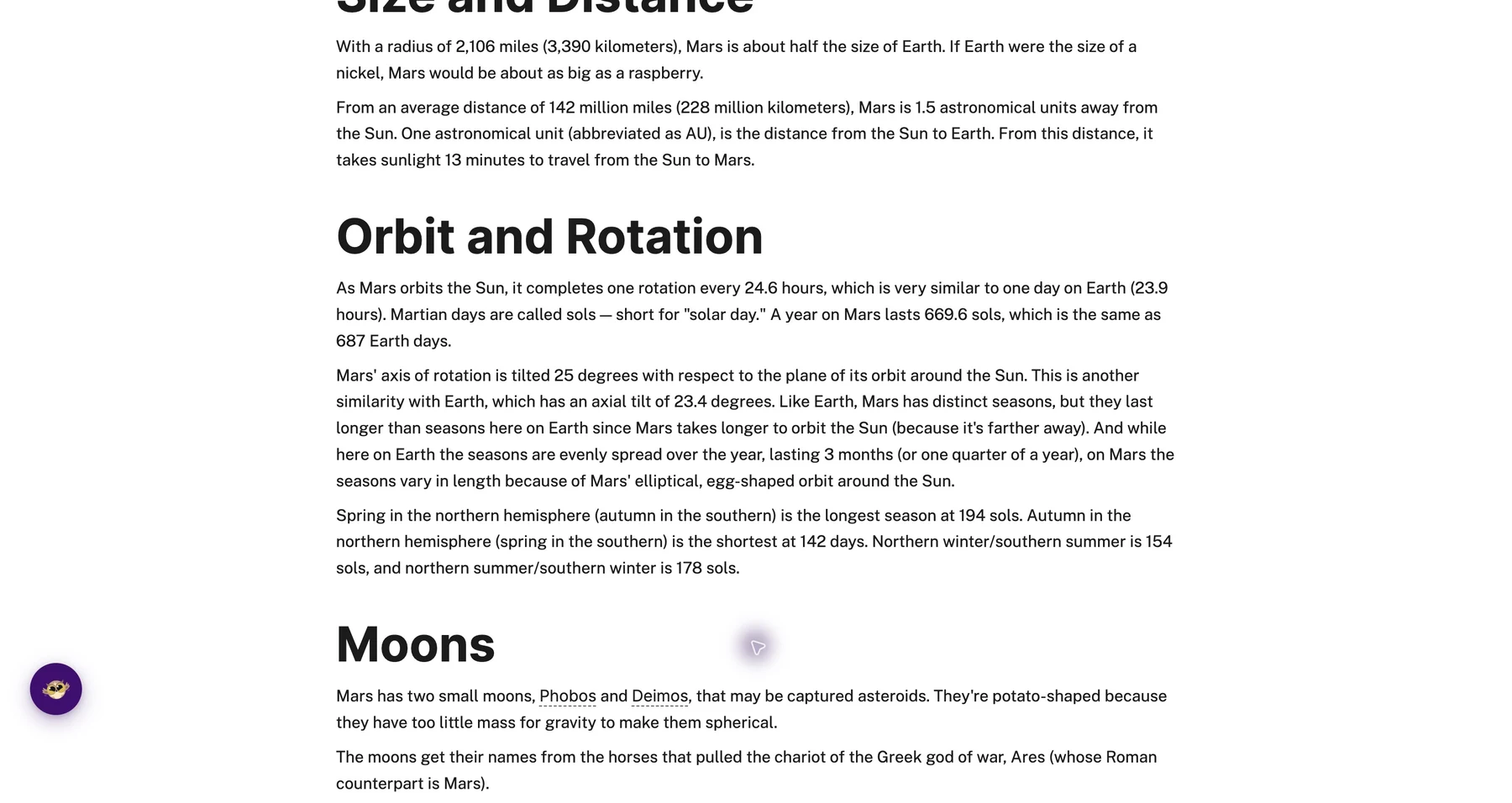
On a wide monitor, text can stretch all the way across the screen. Your eyes have to travel a long distance from the end of one line to the start of the next. It's tiring.
Paragraph width control lets you make text columns narrower, so lines are shorter and easier to follow.
Learn how to adjust paragraph width
Related features
- Font Size Control - Make text larger while narrowing columns to reduce eye strain and improve focus.
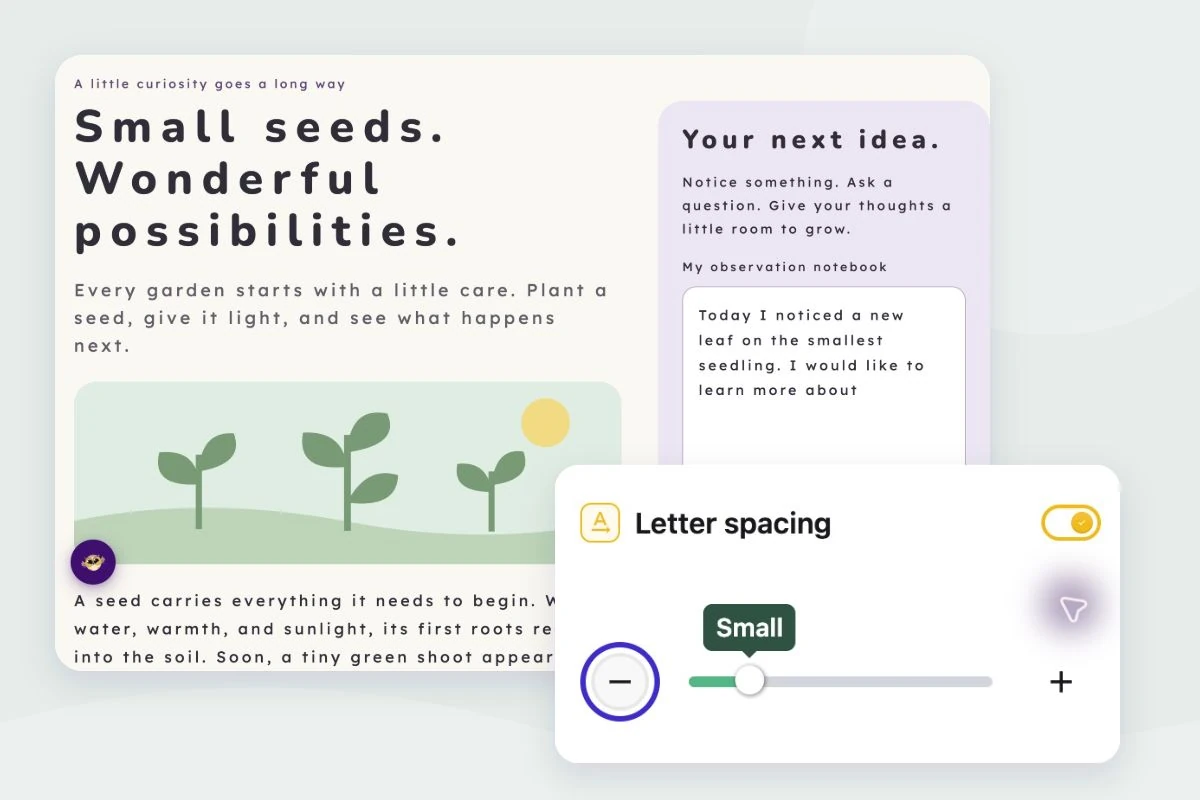
- Letter, Word & Line Spacing - Combine narrower widths with improved spacing for maximum readability.
- Text Alignment - Choose left-aligned or justified text to work with your preferred column width.
Why Narrower Is Often Better
Research on reading suggests that lines of 50-75 characters are optimal for comfortable reading. Most websites on wide screens go way beyond that.
Narrower columns mean:
- Your eyes move less
- You're less likely to lose your place
- Reading feels less like work
What You Can Adjust
Column width: Make paragraphs narrower to shorten line length.
Background color: Add a background tint to the text area if it helps.
Border: Add visual separation around paragraphs.
Who Uses This
Anyone on a wide monitor where text stretches too far.
Readers who lose their place tracking across long lines.
People who read a lot and want to reduce fatigue.
Users with reading difficulties who benefit from shorter lines.
Is This Free?
Yes. Paragraph width control is free in Helperbird.