Write Notes Right in Your Browser
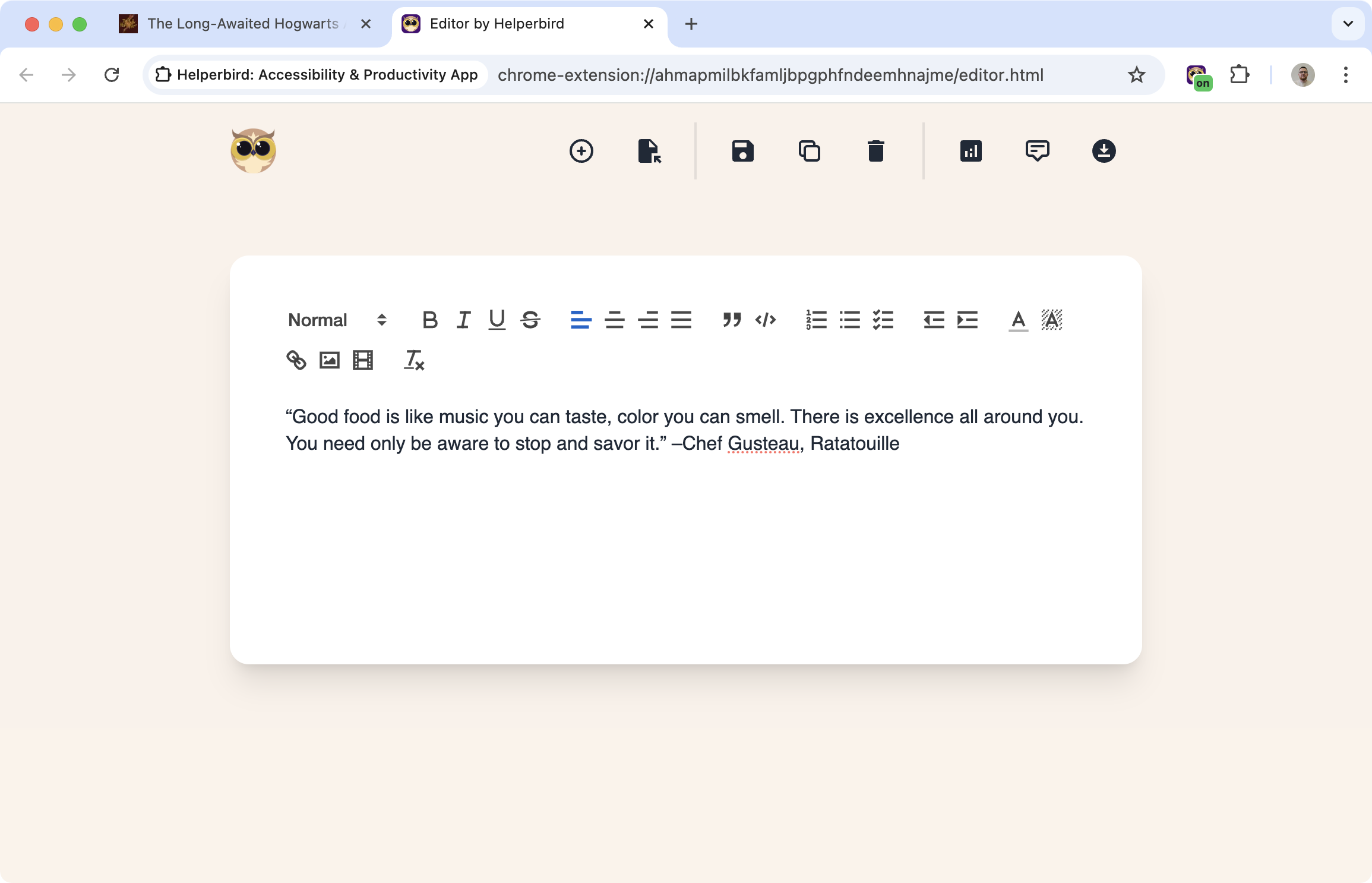
Sometimes you just need somewhere to jot things down. Helperbird has a built-in notepad where you can write notes, draft text, or organize your thoughts without opening another app.
The Notepad autosaves as you write and keeps a Save button for an explicit save. Word and character counts are visible without opening a separate statistics panel.
Switch to Highlights & notes to find captured content, or open your Reading List alongside your writing. Notepad, Notes, and Reading List shortcuts all lead to this shared workspace.
Related features
- Voice Typing - Compose your thoughts faster by dictating instead of typing in the editor.
- Word Prediction - Speed up your typing with smart word suggestions as you write.
- Note Organizer - Keep all your notes and writing organized in one searchable dashboard.
Simple and Focused
This isn't trying to be Microsoft Word. It's a clean writing space where you can:
- Write and format text
- Organize your thoughts
- Save your work
- Export when you need it elsewhere
No distractions, no complicated menus. Just a place to write.
Export Options
When your notes are ready to go somewhere else:
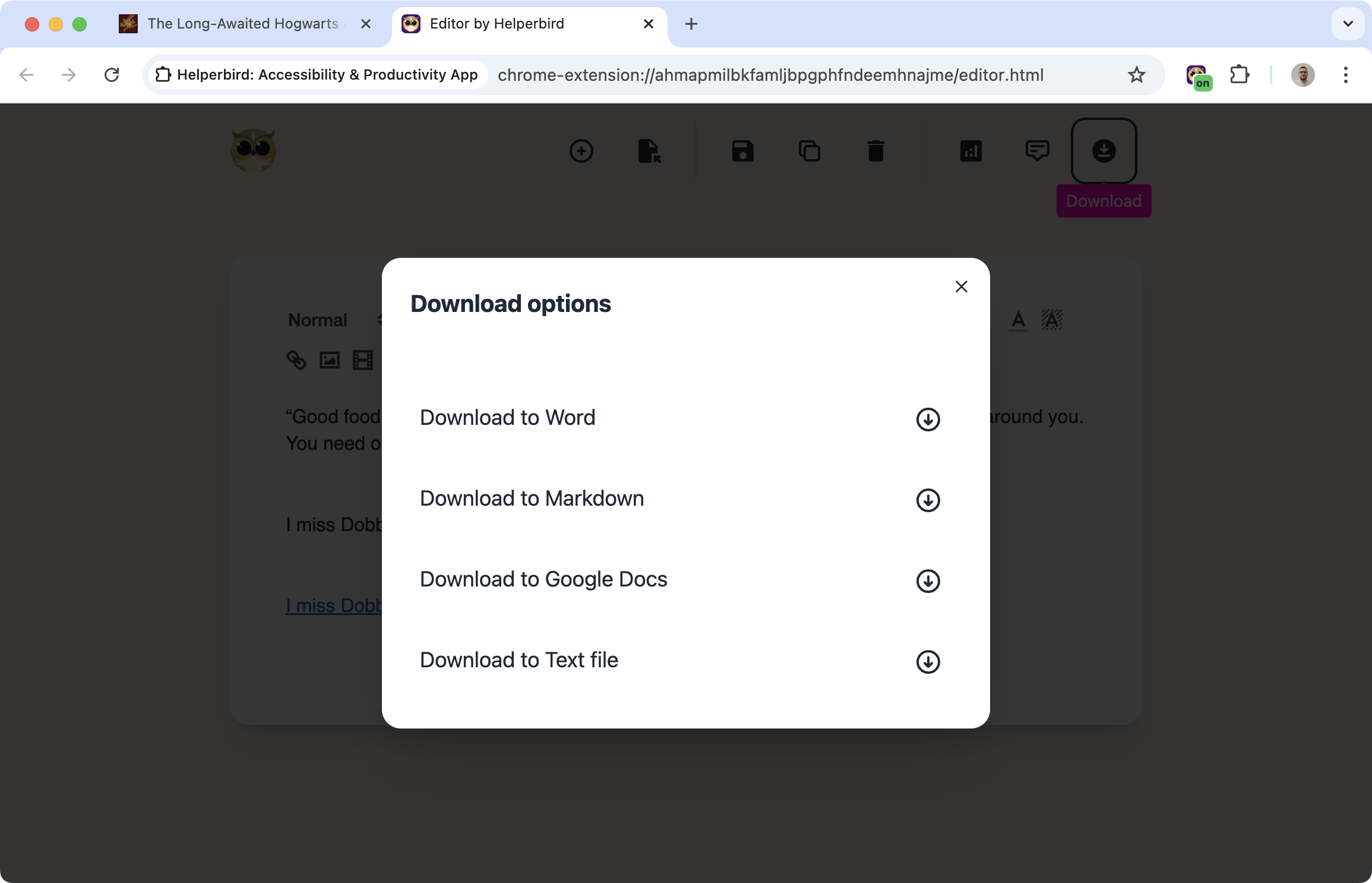
- Microsoft Word: Download a Word file, which you can also upload to Google Docs
- Markdown: For developers, bloggers, or note apps that use Markdown
- Plain text: Just the words, no formatting
Who Uses This
Students taking notes during online lectures or research.
Writers drafting ideas before moving them to a full document.
Researchers collecting thoughts and quotes while browsing.
Anyone who needs a quick place to write while browsing the web.
Is This Free?
Writing and saving Notepad documents require Helperbird Pro. Keep a downloaded copy of important work; browser storage and sync are not a backup service.