
Voice typing Helperbird Pro
Speak your
first draft.
Turn a spoken thought into text. Choose your language, start the microphone, and let the words come.
Explore voice typing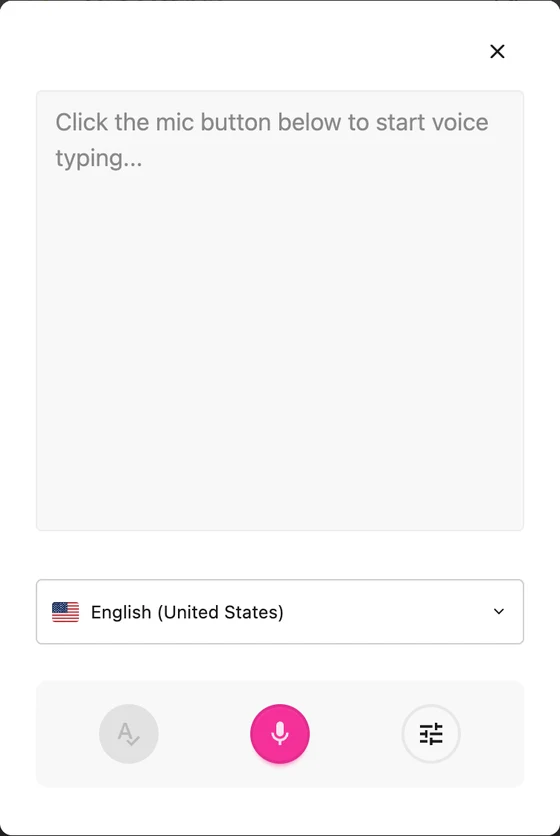

Helperbird for Safari
Reading, writing, and accessibility tools that make Safari feel right for you. Listen to text, find a comfortable view, and give your ideas room to grow.
Mac, iPad, and iPhone. Free to start. More tools with Pro.
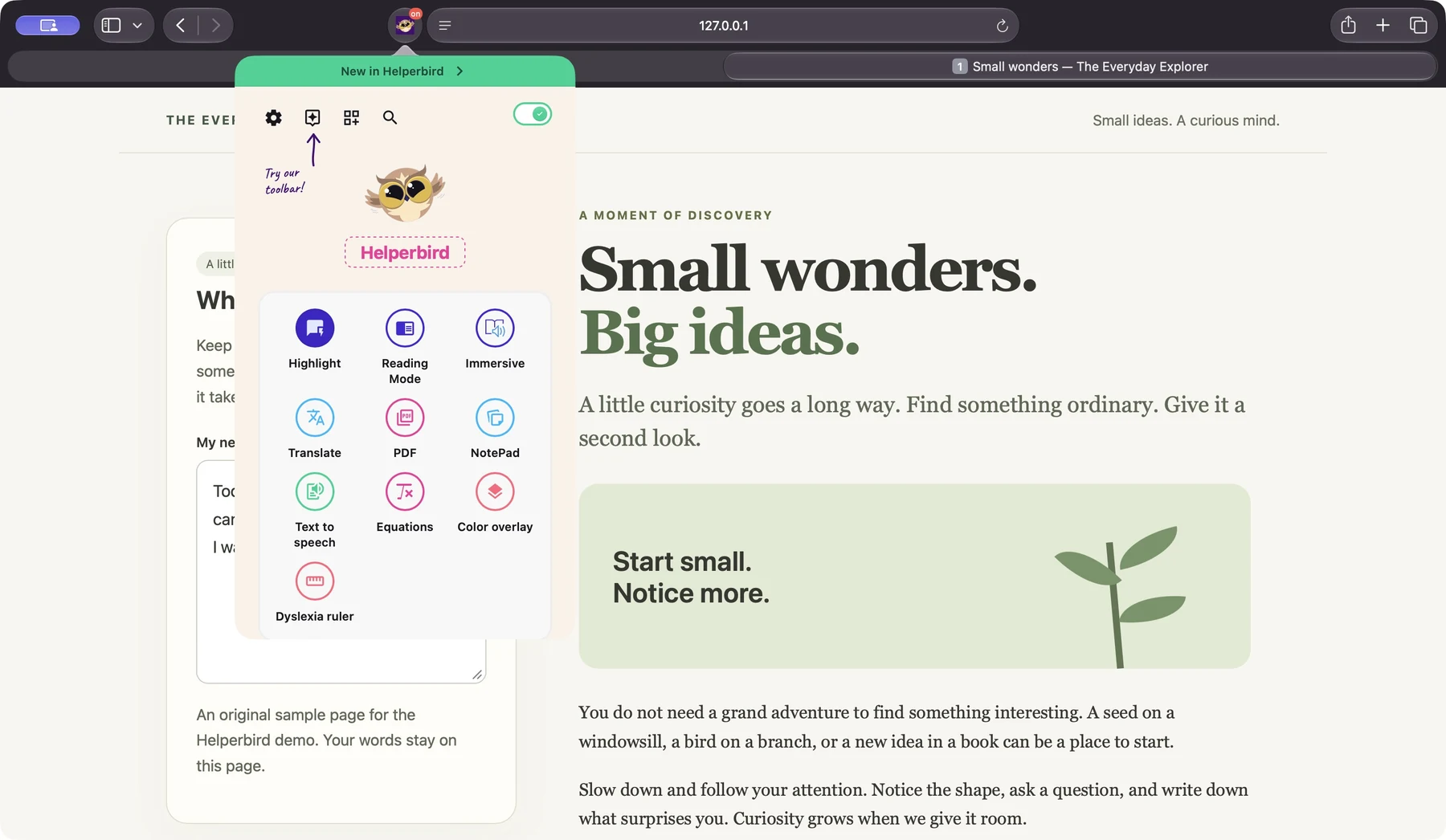
A few favorites to get you started
Say what you’re thinking. Read what’s in a picture. Find the word you need. There’s more than one way to make progress.
Voice typing Helperbird Pro
Turn a spoken thought into text. Choose your language, start the microphone, and let the words come.
Explore voice typingScreenshot Reader Helperbird Pro
Turn words and equations in an image into text you can use. Choose to listen, translate, copy, or save a note.
Explore Screenshot Reader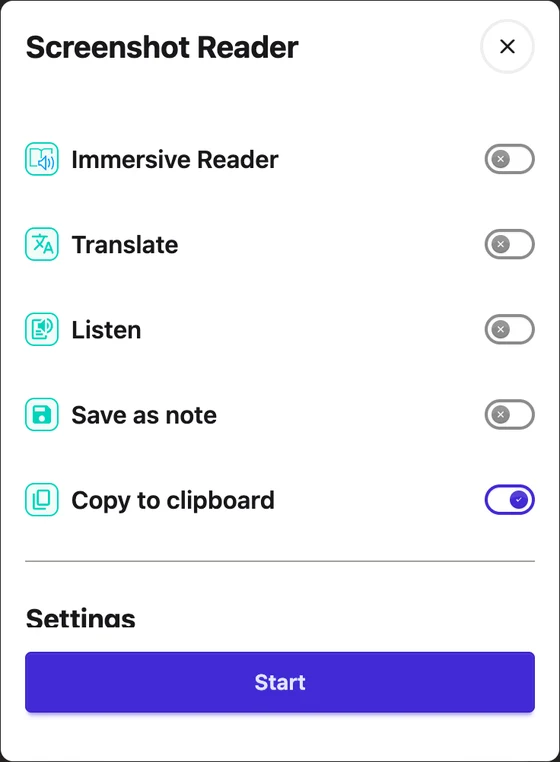
Word prediction Helperbird Pro
See suggestions as you type on supported websites and in Google Docs. Listen to a suggestion, choose a word, and keep your thought moving.
Explore word prediction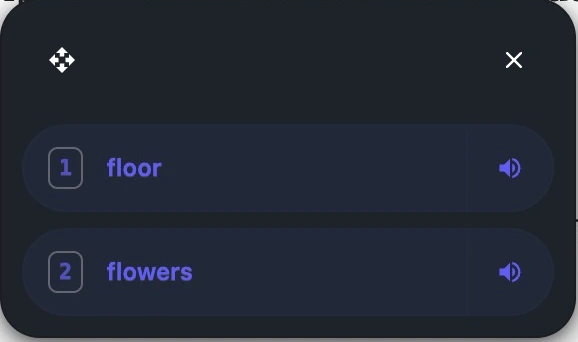
Make it your own
Build your own mix of reading, writing, and accessibility tools. Start free, then choose more support with Pro.
See all Helperbird toolsReal Helperbird extension controls, shown on desktop. Tools and availability can vary by device and website.
01 · Reading tools for Safari
Small changes can make a page feel very different. Choose how the words look, how they sound, and how you move through them.
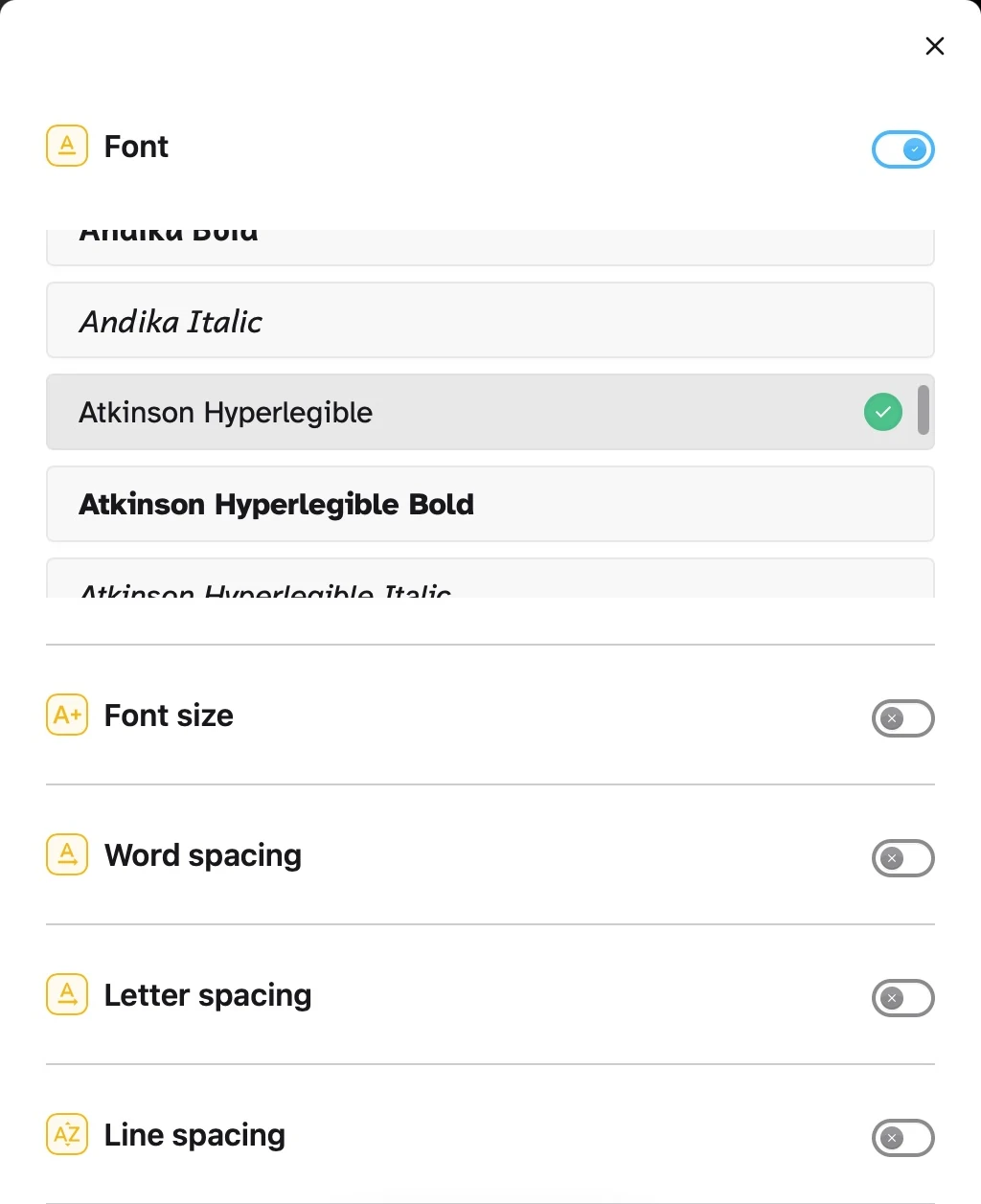
Try fonts including Atkinson Hyperlegible and OpenDyslexic. Adjust text size and the space between letters, words, and lines to suit your reading.
Listen with text to speech when you would rather hear a passage. Choose an available voice and adjust playback speed to find your rhythm.
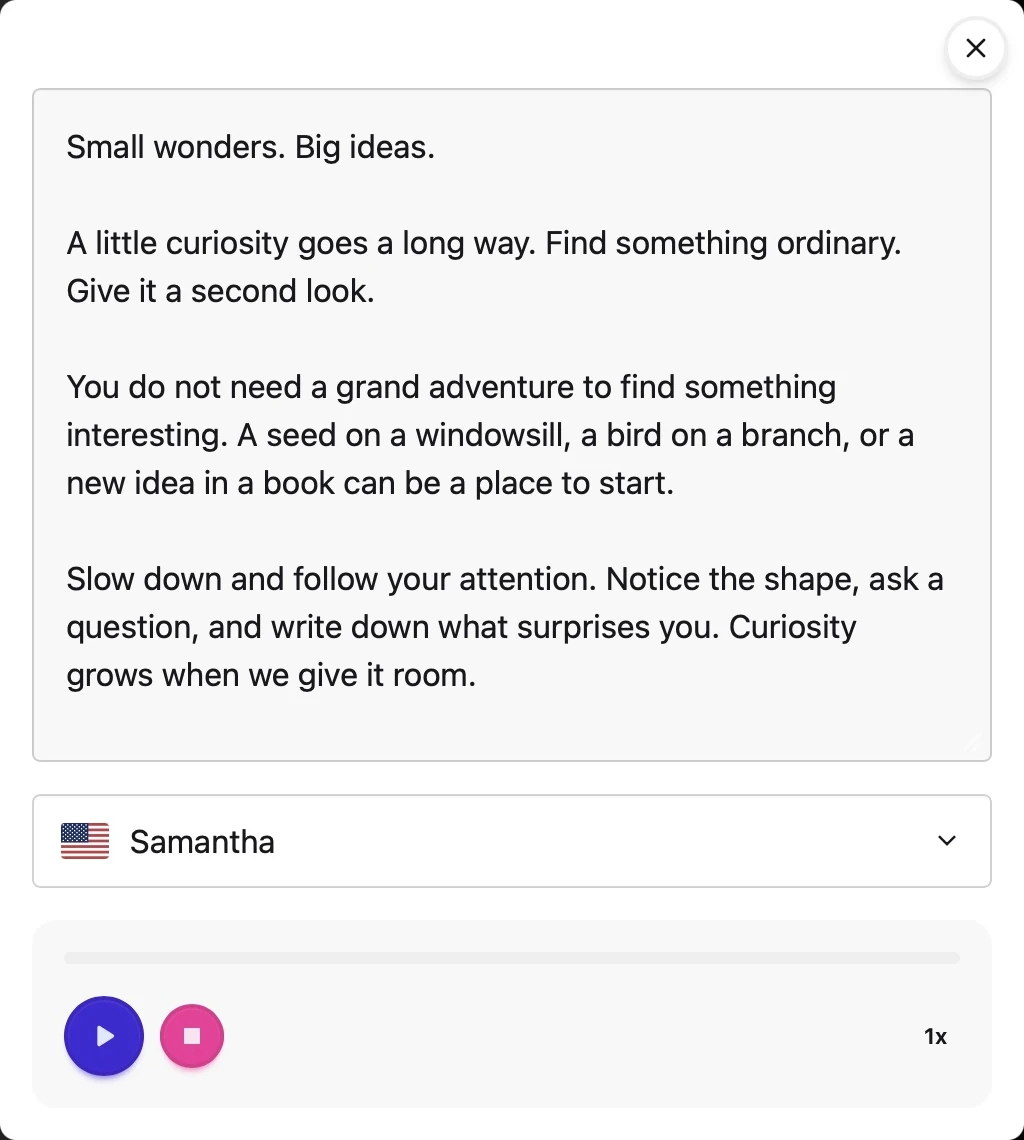
Shown in Safari on Mac. Tools and voices may vary by device.
Open Reading Mode for a simpler view of an article, with less surrounding clutter.
Explore Reading ModeExplore color overlays and page colors to find a combination that feels comfortable to you.
Use a reading ruler or focus tools when you want a little help following the page.
02 · Writing tools for Safari
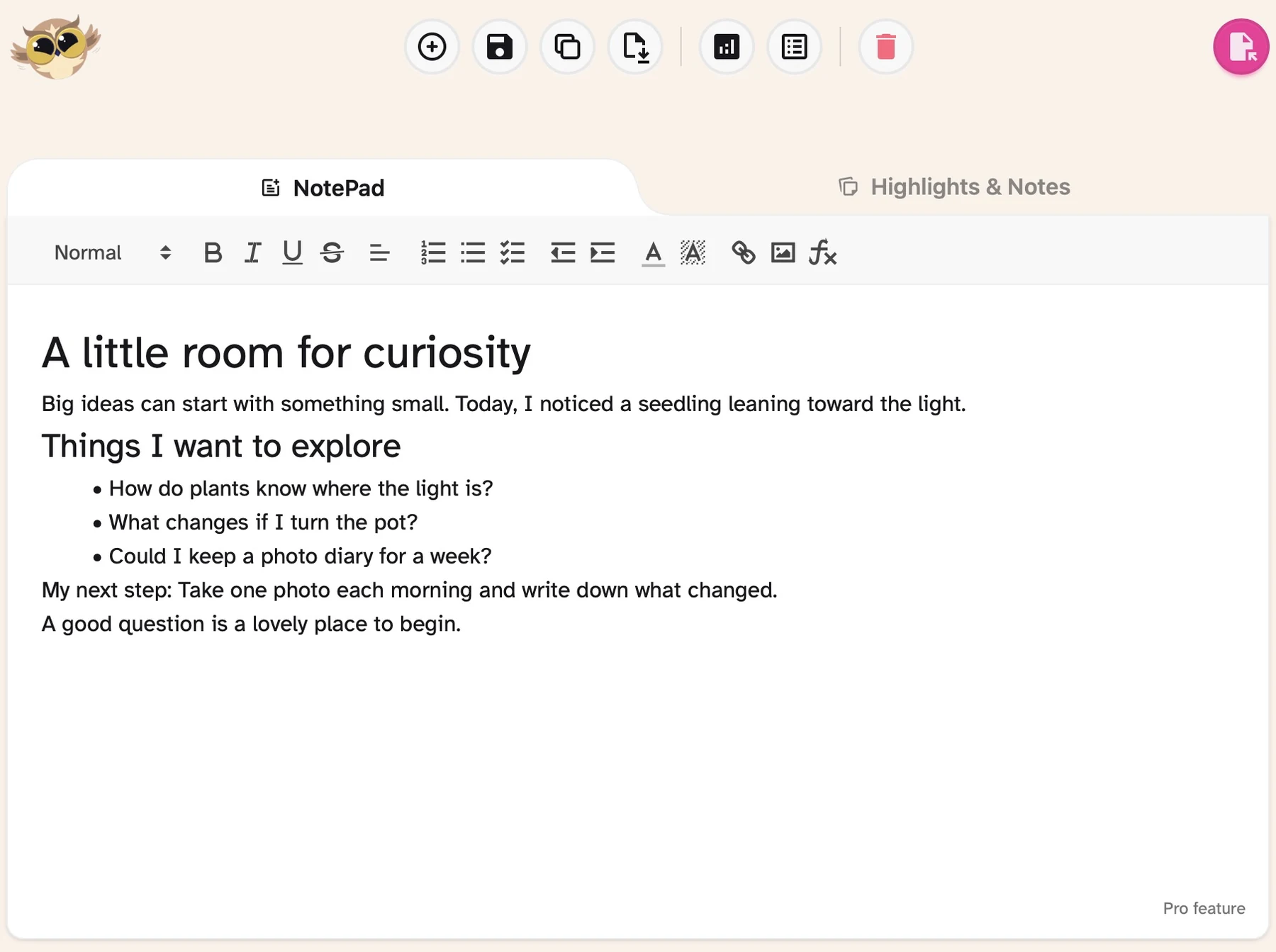
Open Notepad for a draft, a list, or an idea worth keeping. Use headings, rich text, and lists to give your writing shape.
Writing, formatting, and saving in Notepad are free. Helperbird Pro adds word prediction and grammar tools when you want more support.
03 · Accessibility tools for Safari
Whether you prefer listening, use dyslexia-friendly fonts, or need larger text, choose the support that suits you. Build a reading and writing setup that feels like yours.
Your fonts. Your spacing.
Explore dyslexia-friendly font options such as OpenDyslexic, or try Atkinson Hyperlegible. Change the text size and spacing to suit your own reading preferences.
See the reading controlsChoose a color overlay or page colors, then use a reading ruler when you want help keeping your place. Find a setup that feels comfortable to you.
Try reading tools such as text to speech, Reading Mode, and font settings. Add Pro when you want more.
Compare Free and ProA few steps. A friendlier browser.
Install the Helperbird app from the App Store on your Mac, iPad, or iPhone.
Enable Helperbird in Safari’s extension settings and choose the websites it can access.
Open Helperbird from Safari’s toolbar or page menu, then make the page your own.



There’s a PDF Reader in the app, too
The Helperbird app also includes a native PDF Reader with read-aloud, annotations, and a notepad. Its PDF tools are free, with no account needed. Safari’s extension brings reading, writing, and accessibility tools to webpages.
Helperbird is free to install and includes free reading tools. Notepad writing and saving are free. Some features, including word prediction and grammar tools, require Helperbird Pro. The native PDF Reader’s tools are free. Compare Free and Pro to find your fit.
Yes. Install the Helperbird app on each device and enable its Safari extension. Tool availability and voices can vary by device. Check the App Store listing for current system requirements.
Reading tools include text to speech, Reading Mode, font choices, spacing, and color adjustments. For writing, use Notepad to shape your ideas and explore Pro tools such as word prediction and grammar support.
Yes. Safari’s extension settings let you choose where Helperbird can run. The extension needs access to a page to adjust its text and layout. Some tools use online services; our privacy policy explains how data is handled.
Safari restricts extensions on certain browser pages, and some website editors limit what extensions can change. Check that Helperbird is enabled and has permission for the website. Our help guides can help with a specific tool.
Your browser. Your kind of support.
Bring your curiosity. Make Safari a little more you.
Get Helperbird for SafariReading, writing, and accessibility on Mac, iPad, and iPhone.