This feature works differently now. It is still part of Helperbird, so older steps may not match what you see.
Changed in Helperbird 2026.7.28: The Maths Reader is now automatic inside the Screenshot Reader. There is no mode to pick — one capture handles a page that mixes writing and equations and returns both in reading order.
Maths Problems in a Clean, Readable Format
Maths problems on websites and PDFs can be hard to read. Small fonts, cluttered layouts, distracting elements around the problem.
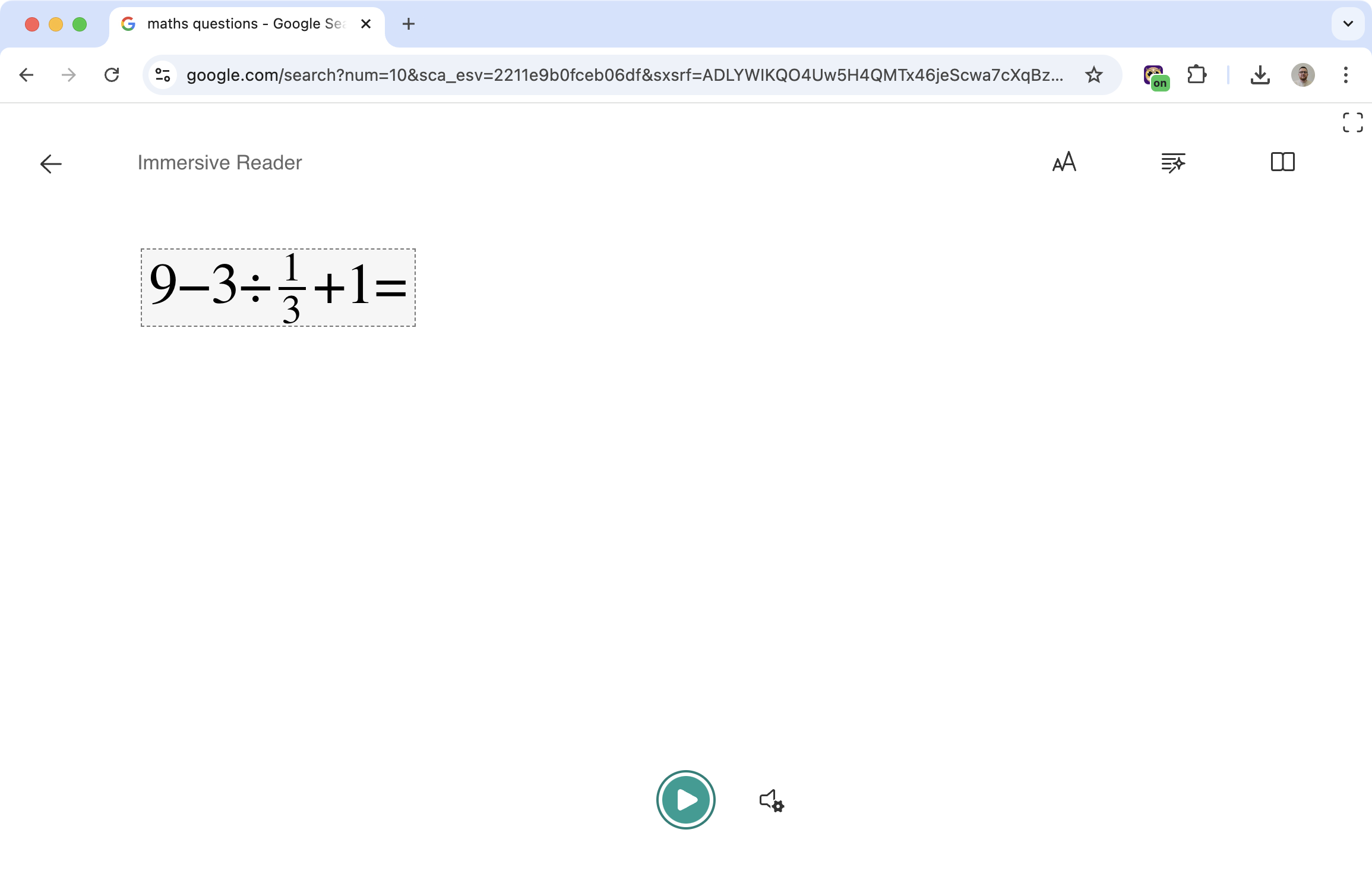
Draw a box around the problem and Helperbird reads what is in it. Equations come back as real maths, ordinary writing comes back as text, and both arrive in the order they appear on the page. Open the result in Immersive Reader for a clean background, an adjustable font, and the option to hear it read aloud.
Learn how to use the Screenshot Reader
Related features
- Text to Speech - Have maths problems read aloud for better understanding.
- Immersive Reader - Open maths problems in a clean, focused reading view.
- Font Sizes - Make small maths text larger and easier to read.
How It Works
- Open the Screenshot Reader in Helperbird
- Draw a box around the area containing the problem
- Helperbird reads it, detecting writing and equations on its own
- The result opens where you chose to send it
From there, you can have it read aloud, adjust the font size, change colors, or just read it in a distraction-free view. There is no maths mode to turn on — one capture does both.
Why This Helps
Isolate the problem: Remove everything except what you're trying to solve.
Hear it read aloud: Sometimes hearing a problem helps you understand it better than just reading.
Customize the display: Make text bigger, change colors, whatever helps you focus.
Accessibility: Useful for dyslexia, dyscalculia, or anyone who finds standard math displays hard to parse.
Who Uses This
Students working through math homework or tests.
Teachers helping students with reading difficulties access STEM content.
Anyone who finds math problems on websites hard to read in their original format.
Is This Free?
The Screenshot Reader, which now reads equations for you, is a Pro feature in Helperbird.