
Writing Tools
From your ideas.
To your words.
Speak your thoughts, find the next word, and check your writing before you share it.
Feature examplesChoose a feature to preview.
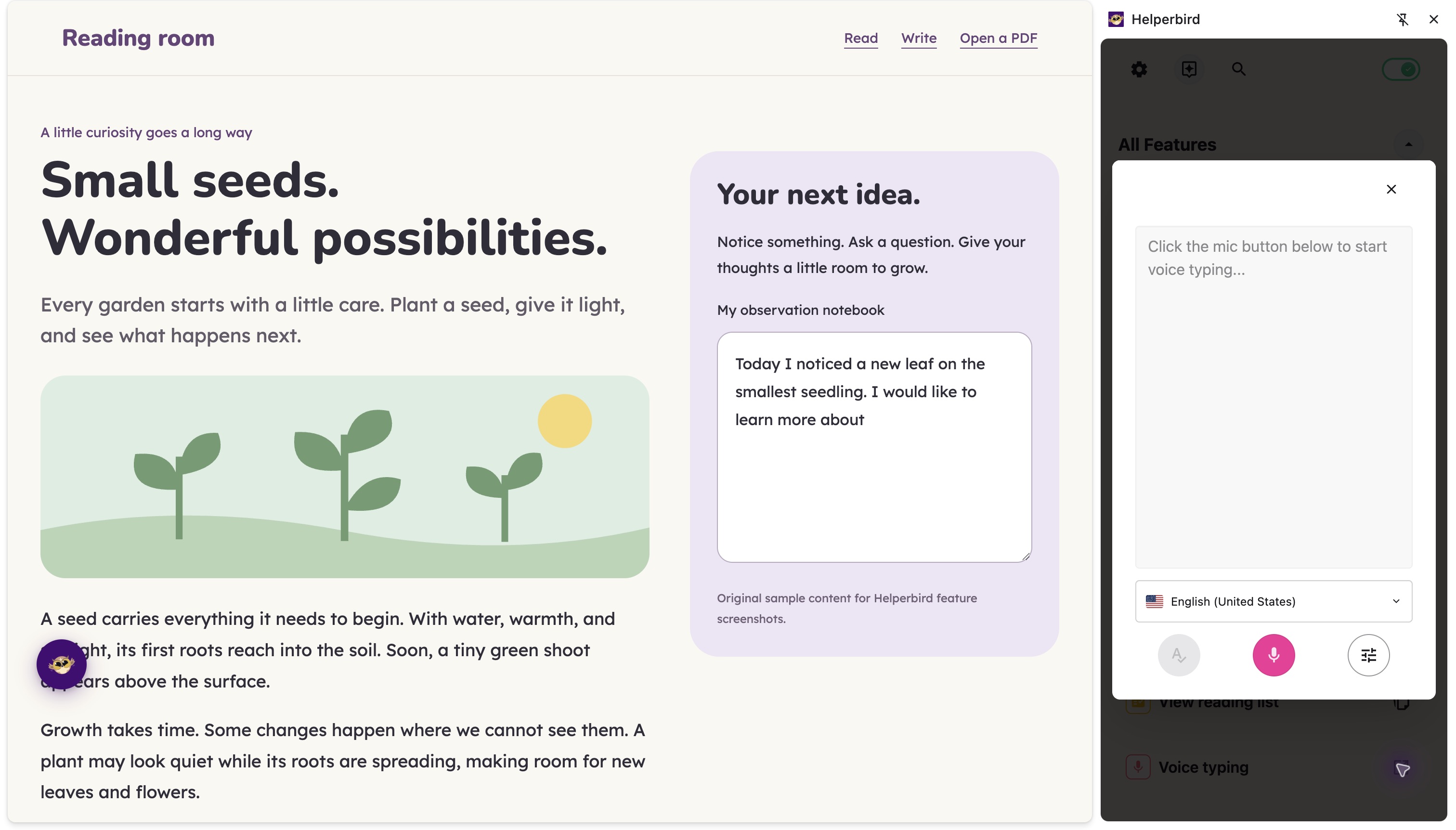
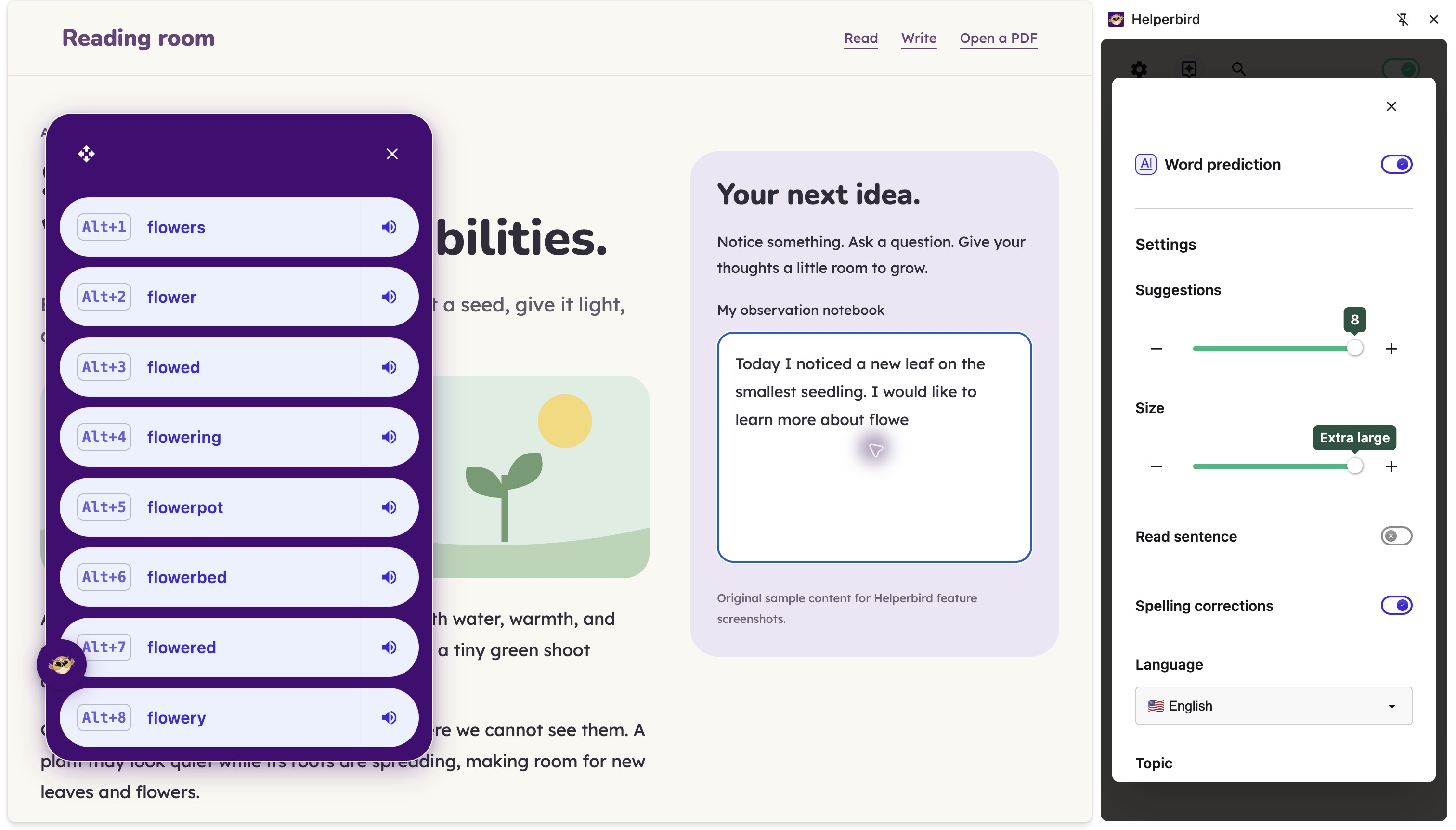
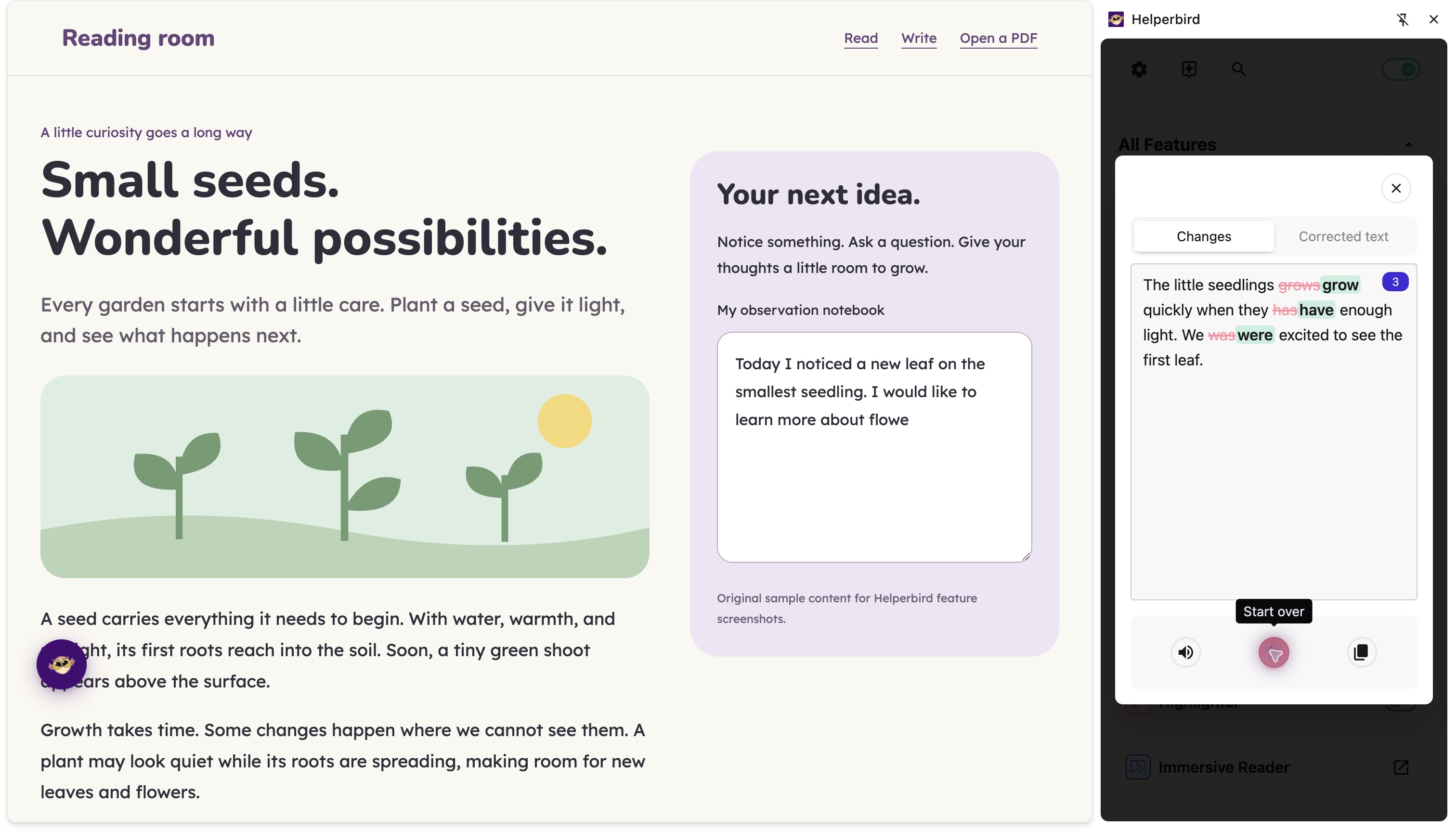
Shown in the browser extension. Writing support varies by website and app.
Make room for your ideas.
Voice Typing
Speak instead of typing.
Pro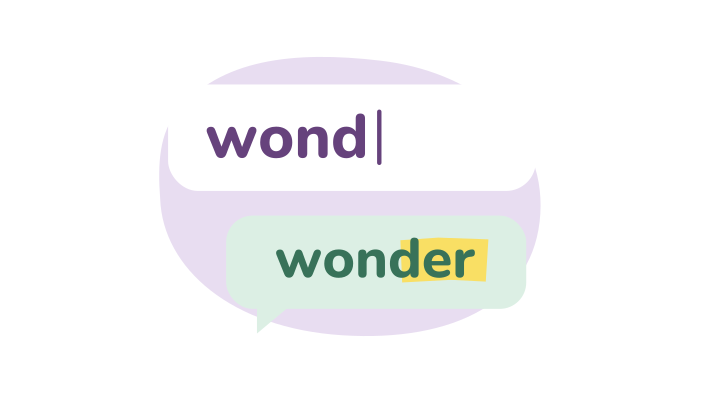
Word Prediction
Get suggestions as you write.
Pro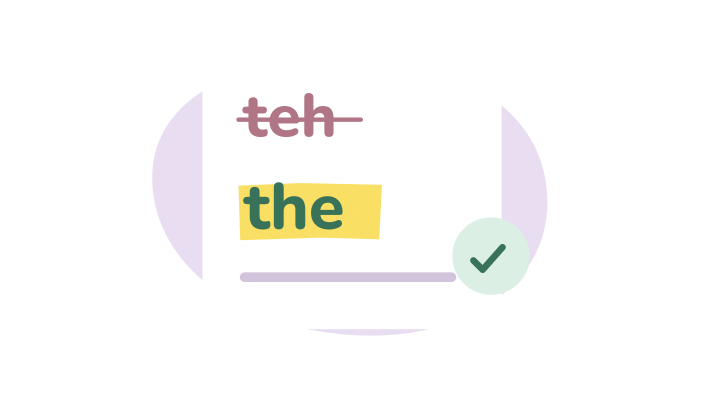
Spelling & Grammar
Catch mistakes and review corrections.
Pro
Notepad
A place to draft and keep your work.
Free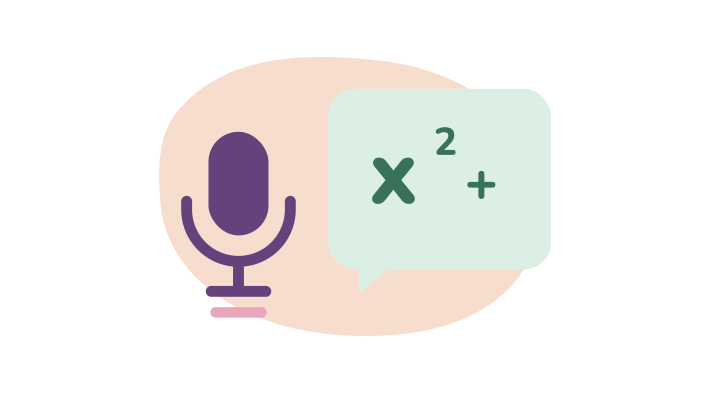
Speech to Math
Turn spoken maths into equations.
Pro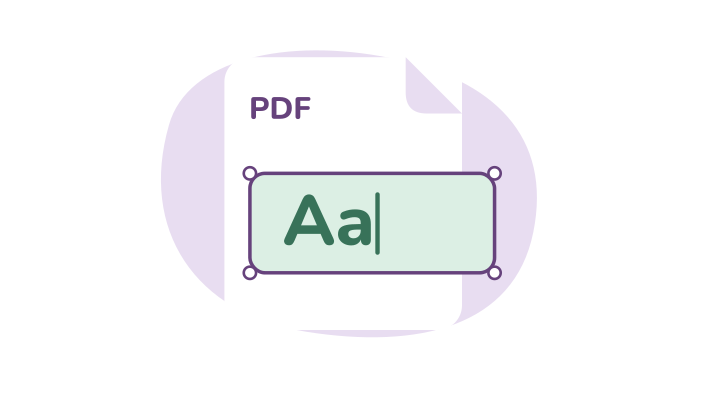
Write on PDFs
Add answers and notes to a PDF.
Free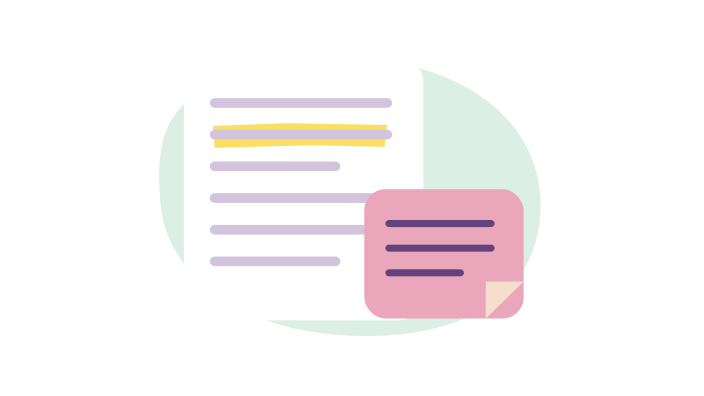
Annotations & Sticky Notes
Add sticky notes and annotations to web pages. Highlight text, leave comments, and organize your research with color-coded notes.
Pro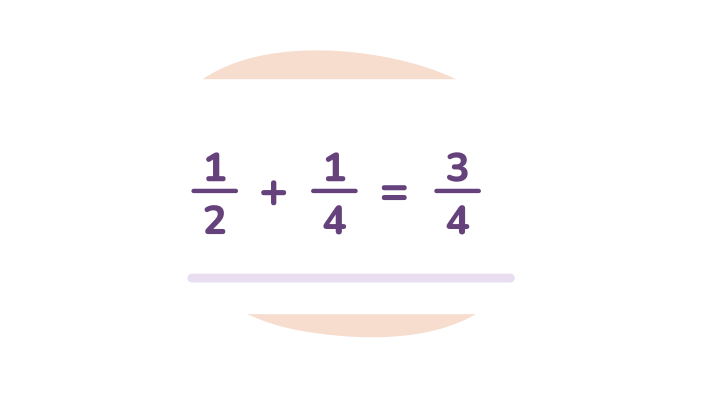
Equation Editor
Write equations by typing LaTeX or dictating them out loud, hear them read aloud, and export them as LaTeX, MathML, or an image.
Pro
Note Organizer
View and manage all your notes, highlights, and sticky notes from Helperbird in one dashboard. Synced across devices and exportable.
Pro
OCR / Screenshot Reader
Extract text from images, screenshots, videos, and PDFs. Copy it, hear it read aloud, or open it in Immersive Reader.
Pro
Screenshot Tool
Take screenshots of entire webpages or just selected areas. Save directly to your device.
Free
Summarize Pages
Turn long articles into bullet-point summaries with one click. Get the main ideas without reading everything.
Pro
Text Statistics
Word count, reading time and twelve more figures for the note you are writing.
FreeVoice Typing, Word Prediction and Spelling & Grammar are Pro tools. Notepad and PDF text boxes are free.
Browse all writing toolsYour ideas.
Keep them flowing.
Choose Free for everyday tools, or Pro for extra writing support.