
Helperbird Works on PDFs Too
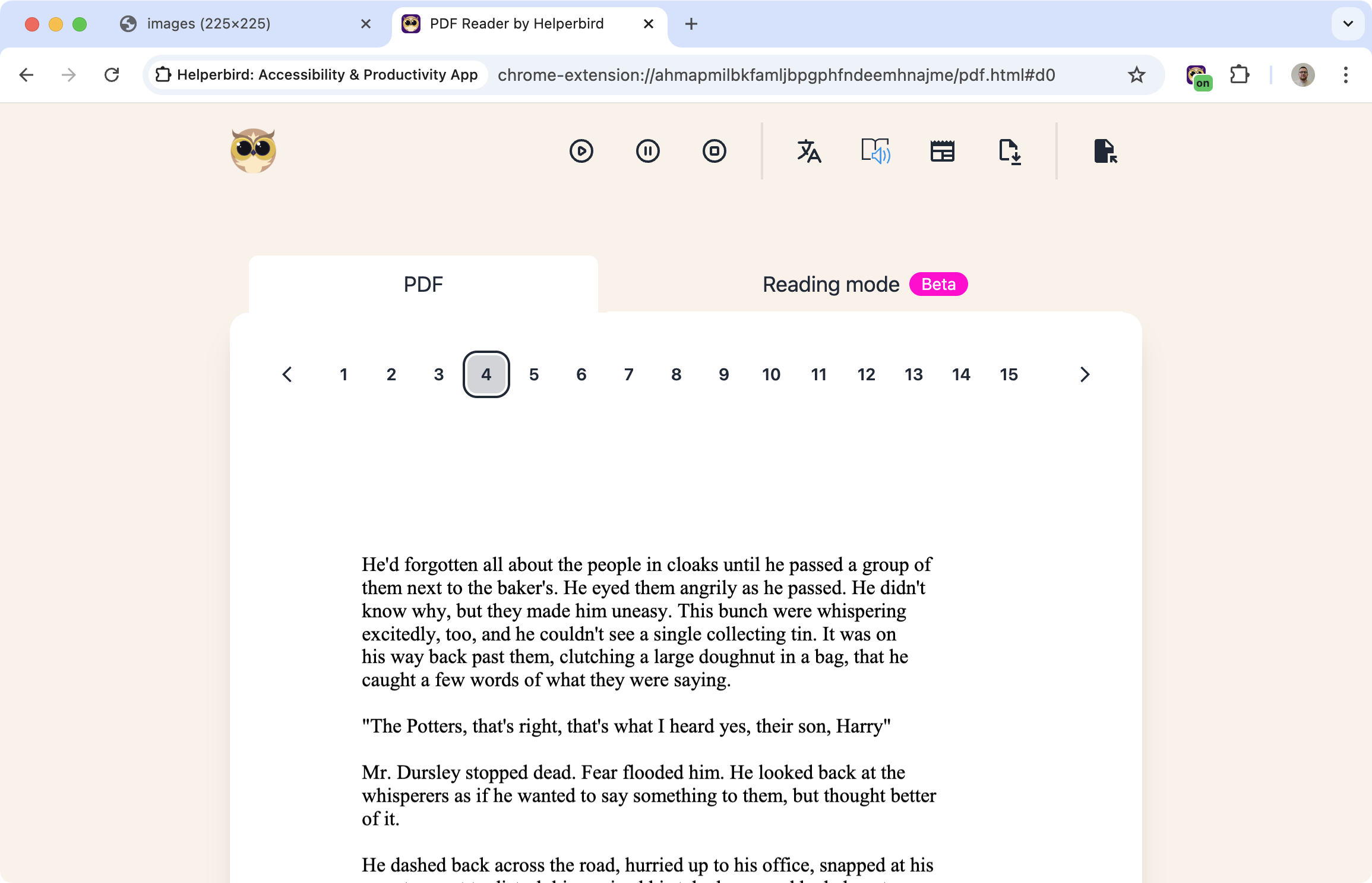
PDFs are everywhere - academic papers, work documents, ebooks, forms. But they're often hard to read. Small text, no customization options, no accessibility features.
Helperbird changes that. Open a PDF, and all of Helperbird's tools work on it - text-to-speech, dyslexia fonts, color overlays, highlighting, annotations, everything.
Learn how to use Helperbird with PDFs
Related features
- Write on PDFs - Type text directly into a PDF to fill forms and add answers.
- PDF Drawing Tools - Draw freehand, add shapes, arrows, and lines directly on PDFs.
- Annotations & Sticky Notes - Attach sticky-note comments anywhere on a PDF.
- Text to Speech - Have PDF content read aloud with natural-sounding voices.
- OCR / Screenshot Reader - Extract text from scanned or image-based PDFs.
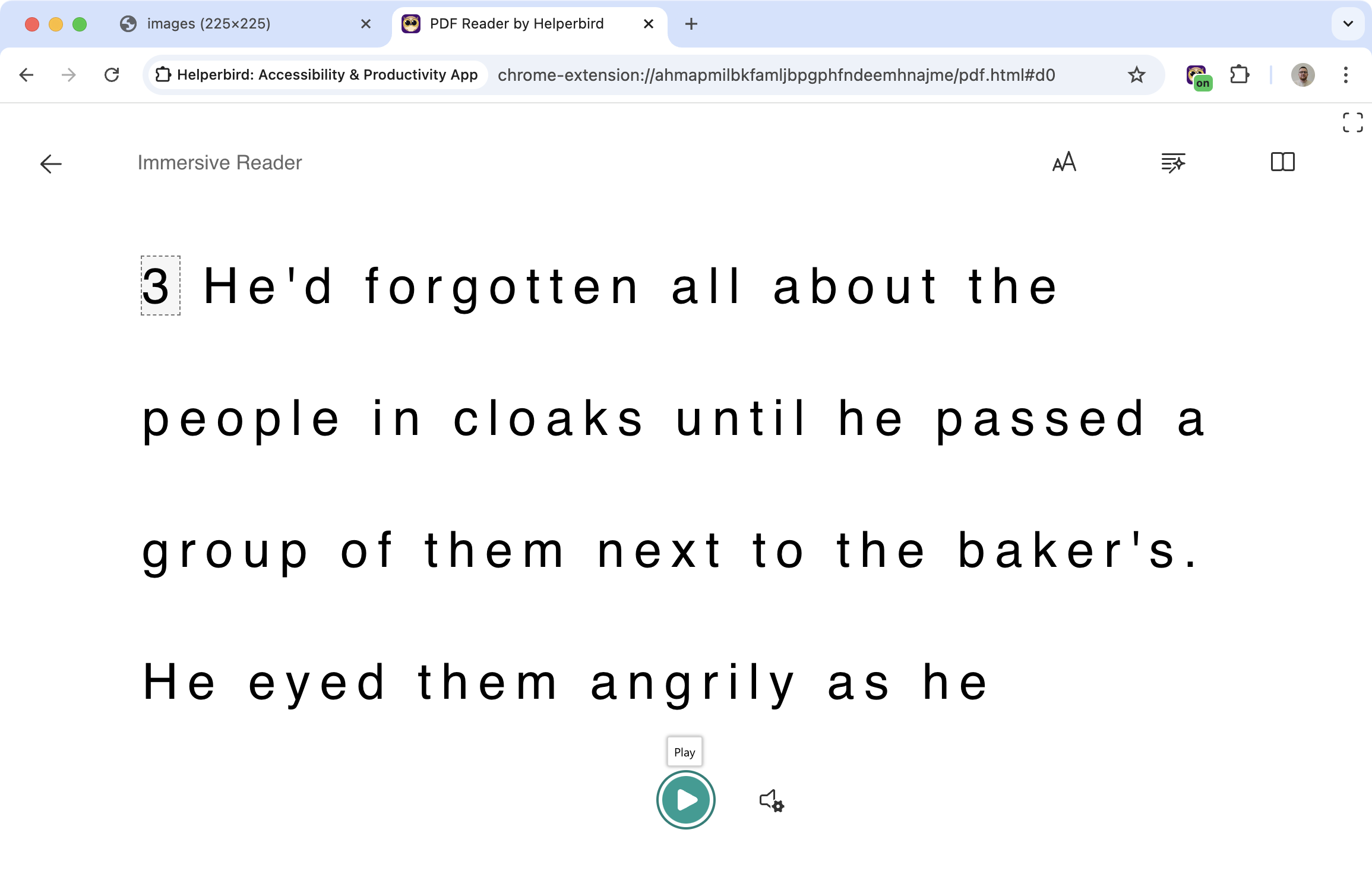
- Immersive Reader - Open PDF text in a clean, customizable reading format.
What You Can Do
Read PDFs aloud: Select text and have it read to you with text-to-speech.
Add highlights: Mark important sections with different colors.
Leave sticky notes: Annotate PDFs with comments and reminders.
Draw on PDFs: Use pen, shapes, arrows, and lines to mark up documents visually.
Use Immersive Reader: Open PDF text in a clean, customizable reading view.
Apply dyslexia fonts: Change the font to OpenDyslexic or Lexend.
Add color overlays: Reduce eye strain with tinted overlays.
All the features that work on websites work on PDFs.
Why This Matters
Most PDF readers give you very few options. You read what you're given. Helperbird lets you customize the experience - make text bigger, hear it read aloud, add notes, change colors.
For people with dyslexia or visual difficulties, this can make the difference between a PDF being usable or not.
Who Uses This
Students studying from academic PDFs and textbooks.
Researchers annotating papers and highlighting key findings.
Professionals reviewing contracts, reports, and documents.
Anyone with dyslexia who needs accessible PDF reading tools.
Is This Free?
Basic PDF features like highlighting are free. Advanced features like text-to-speech require Helperbird Pro.
