
Our Blog
Updates, guides, and stories from the Helperbird team.

More room for your reading and writing
The September update brings free NotePad tools, a more flexible PDF workspace, and familiar controls wherever you read or write.

Is Assistive Technology Cheating?
The question is not whether the tool helps. Of course it helps. The question is what the task was measuring in the first place.

Is AI Summarizing Doing the Work For Students?
Of the common AI accommodations, this is the one where the teacher's worry is sometimes correct. Here is how to tell the difference.

Helperbird Never Gives Students the Answer
Every AI tool in Helperbird points at the source material the student is already looking at. None of them point at the question they have been asked.

Does Voice Typing Stop Students Learning to Write?
Writing is two jobs happening at once - working out what to say, and getting it onto the page. Voice typing removes one of them. Which one matters.

Does Text to Speech Stop Students Learning to Read?
Reading is decoding plus comprehension. Text to speech bypasses decoding and leaves comprehension entirely intact - which is usually the part being taught.

How Virtual Learning College Uses Helperbird
When every lesson happens in a browser tab, the browser is where accessibility has to live. Virtual Learning College is using Helperbird to make that true for their learners.

Helperbird 2026.9.6: a little less effort, every day
A closer look at Helperbird 2026.9.6, with real screenshots of the new PDF controls, Dictionary, Reading Mode, and profile previews.

Introducing Helperbird Academy
Reading about a tool is not the same as using one. Helperbird Academy turns the site into a training ground, checks your work as you go, and hands you a certificate at the end. It is free, it takes about half an hour, and nothing you do leaves your browser.

Helperbird Sponsors the 2026 CESA 7 Paraprofessional Summit
Helperbird was one of two sponsors of the 2026 CESA 7 Paraprofessional Summit, a professional learning event built entirely around the paraeducators who sit beside students every day.

How to Translate and Read Any Website in Another Language
A step-by-step guide to translating any web page into your own language and having it read aloud, so you can understand and learn from any site with confidence.

Best Free Accessibility Tools for Seniors Browsing the Web in 2026
A free-first guide to the browser tools that make everyday web browsing easier for seniors, from larger text and zoom to read-aloud, a bigger cursor, and high contrast.

How to Extract Text From Images and Scanned PDFs for Free
A simple, free way to pull editable text out of photos, screenshots, and scanned PDFs so you can copy it, search it, or have it read aloud.

Best Free Writing Support Tools in Your Browser for 2026
A free-first guide to the browser tools that make writing easier, from word prediction and voice typing to spell check, a grammar checker, and text simplifying.

Why Assistive Technology Should Be Free
2.5 billion people need assistive technology. Only 1 in 10 have access. On World Day for Assistive Technology, we're talking about why that needs to change.

Are You Ready for WCAG 2.1 AA? A Plain-English Guide to ADA Title II
What WCAG 2.1 AA and the ADA Title II web rule actually mean for schools and public bodies, the real deadlines, and practical tips to get ready.

How to Use Voice Typing on Any Website
A clear, step-by-step guide to dictating into any website, with tips on punctuation, accuracy, and using voice typing for dyslexia, ADHD, or sore hands.

How to Reduce Visual Stress When Reading on Screens
What visual stress is, how to tell if you have it, and how free colored overlays and reading aids can make screens easier on your eyes.

Get Any Website or PDF Read Aloud
Want to listen to articles, PDFs, and emails instead of reading them? Here's how to have any text read aloud to you, for free, in just a few minutes.

10 Free Ways to Make Reading Online Easier
Ten simple, free changes that make any website easier and more comfortable to read, no subscription required.

Best Free Tools for Low Vision Browsing in 2026
A free-first guide to the browser tools that make websites easier to see, from magnification and larger fonts to high contrast, a bigger cursor, and read-aloud.

Best Free Study Tools for Students with ADHD
A practical, free-first guide to the study tools that help students with ADHD stay focused, finish readings, and feel less overwhelmed.

GAAD 2026: 11 Years of Helperbird
We're celebrating Global Accessibility Awareness Day and 11 years of Helperbird. Reflecting on our journey, our community, and what's next for web accessibility.

How Teachers Use Helperbird in the Classroom
Teachers are using Helperbird's 40+ accessibility tools to support students with diverse learning needs. Here's how it's making a difference in classrooms.

Mental Health and Your Screen — Tips for Digital Wellbeing
Your screen impacts your mental health. Here's how to take better care of yourself digitally.

Section 504 vs Section 508
Section 504 and Section 508 sound almost identical but they cover very different things. One is about accommodations for students. The other is about making technology accessible. Here is a simple breakdown.

World Book Day — Reading Should Be for Everyone
1 in 5 people have dyslexia. Reading shouldn't be a barrier. Here's how we're changing that.

Accessibility Profiles — One Click Setup
Setting up accessibility tools used to be complicated. Now, it takes just one click.

How to Draw on PDFs — Pen, Shapes, Arrows and More
You can now draw directly on any PDF in Helperbird. Freehand pen, shapes, arrows, and more — all without leaving your browser.

The Best Way to Mark Up PDFs Without Installing Anything
Draw, annotate, and highlight PDFs directly in your browser. No extra software needed.

Disability Services & Helperbird
University disability services offices can enhance accommodations by deploying Helperbird on campus computers and recommending it to students.

Text-to-Speech for Better Reading
Text-to-speech technology is transforming how kids learn to read by building decoding skills and reducing cognitive load.

Accessibility on School Chromebooks
A practical guide for teachers to deploy accessibility tools that help struggling readers and writers succeed.

Reduce Screen Fatigue
Remote workers are experiencing unprecedented eye strain and fatigue. Learn practical strategies to reduce screen fatigue and work more comfortably.

Setting Up Helperbird for Kids
A straightforward guide for parents on installing Helperbird and choosing the right accessibility features to support your child's reading and learning at home.

Reading with ADHD Online
Stop losing focus while reading. These browser tools help you stay engaged and actually finish articles.

Libraries & Accessibility
Public libraries are installing Helperbird on all public computers to ensure digital resources are accessible to every patron.

Helperbird on Google Workspace
Learn how Helperbird's browser extension and native Google Docs/Slides add-ons work together to support accessibility across the entire Google Workspace ecosystem.

WCAG Compliance & Accessibility
Making your website accessible requires both server-side compliance and user-side tools. Here's how Helperbird fills the gap.

Helperbird for IEPs and 504 Plans
Helperbird maps directly to common IEP and 504 Plan accommodations. Discover how to implement accessible technology across your school.

Browser Tools for ELL Students
Reading in English online just got easier. Use your browser to translate, simplify, and hear pronunciation.

Free Accessibility Features
Helperbird offers a comprehensive suite of free accessibility features that work instantly on every website you visit.

Chrome Extensions for Dyslexia
Struggling to read online? These 10 Chrome extensions make reading easier for students with dyslexia.

How Libraries and Community Centers Use Helperbird to Support Senior Visitors
Learn how public libraries and community centers deploy Helperbird on shared computers to make digital resources accessible for senior citizens and older adults.

How Helperbird Supports Senior Citizens at Legal Aid Kiosks
Learn how Helperbird makes legal aid kiosks more accessible for senior citizens with text-to-speech, larger text, reading support, and simplified layouts.

How Helperbird Makes Everyday Web Browsing Easier for Seniors
Discover how Helperbird helps senior citizens browse the web more comfortably with larger text, text-to-speech, simplified pages, and reading tools.

Free Features in Helperbird - A Guide for Parents and Families
Discover all the free features Helperbird offers to help your child read and learn online. From dyslexia-friendly fonts to text-to-speech, color overlays, and more. No subscription needed.
How the University of Alaska Champions Accessibility - March 25th
On March 25, 2025, Helperbird partnered with the University of Alaska for a live webinar featuring real-time sign-language interpretation and post-event captions, showcasing true commitment to digital inclusion.
Make Scans and Copies Accessible
Making scans and copies accessible is easier than you think. By enabling OCR and ensuring documents are straight, you can drastically improve their usability for students using accessibility tools.
Helperbird Featured on Icelandic National Radio
Helperbird was mentioned on Iceland’s national radio station, RÚV, in a segment by Bergmann Guðmundsson, focusing on its role in making the internet more accessible for everyone.

Creating Accessible At-Home Learning Environments - Tips and Tools
Learn how to create an accessible at-home learning environment with helpful tips on decor, lighting, and adaptive tools. Discover resources like screen readers, magnifiers, and remote learning platforms to support students with diverse needs.

Creating Safe and Supportive Digital Learning Environments In The Age of AI
Digital learning is a powerful educational tool. It expands the variety of options available to students with differing learning needs. It can also give access to resources that some students may not get from traditional schools alone. One of the current developments that can impact digital learning is artificial intelligence (AI).

Why Internet Access is Crucial for Educational Equity and Innovation
Discover why high-speed internet access is essential for ensuring educational equity and fostering innovation. Learn about the challenges faced by communities, the impact on STEM and arts education, and practical solutions to bridge the digital divide for students and educators.

Key Skills for First-Time Jobseekers with Learning Disorders
This article outlines essential skills for first-time jobseekers with learning disorders, focusing on practical skills communication, and workplace accommodations.

Celebrating 10 Years of Helperbird - Exciting Updates and Plans for the Future!
As we gear up to celebrate our 10th anniversary, we’re thrilled to share some amazing updates and plans for Helperbird. Founded in January 2015 by Robert James Gabriel, Helperbird has always been about making the web accessible for everyone. As we approach this milestone, here’s what we’re focusing on in the next six months

How Extracurriculars Boost Self-Esteem in Dyslexic Learners
Extracurricular activities are beneficial for almost every child and teen. They help to teach essential life skills like time management, teamwork, and leadership.

4 Key Strategies for Communicating Your Child's Needs to Schools
Advocating for your child’s needs should be your top priority as a parent or caregiver. Without adequate advocacy, you may find that your kid is overlooked and is not given the support and attention that they need.

How Helperbird Can Support Homebound Learning for Recovering Students
Injuries are never something that any parent wants their child to have to suffer through. For severe injuries, kids have to stay at home to recover. This can be especially challenging for kids. Not only do they have to deal with the pain and hassle involved in recovery, but they are also likely dealing with temporary social isolation and missing a substantial amount of school.

Heads Up, Helperbird's Got Immersive Reader Too!
Facing issues with your current Immersive Reader extension? Discover Helperbird, a robust, free alternative that works seamlessly across Chrome, Edge, Firefox, and iOS. Don’t let broken extensions slow you down - upgrade your reading experience with Helperbird today.

7 Steps to Create Personalized Learning Plans for Students
This article outlines seven essential steps for educators to create effective and personalized learning plans, tailored to meet the diverse needs and potential of each student.
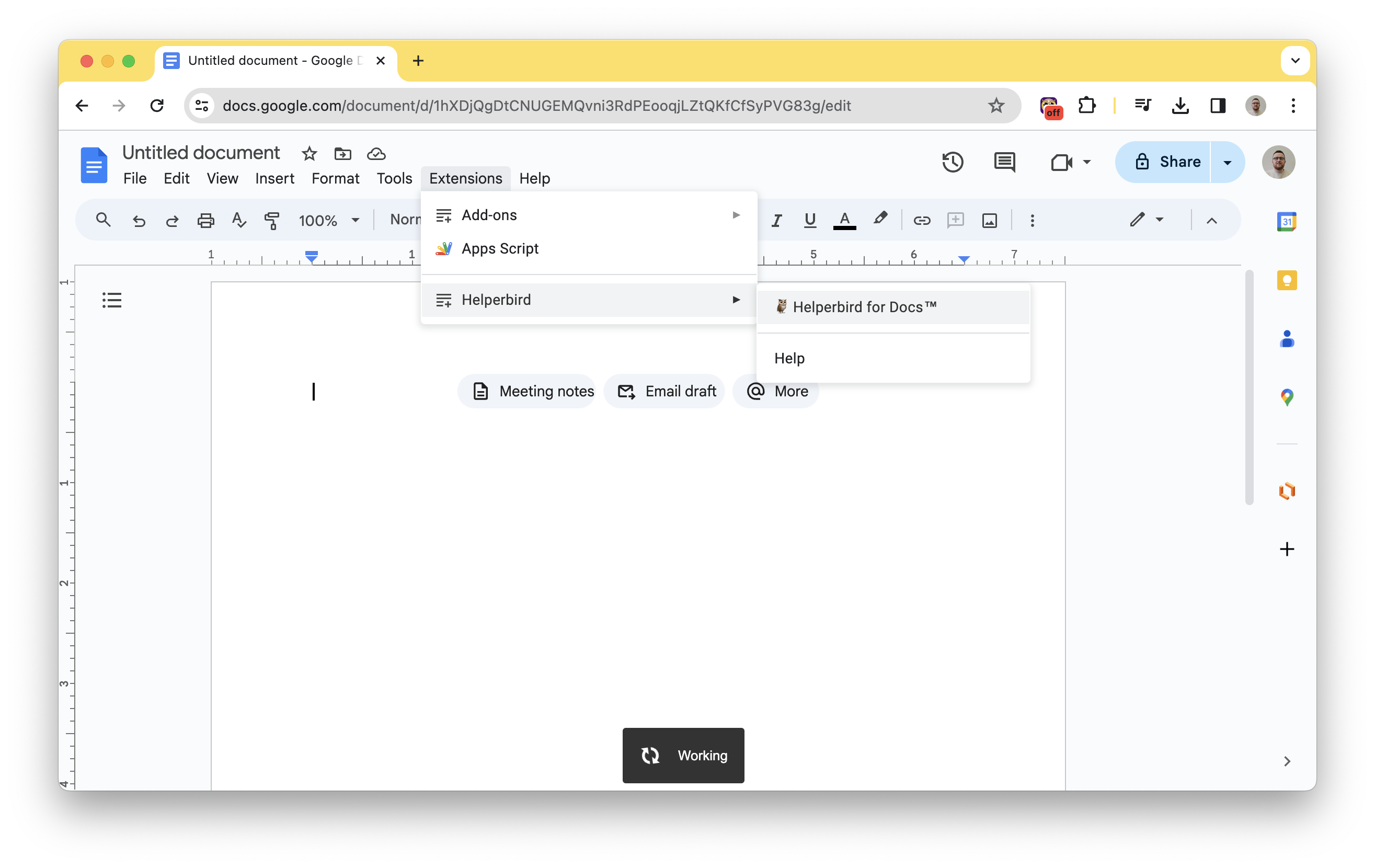
How to Use Immersive Reader in Google Docs, Step-by-Step Guide
Learn how to use Immersive Reader in Google Docs for free. Follow our step-by-step guide to enable and utilize this powerful dyslexia software tool.

How Positive Thoughts Might Benefit Dyslexic Students
Explore the potential benefits of positive thinking for dyslexic students and how it can contribute to their overall well-being and academic success.
Top 6 Chrome Extensions for Teachers
Without further ado, below, we are sharing with you six different Chrome extensions that can help any teacher be more efficient and even save them some time in the long run.

Interview with Helperbird Founder, Robert James Gabriel
Discover the journey of Helperbird's founder, Robert James Gabriel, and how his personal experience with dyslexia inspired the creation of Helperbird.
10 Essential assistive technology tools for web accessibility
In today's digital age, web accessibility is of paramount importance. It ensures that individuals with disabilities can navigate websites and online content with ease, providing equal access to information and services.
Top Productivity Extensions for Safari
As a business owner, you already know that the key to success is efficiency. You need to be able to get the job done quickly and accurately, in order to maximize your time and resources.
Creating an Inclusive Online Experience, The Importance of Dyslexia-Friendly Design
Discover why dyslexia-friendly design is crucial for websites and apps. Learn how Helperbird empowers individuals with dyslexia through customizable typography, color contrast adjustments, and dyslexia-friendly tools.

Engaging and Motivating WFH Employees, Strategies for Success
Discover effective strategies for keeping remote employees engaged and motivated. In an era where remote work is becoming increasingly common, Upwork estimates that over 26% of the American workforce will be working from home by 2021.
Top 5 features of Helperbird to help your students in 2021
Helperbird has over 38 amazing features to choose from to make your class more accessible and productive in 2021 and 2022. We thought we would highlight what has been popular in the past year from teachers and students around the world.
How to Deploy Helperbird through the G Suite Console
Streamline the deployment process of Helperbird across multiple computers using the G Suite Console. This step-by-step guide will walk you through the installation and setup process, ensuring accessibility for all users.
Introducing the Next Big Release of Helperbird
Get ready for the exciting next big release of Helperbird, launching on June 4th! Discover the host of new features and improvements, including split bottom navigation for Writing, Reading, and Accessibility, maths solving support, Epub support, offline functionality, a new user-friendly onboarding UI, over 30 major fixes and improvements, and full feature compatibility with PDFs. Experience the transformative power of Helperbird in revolutionizing your web browsing experience.

How to Avoid WFH Burnout and Maximize Productivity
While working from home looks convenient, the blurred line between home and employment can lead to burnout. Discover effective strategies to avoid work-from-home burnout and maximize productivity in this comprehensive guide.
Productivity Tips to Help You Stay Focused at Work
Focus is integral in ensuring that we get things done. But every now and then, there is something that is sure to take away your attention.
How to Add an Extension to Safari
Safari extensions come from the App Store, and installing one is only half the job. Here is the full process on Mac, iPhone and iPad, plus what to do when the extension does not show up.
How a Teacher Helped Me Achieve My Full Potential
From dropping out of school to starting my own company, this is the inspiring story of how a teacher played a crucial role in helping me overcome challenges and reach my full potential.
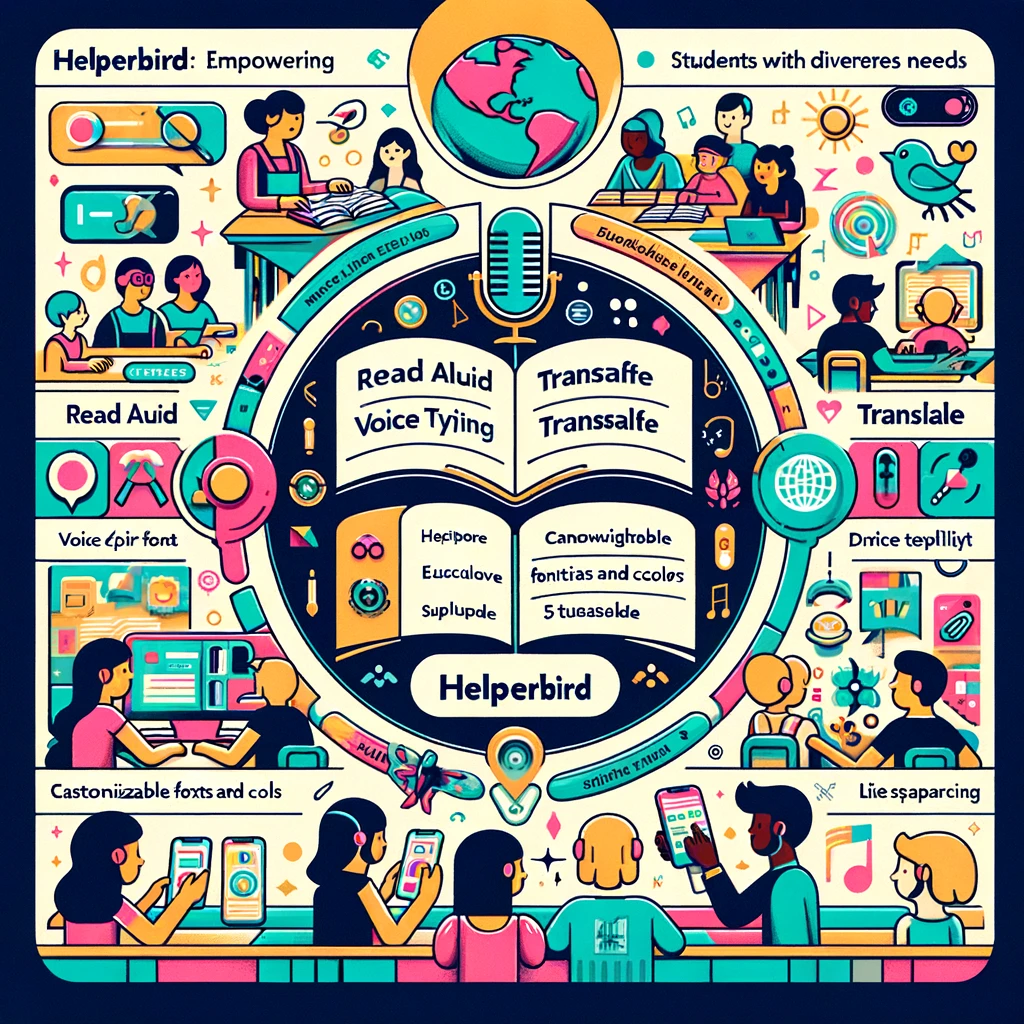
Empowering Diverse Learners - Patricia's Story with Helperbird
Patricia Ferris, an experienced teacher, transforms her classroom with Helperbird's accessibility tools, fostering independence and confidence among her students with diverse needs.
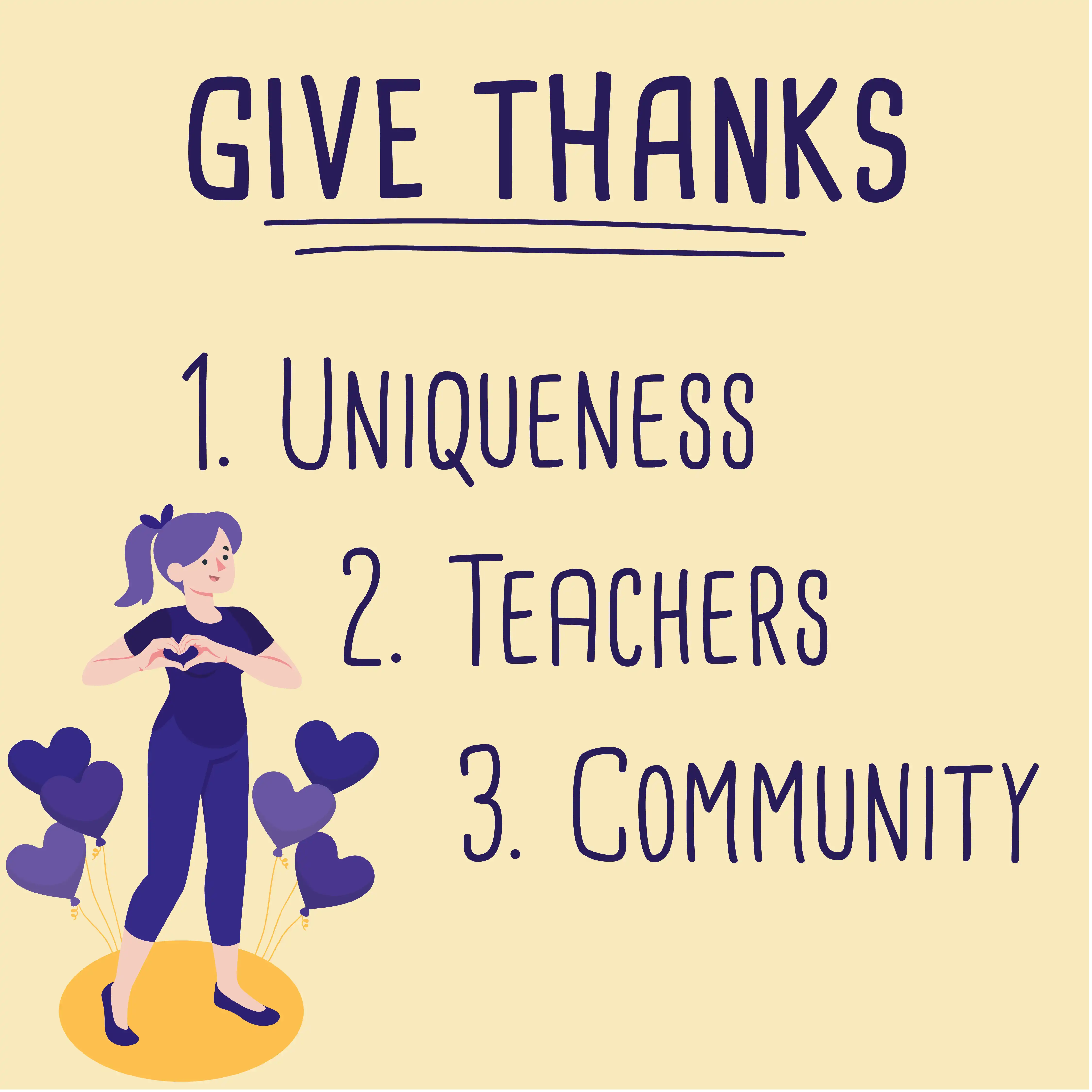
Thanksgiving Day Message from Helperbird
On the day before Thanksgiving, Helperbird wants to express gratitude for the things we are most grateful for this year.
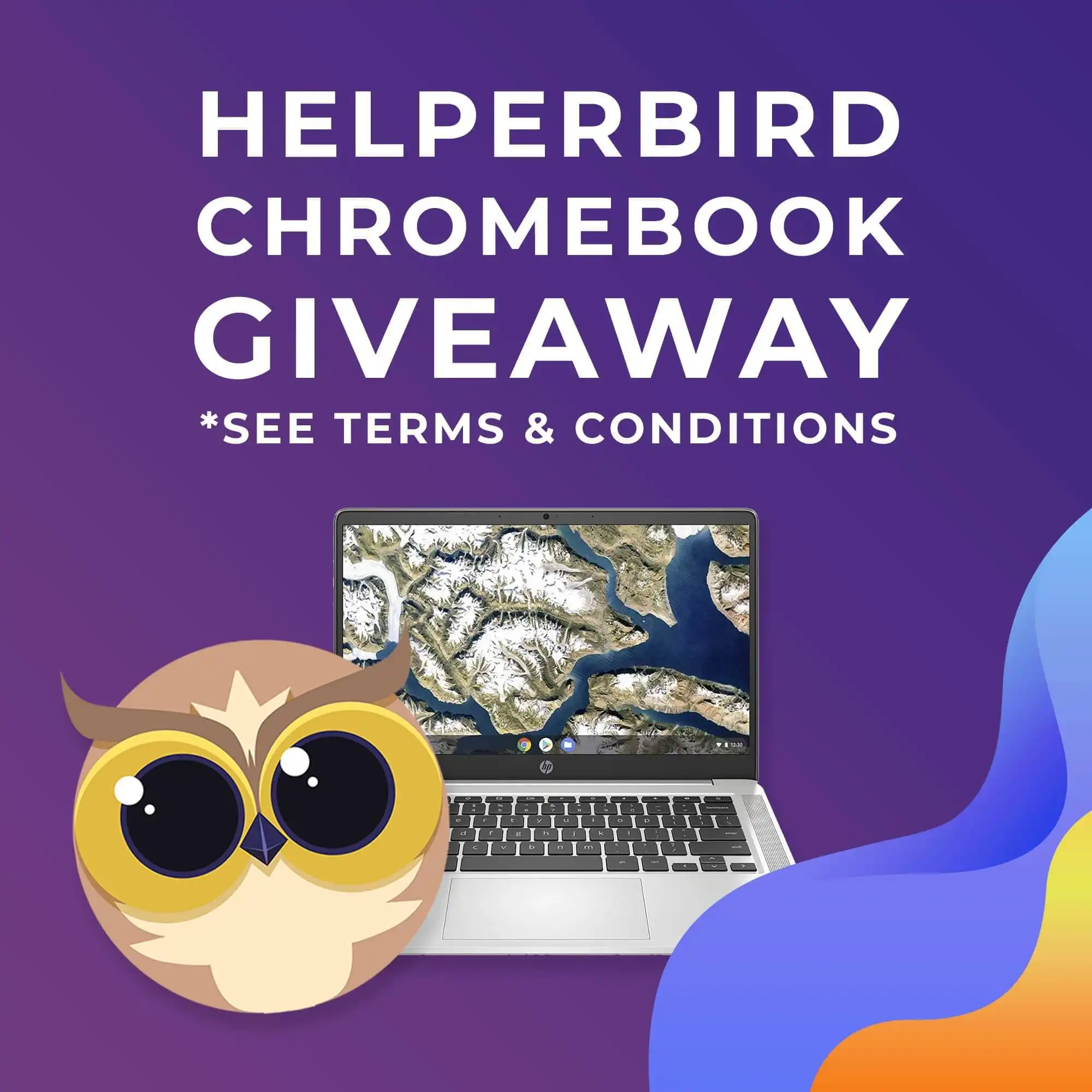
Congratulations to Our Winner
In February 2021, we ran a competition to celebrate the start of the new school term, giving participants the opportunity to win a brand new Chromebook and a year of Helperbird Pro. Now, it's time to announce the lucky winner and celebrate their success.
The 5 Must-Have Accessibility Tools for Students in 2021
With online learning and increased online activity, it's important that every student feels empowered and comfortable when working online. Discover our top 5 tools to use in 2021.
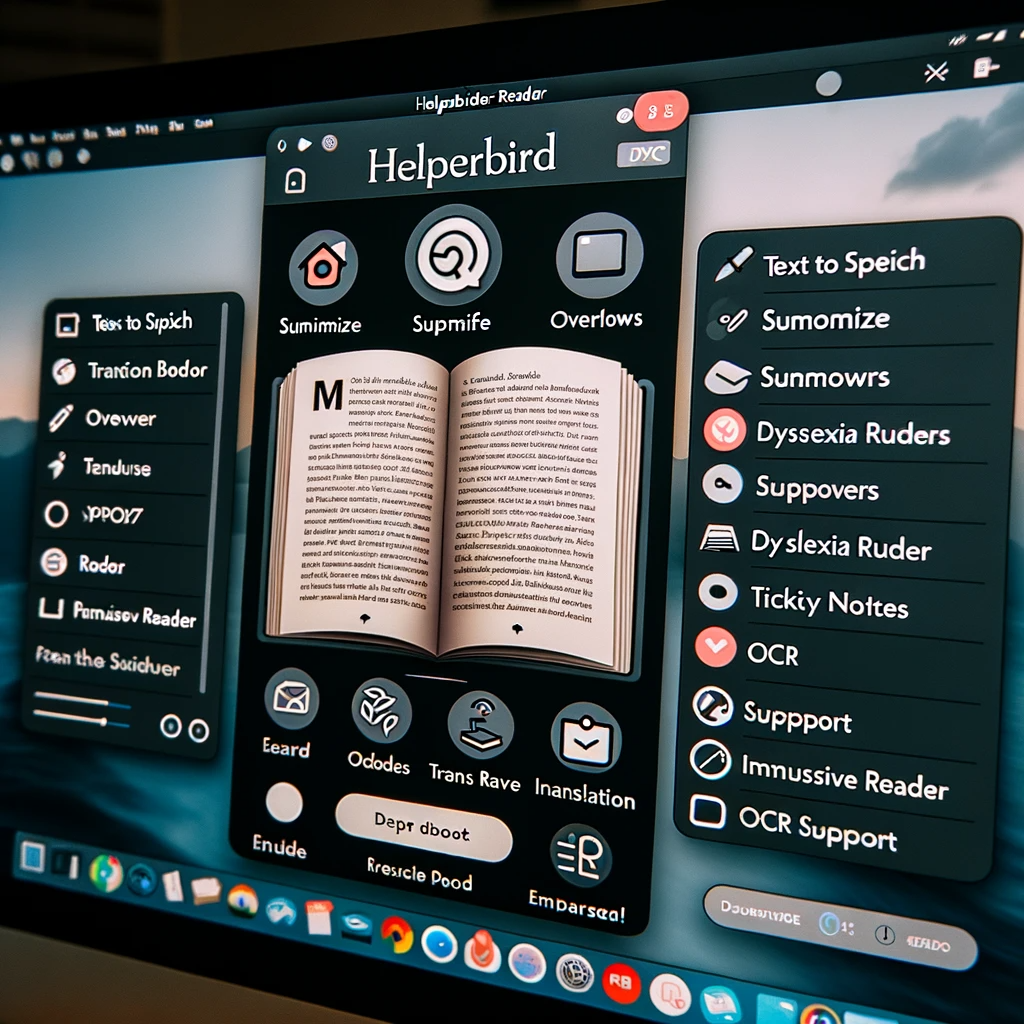
Making PDFs Easier with Helperbird's PDF Reader
Discover how rory, a hardworking professional, used Helperbird's PDF Reader to make dealing with PDF documents simpler and faster.

3 Facts about Dyslexia and 1 Fact about Cats
Despite popular belief, dyslexics do not see letters backwards.
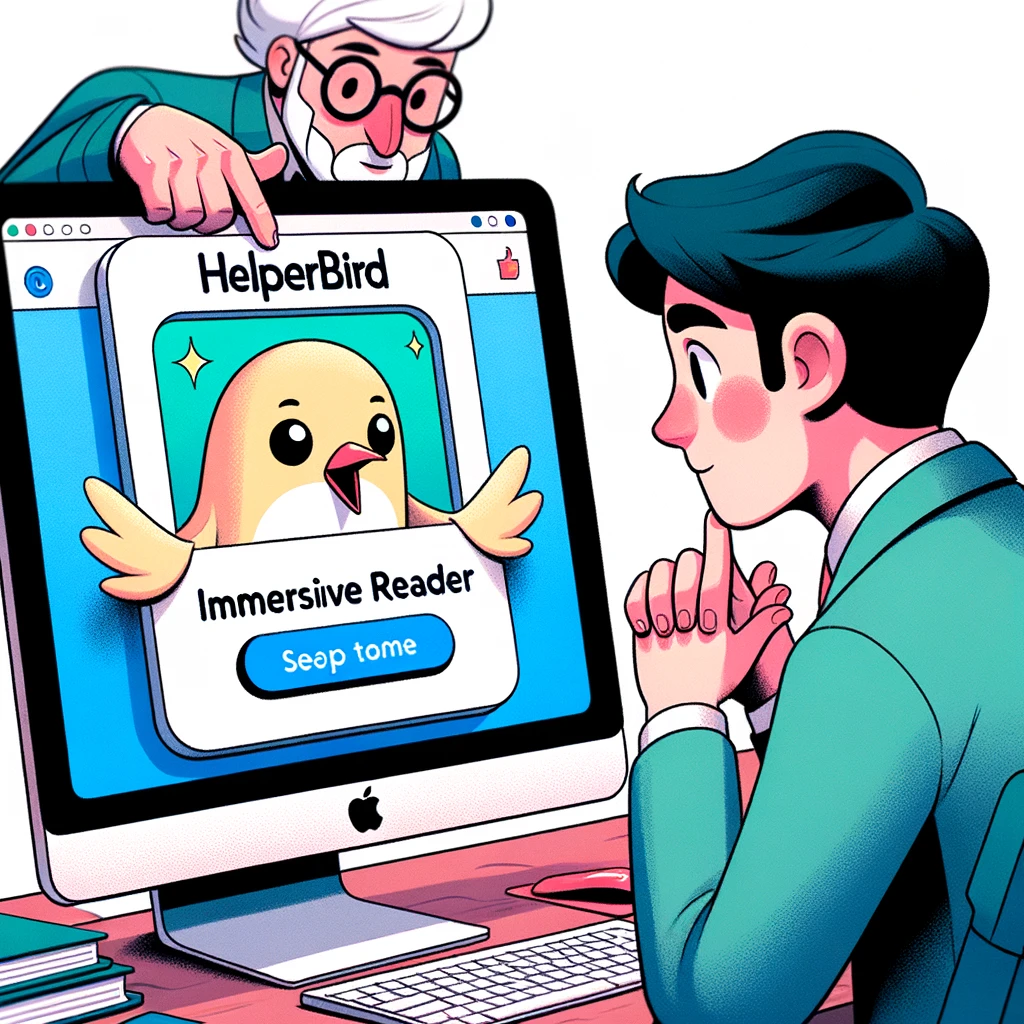
Improving Marketing Workflows with Helperbird’s Immersive Reader
Discover how Alex used the Read Aloud and Text Spacing features to simplify his workload and manage campaigns more efficiently with Helperbird.

TV and Movie Characters with Dyslexia
Children and adults often look at characters in movies and TV shows for inspiration and to dream. If you or your child is dyslexic, you might be surprised to see the following characters who have dyslexia.
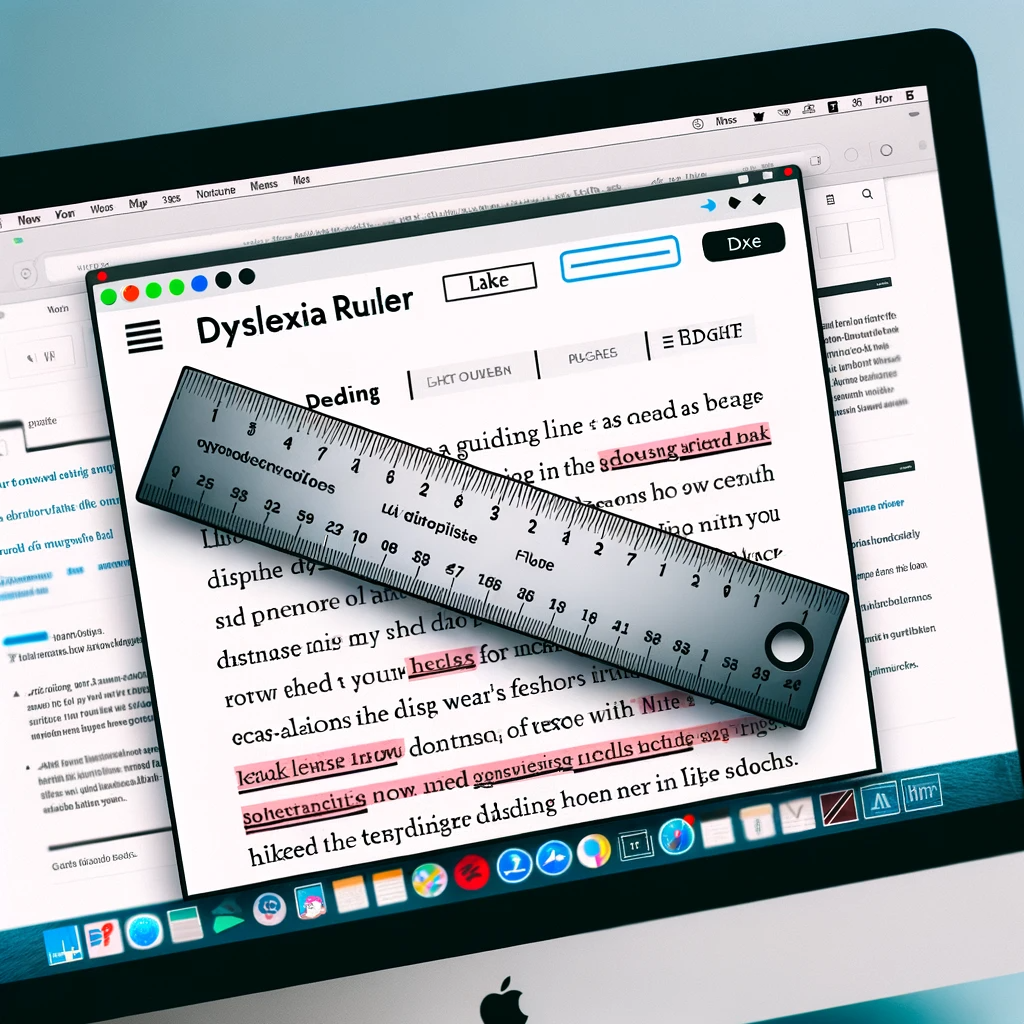
How Helperbird Transformed a Student's Academic Experience
Discover Jamie's inspirational story of overcoming reading challenges with the help of Helperbird's innovative features. Learn how the dyslexia ruler and Lexend font made a significant difference, and our commitment to protecting user identities while sharing their successes.
Top 5 Productivity Microsoft Edge Extensions
If you're like a lot of people, you're probably thinking about ways you can become more productive in 2022. There's no better place to start than by making sure your computer is set up for productivity, in absolutely every way possible.
Fostering Inclusivity at Work - The Role of Helperbird in Modern Workplaces
In this blog post, we explore the role of accessibility tools like Helperbird in fostering inclusivity in modern workplaces. From enhancing communication to boosting productivity and offering customizable web experiences, discover how Helperbird is revolutionizing the work environment, making it more accessible and supportive for all employees, regardless of their learning abilities or visual impairments.
Enhancing Inclusivity - Role of Accessibility Software in Modern Classrooms with Helperbird
In the contemporary educational landscape, accessibility and inclusivity have taken center stage. With an increasing awareness of the varying learning needs and abilities of students, educators are looking to technology to bridge the gap. One such solution is accessibility software, designed to tailor education to each learner's needs, fostering a more inclusive environment. Among the pioneers of this endeavor is Helperbird, an all-encompassing tool designed to augment learning experiences for all students.
Guide to Creating Accessible Emails for Those with Dyslexia
When it comes to dyslexia, emails can be a real challenge. From getting the layout just right to knowing how to make the content dyslexia-friendly, it’s important to understand how dyslexic people interact with emails differently.
Boosting Classroom Accessibility - Discover the Magic of Helperbird
Education is the cornerstone of every individual's personal and professional development, and it's crucial that everyone, regardless of their abilities or disabilities, have equal access to learning opportunities. However, for many students with special needs, traditional classrooms might not offer the most conducive learning environment. Luckily, in the digital age, technology has taken significant strides towards promoting inclusivity and equal learning opportunities. At the forefront of this transformation is Helperbird, a suite of tools designed to make education more accessible.
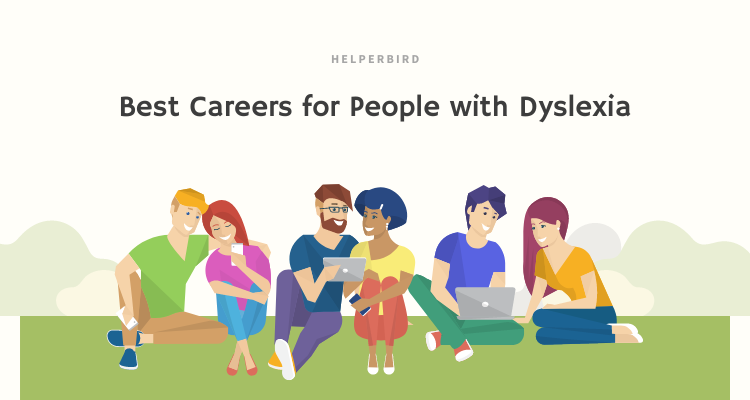
Best Careers for People with Dyslexia
Around 5 to 15 percent of Americans across all demographics have dyslexia. For several years, they have been inappropriately labeled "dumb" or "lazy" because it was a heavily misunderstood condition. But with the advances in neuroscience, we now know that dyslexia is a cognitive learning disability that affects one's ability to read, write, and spell - and it has nothing to do with how intelligent a person is. People with dyslexia can be as smart and as capable as their neurotypical peers. Dyslexia isn't a career sentence or a limitation. In fact, there are several career paths that people with dyslexia may excel in.
Benefits of iPads in the Classroom
For many years, educators have felt the pressure to make learning more than a singular experience. As technology becomes more popular, classrooms have gradually evolved away from the chalk and blackboard combination.
Top iPad apps for Accessibility
The Internet is a vast resource of information. But what happens when you can't access that information? There are many websites and applications available to help assist those with disabilities - especially those with visual and hearing impairments - access the information they need.

What is COPPA and FERPA?
The Children's Online Privacy Protection Act (COPPA) and Family Educational Rights and Privacy Act (FERPA) are two similar pieces of legislation that protect the privacy of student data.
Web Accessibility Tips for People with Epilepsy
Practical tips for designing accessible websites for people with epilepsy — covering color, contrast, motion, flashing content, and readability.
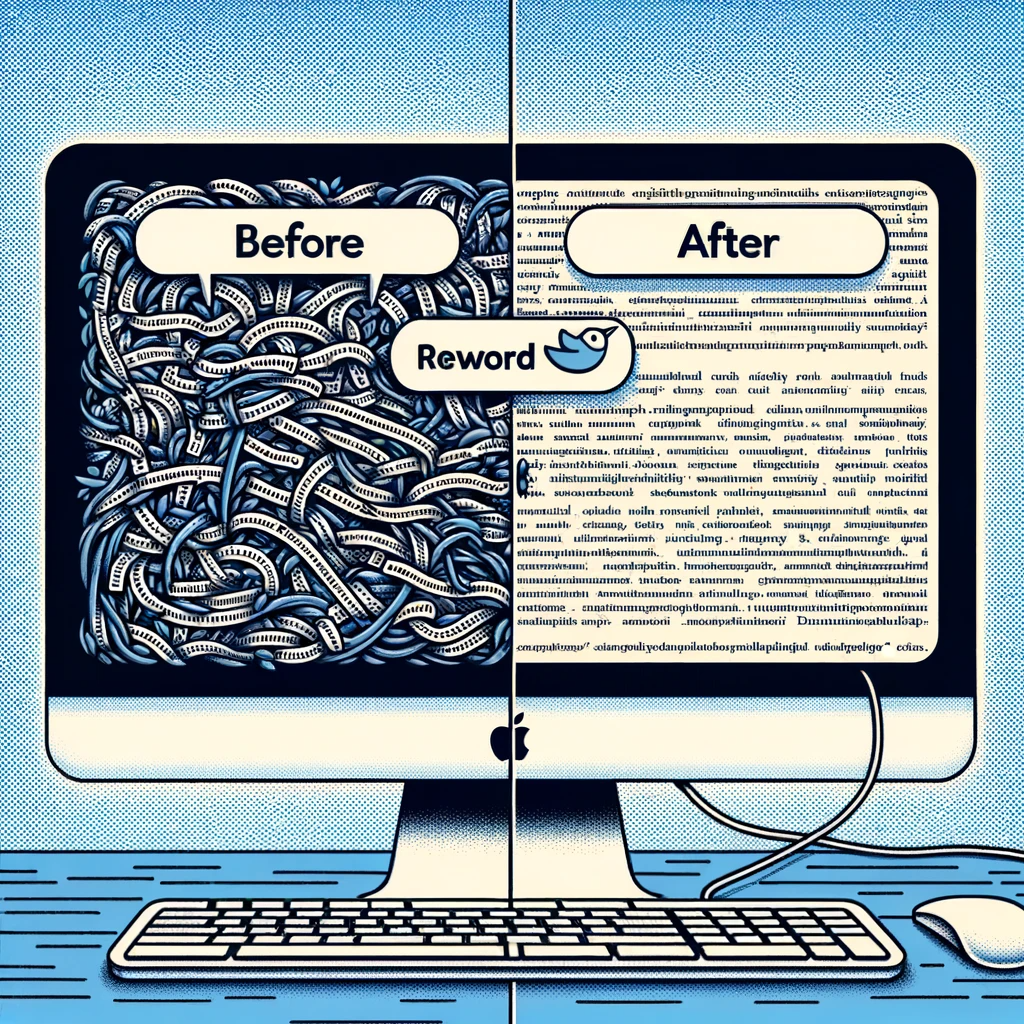
Helping Students with Helperbird’s Reword Feature
Dive into Alex’s transformative marketing journey with Helperbird's Immersive Reader. Learn how the Read Aloud and Text Spacing features significantly eased his workload, enabling more efficient and effective campaign management.
6 Famous People with Dyslexia
Discover six famous individuals who have overcome dyslexia and achieved success in their respective careers. Learn about their inspiring stories and accomplishments.

Research into Web Accessibility for Dyslexics and Dyslexia-Focused Fonts such as OpenDyslexic
Explore the research on web accessibility for dyslexics and the impact of dyslexia-focused fonts like OpenDyslexic. Learn about the existing knowledge on dyslexia and discover suggestions for designing dyslexia-friendly interfaces.

4 Ways to Make Social Media More Accessible in 2022
Social media is a massive space of information sources and connections. Learn how to improve accessibility on social media platforms to ensure inclusivity and enhance user experience for individuals with disabilities.
No post matches that yet
Try other words, or clear the search to see every post again.