
How to Turn Helperbird On and Off

Learn how to switch Helperbird on and off from the popup. One switch turns every feature on or off at once, so you can pause it on any page and turn it back on later.

·

  • getting started

What Does the Switch Do?

The switch in the top right of the Helperbird popup turns every Helperbird feature on or off at once. It is the first thing to check if a feature does not seem to be working.

Your settings are kept when you switch Helperbird off. When you turn it back on, everything you had set up is still there.


Who is This For?

This is useful for:

  • Anyone setting up Helperbird for the first time
  • People who want to pause Helperbird on a page without losing their settings
  • Anyone checking a website looks the way other people see it
  • People who find a feature is not working and want to rule out the main switch

Step 1: Open Helperbird

Click the Helperbird icon in your browser toolbar. It looks like a small owl and is usually in the top-right corner of your browser.

If Helperbird is off, the switch in the top right shows a red cross.
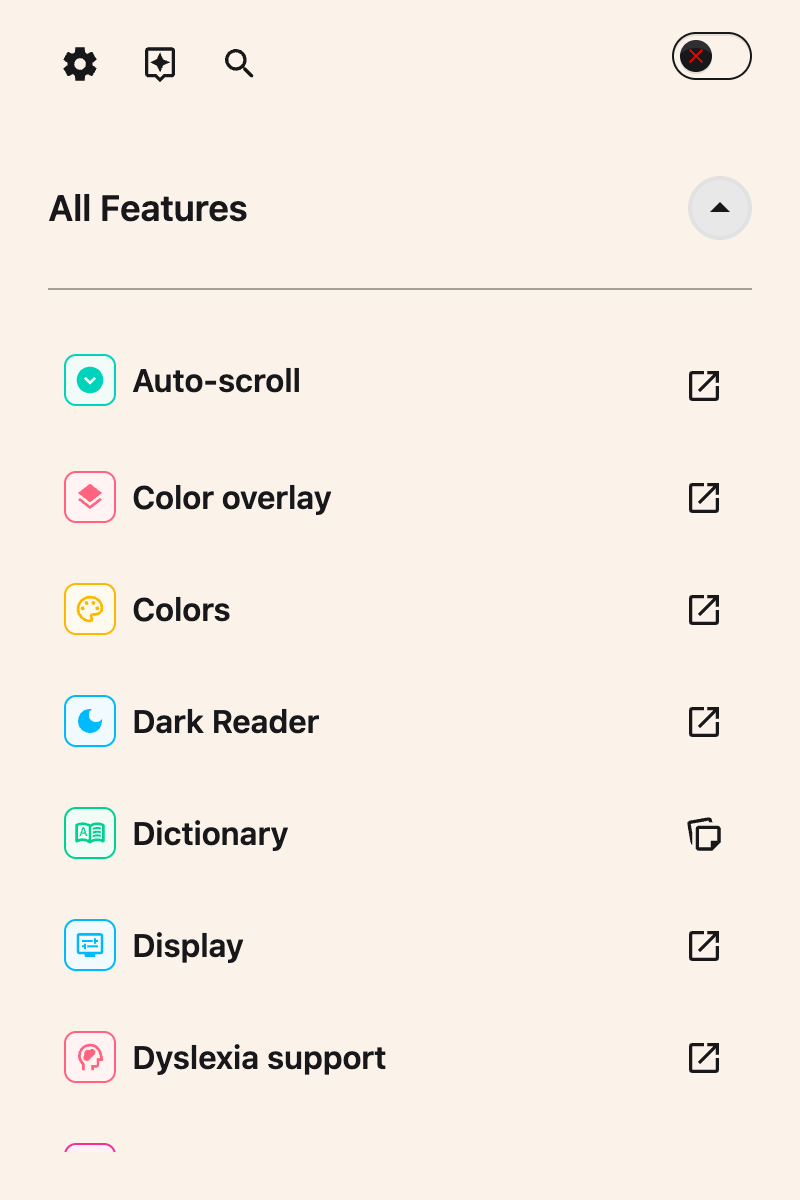
The Helperbird popup with Helperbird switched off, showing the red toggle in the top right


Step 2: Turn Helperbird On

Click the switch in the top right of the popup.

The switch turns green with a tick, and every feature you have set up starts working again on the page.
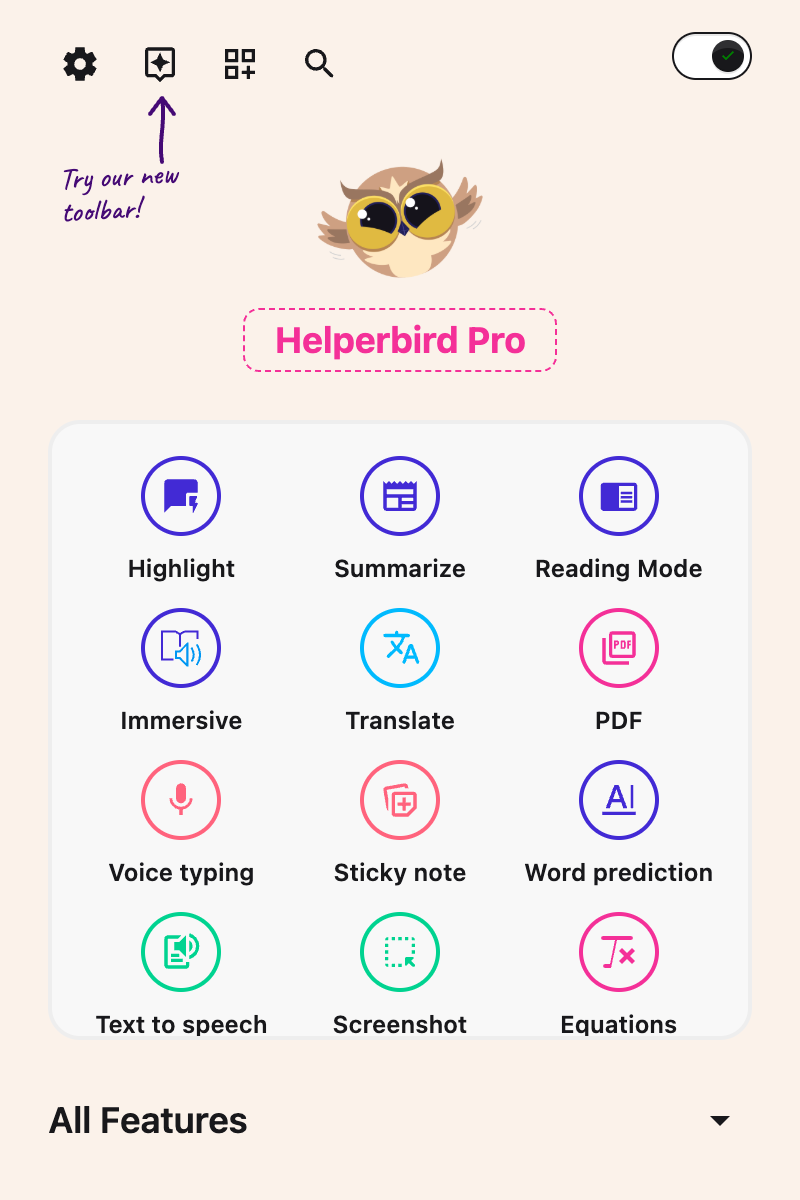
The Helperbird popup with Helperbird switched on, the toggle now green with a tick


Turning Helperbird Off Again

Click the same switch to turn Helperbird off. The switch goes back to a red cross and the page returns to how it normally looks.

Nothing is lost when you do this. Your fonts, colours, spacing and every other setting are waiting for you the next time you switch it on.


Video Tutorial

Coming soon


Need Additional Help?

If you have any questions or run into any issues, please contact the Helperbird support team. You can reach us at Helperbird support. We are happy to help you get the most out of Helperbird.

What People Are Saying

Join over 1,000,000 people who use Helperbird every day.

Incredible Tool, and Simple to Use!

g2.com review

g2.com review

Verified User in Information Technology and Services

Where to start! Firstly, I'd like to thank Robert (the developer) for his generosity - the app is extremely cheap as apps go. It is very apparent that this app is a labour of love - Robert is constantly working on it and improving things, adding new features, etc. As someone with ADHD and ASD, I have always had to piece-meal together the features I need to help me study effectively - half a dozen different apps / extensions, and even then they don't quite meet my expectations. Helperbird, however, offers SO MUCH more, and all in one place - you can finetune your experience to your heart's desire. The features I particularly love are summarise, simplify, sticky notes, highlighting, and the amazing immersive reader with TTS. I can't sing Helperbird's praises enough. Thank you, Robert, for such a thoughtful - and genuinely helpful - app. You are empowering the neurodivergent everywhere.

Firefox user

Firefox user

Helperbird user

This is my first google review ever! I have to share that the accessibility and support for independent access for students that Helperbird provides, is a game changer. It is constantly being updated with new features based on feedback and it is extremely user friendly. The ability to customize the settings allows students to have control over their own learning, aligning with Universal Design for Learning. Looking forward to sharing with students and fellow educators on a daily basis. Thanks, Helperbird team!

Kelli Suding

Kelli Suding

Assistive technology specialist

Helperbird is one of the most helpful tools I've ever used. It has so many great features that not many other apps or software have. The free version can be installed and stay forever on your browser. Other companies don't always give you access for free or give access for free forever. When you do get access to the Pro version or other paid plans, you expand your opportunity to read and stay focused better. One of the other great things about Helperbird is their support service. They have a video for every single feature that you can use. They are simple and helpful videos that make the learning process a lot easier. In addition, they have great live chat support. They are super nice and helpful. They always encourage people to give suggestions on how to improve Helperbird. Why is this important? It shows they really care about people with disabilities or people in general.

Alex R

Alex R

Helperbird user

I love Helperbird!!! It's very user friendly from someone who has learning challenges because of ADHD and Dyslexia.There are so many useful features and new updates.

Entertainment Studio

Entertainment Studio

Helperbird user

Makes college so much easier !!!

A Google User

A Google User

Helperbird user

Helperbird logo: Stylized owl with large yellow eyes and a beige face, against a green background.

Download Helperbird

Make browsing easier and more accessible with tools like Text to Speech, Immersive Reader, and more.