
Reading Tools
Your reading.
Your pace.
Listen, clear away distractions, and follow each line with ease.
Feature examplesChoose a feature to preview.
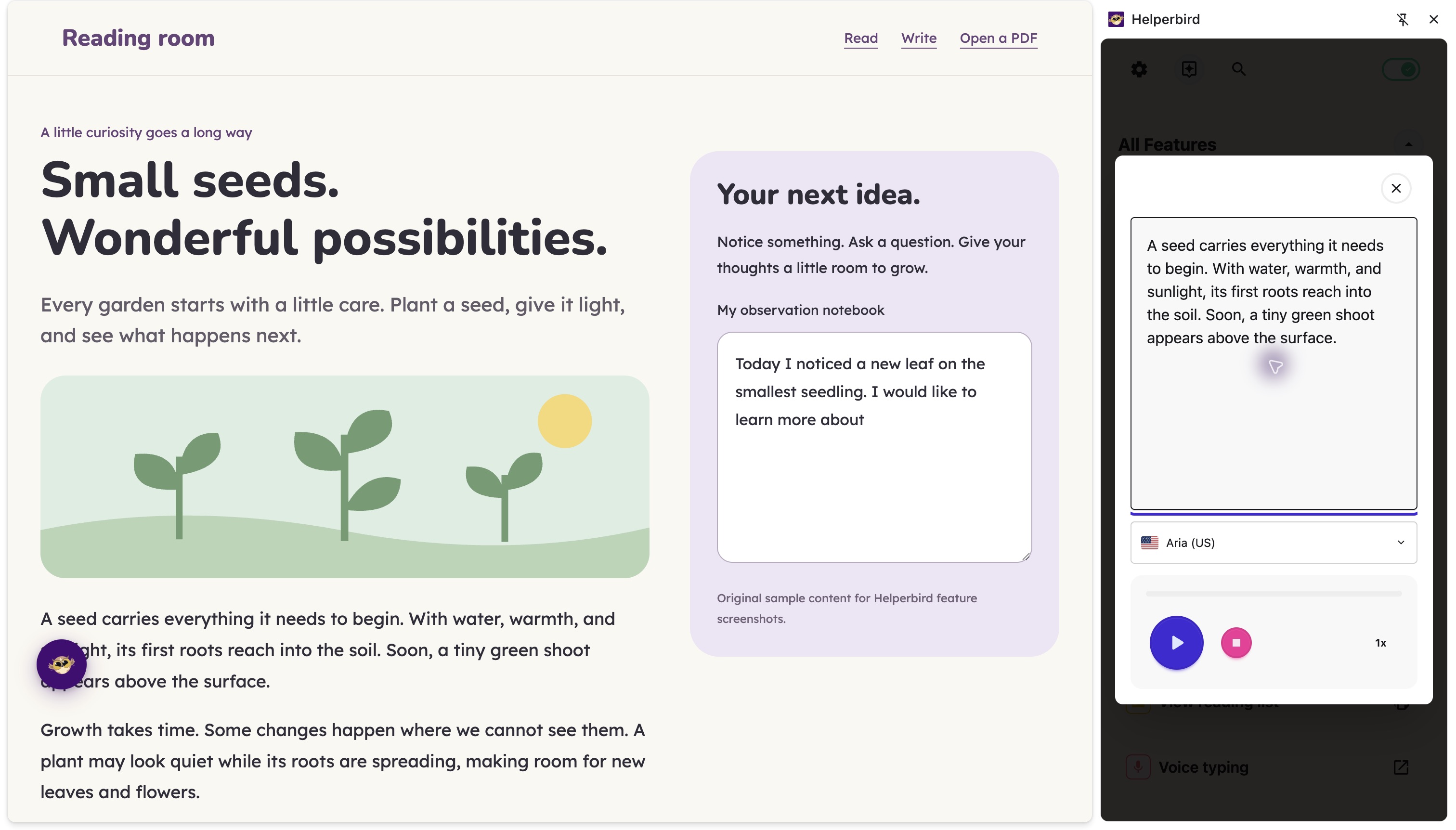
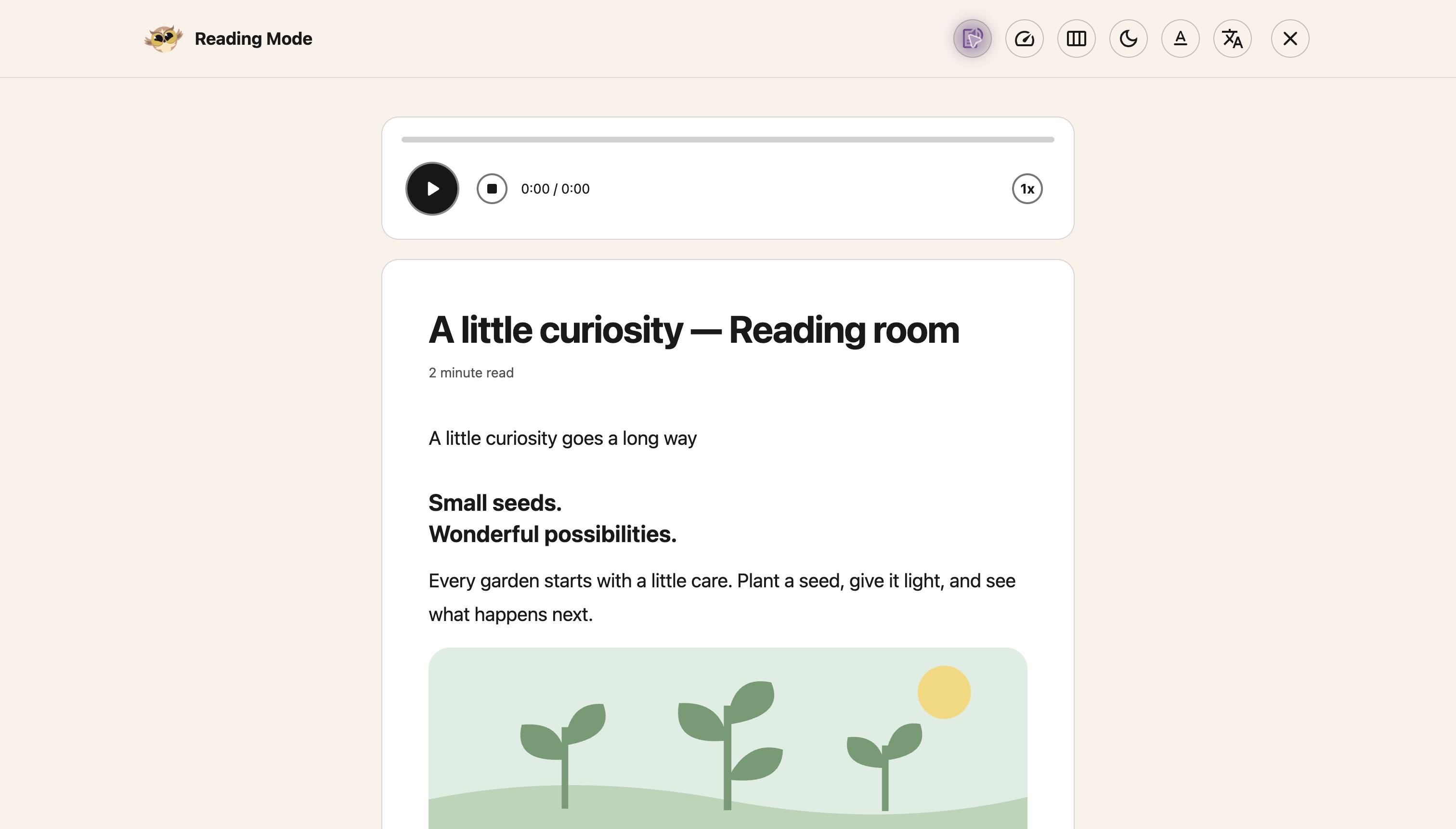
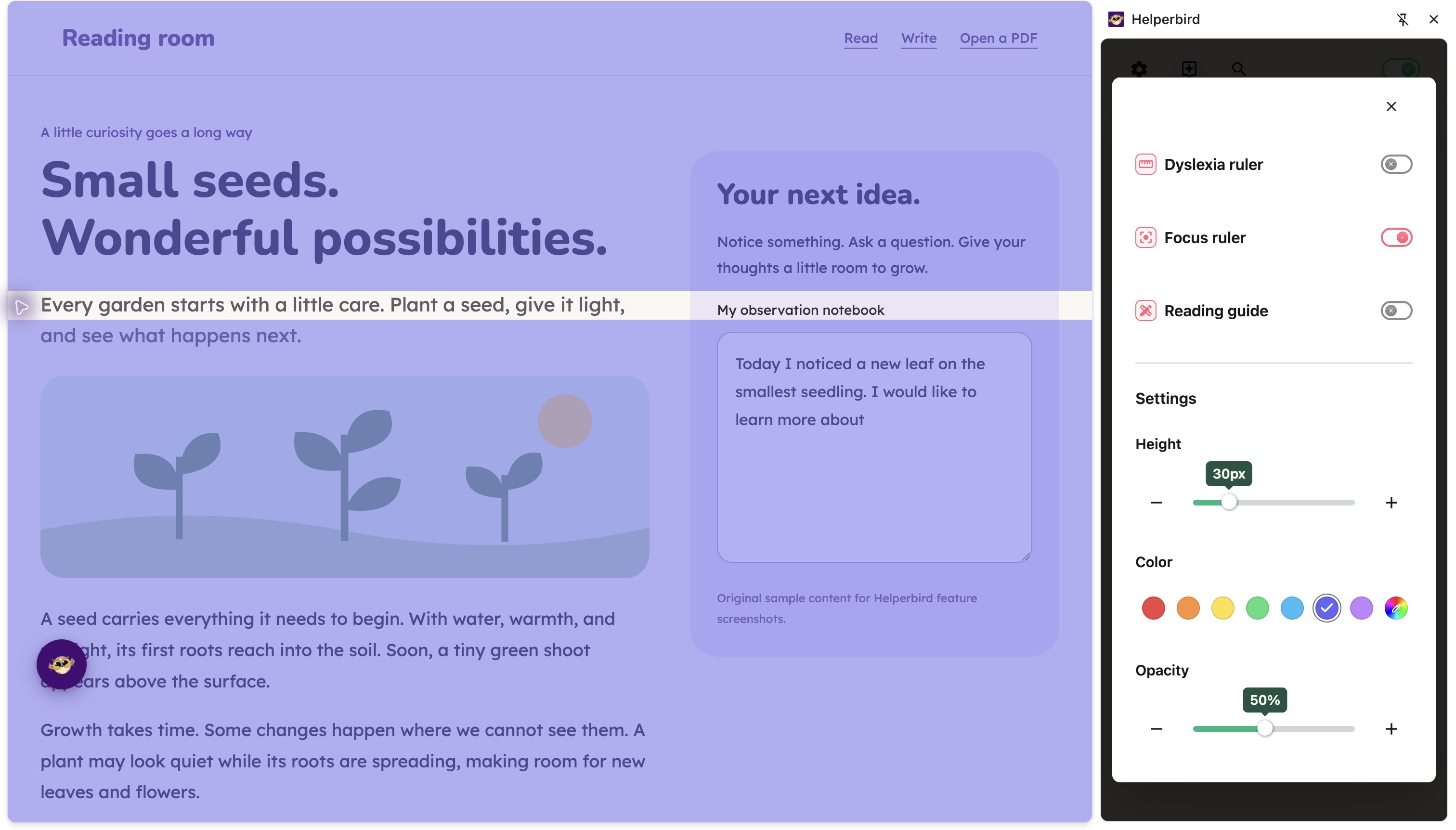
Reading tools for webpages and PDFs. Availability varies by tool.
Read in a way that fits.
Text to Speech
Listen instead of reading every word.
Free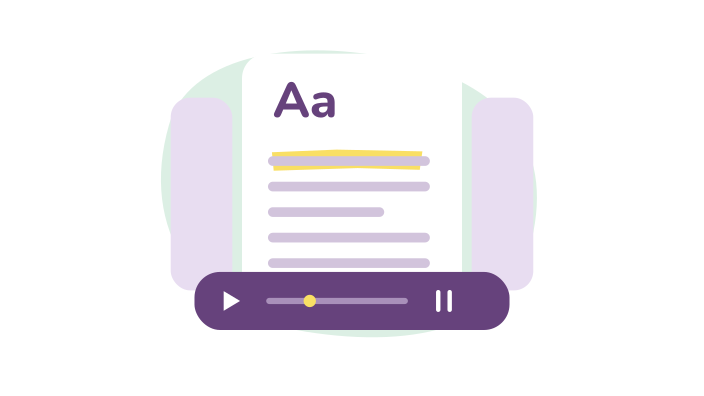
Reading Mode
Keep the article. Lose the distractions.
Free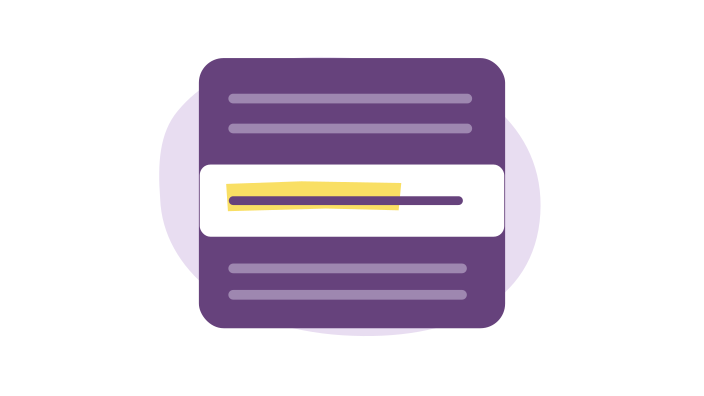
Focus Ruler
Give one line your attention.
Free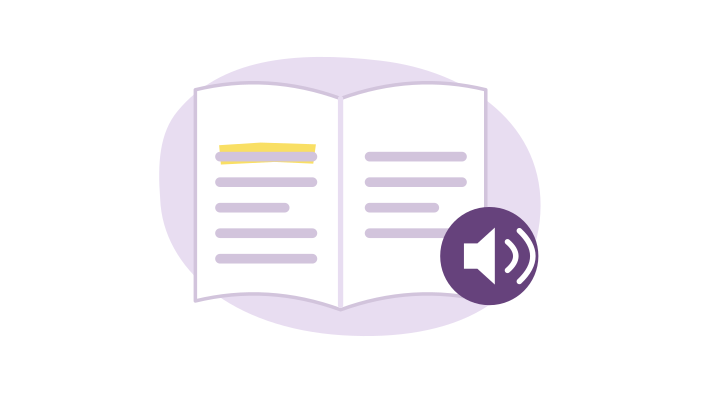
Immersive Reader
A separate view for easier reading.
Free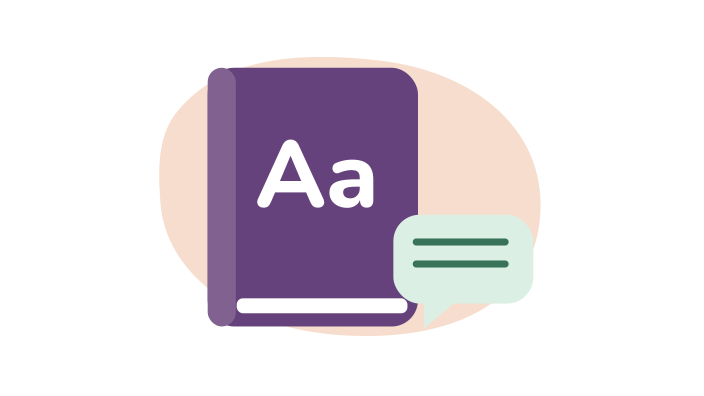
Dictionary
Look up an unfamiliar word.
Pro
Summarize
Get the main points of a page.
Pro
Auto Scroll
Automatically scroll through any webpage at your preferred speed. Useful for long articles or when manual scrolling is difficult.
Free
Color Overlay
Add a colored tint over any website to reduce eye strain and make reading more comfortable. Choose from 24 colors or pick your own.
Free
Custom Colors
Override website colors to make text easier to read. Change background, text, and link colors to whatever works for you.
Free
Customizable Font Sizes
Increase or decrease font size on any website. Make text easier to read without zooming the whole page.
Free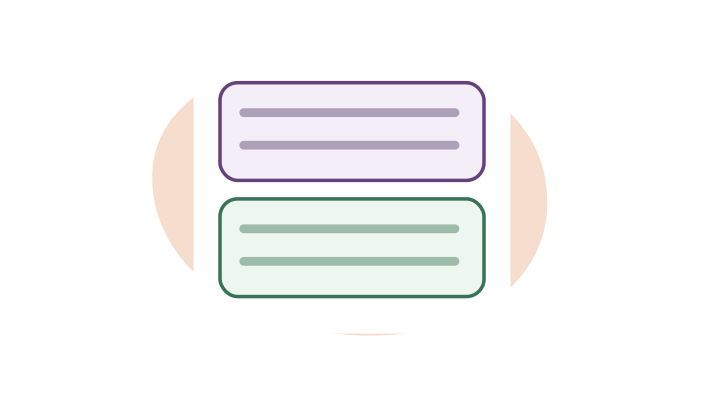
Customize Paragraphs
Add borders around paragraphs to break up walls of text. Makes it easier to track where you are while reading.
Free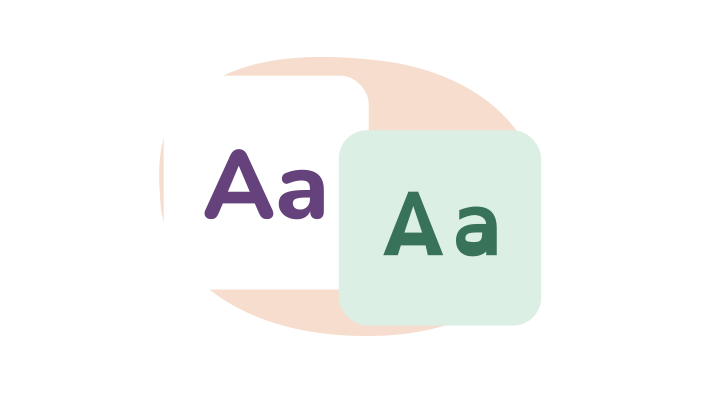
Dyslexia Fonts
Change the font on any website. 32 fonts, including OpenDyslexic, Lexend, Atkinson Hyperlegible and Andika. Makes reading easier for people with dyslexia. Free to use.
Free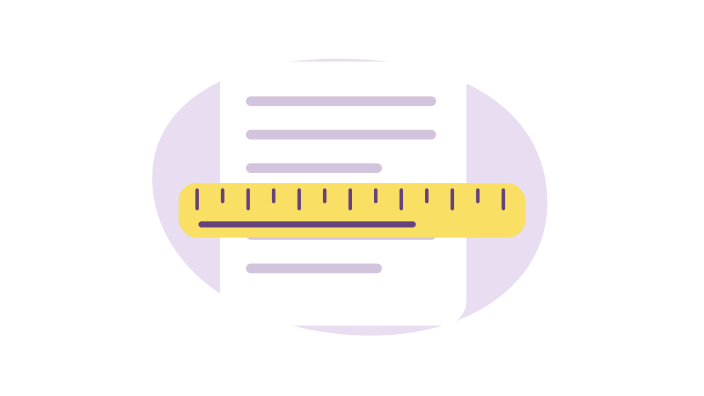
Dyslexia Ruler
A colored ruler that highlights the line you're reading, making it easier to focus and track your position. Customizable colors and sizes.
Free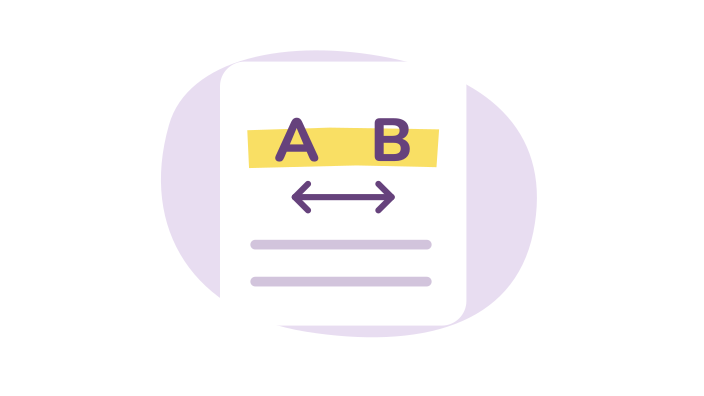
Line, Letter, and Word Spacing
Adjust letter spacing, word spacing, and line height on any website or PDF. Makes text easier to read, especially for people with dyslexia or low vision.
Free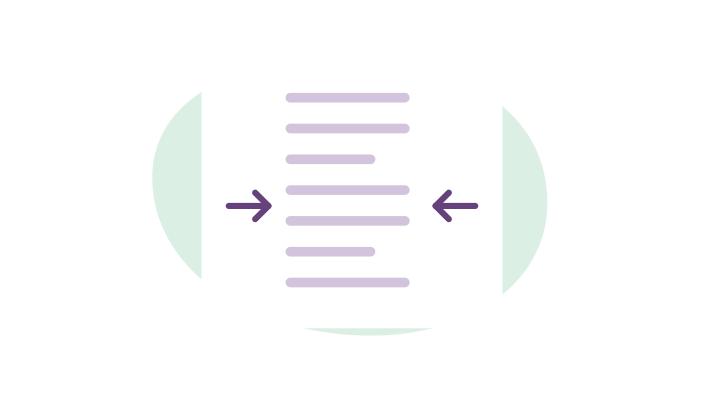
Paragraph Width
Adjust how wide paragraphs are on any website. Narrower columns are easier to read and reduce eye strain.
Free
Read it Later
Save articles and websites to read later. Keep all your saved content in one place, synced across devices.
Pro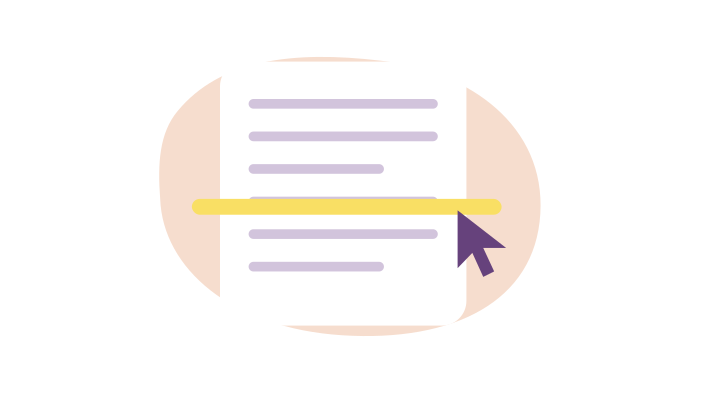
Reading Guide
A horizontal guide that follows your cursor, helping you keep your place while reading. Customizable color, width, and transparency.
Free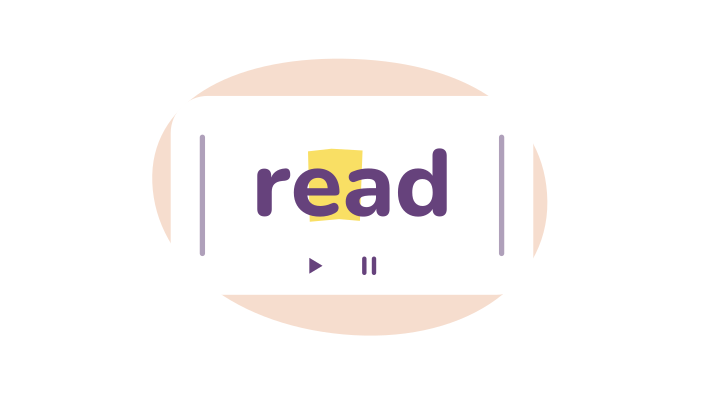
Speed Reading
Read one word at a time in Reading Mode or PDF Reader, with controls for pace, pausing and stepping through words.
Free
Text Alignment
Change text alignment on any website. Switch between left-aligned, right-aligned, centered, or justified text.
Free
Translation Support
Translate selected text on any website or PDF into any of 64 languages.
Free
Web Highlighter
Highlight text on web pages with six colors. Save your highlights and find them later.
ProDevice voices are free. Pro adds natural voices, Dictionary and Summarize.
Browse all reading tools