Voice Typing Helperbird has that.

Over 30 tools your all-in-one accessibility tool, designed to make web pages, PDFs, and documents easier to browse, read, and write All personalized to your needs.

See All Features
Rated 4.9 stars by over 1,000,000 people
text-to-speech in 30+ languages
OpenDyslexic & Lexend

Trusted by Teams at

Gusto logo
Harvard University logo
Microsoft logo
Shell logo
Uber logo

Over 1,000,000 people use Helperbird to customize the web to their needs.

Read our customer stories
reading rulers & overlays
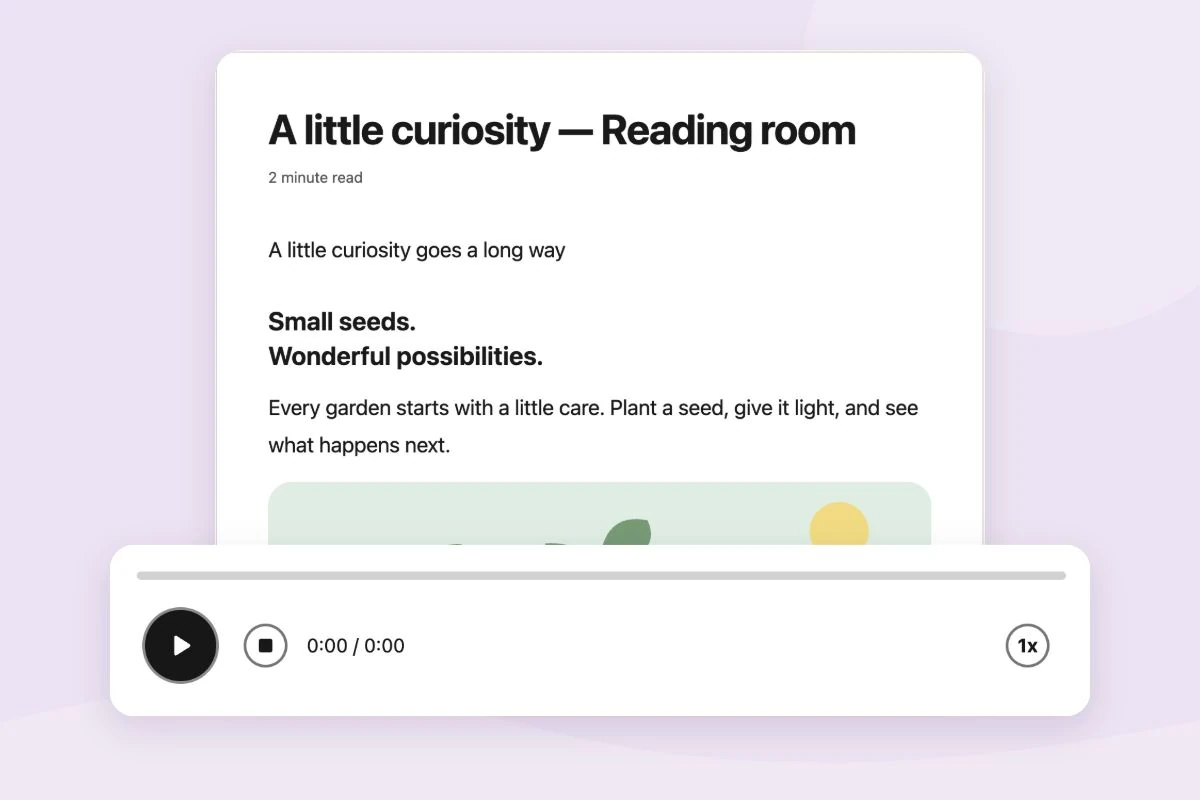
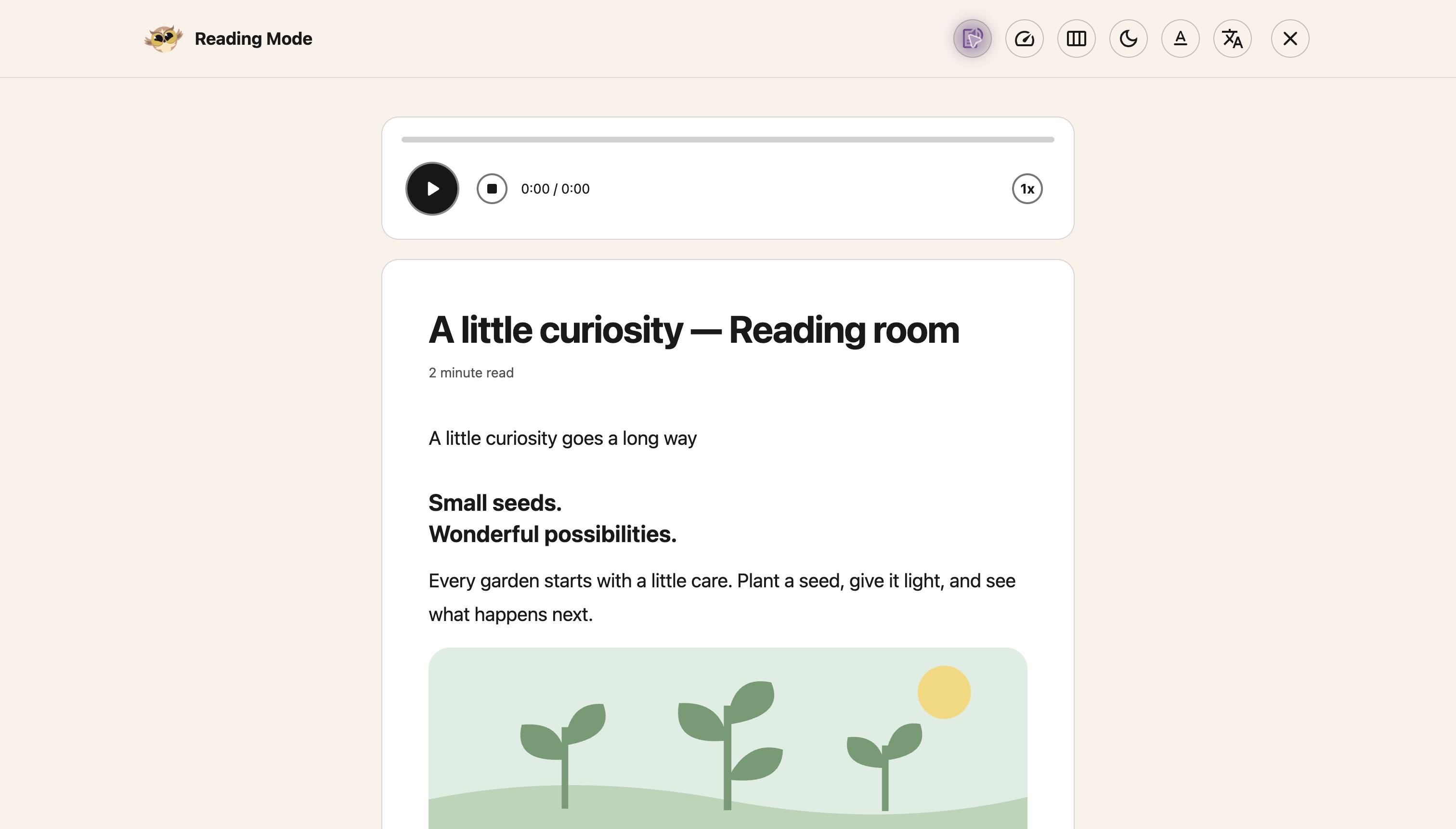
immersive reader

Everything you need to Read, Write & Learn

One extension with all the accessibility and reading tools you need - built right into your browser.

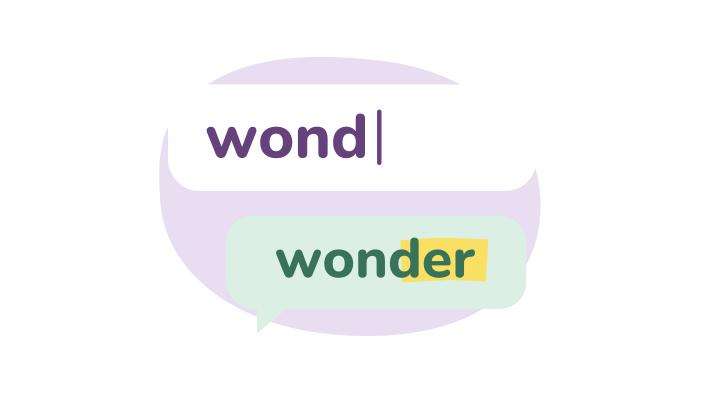
voice typing & word prediction
annotations & highlighter

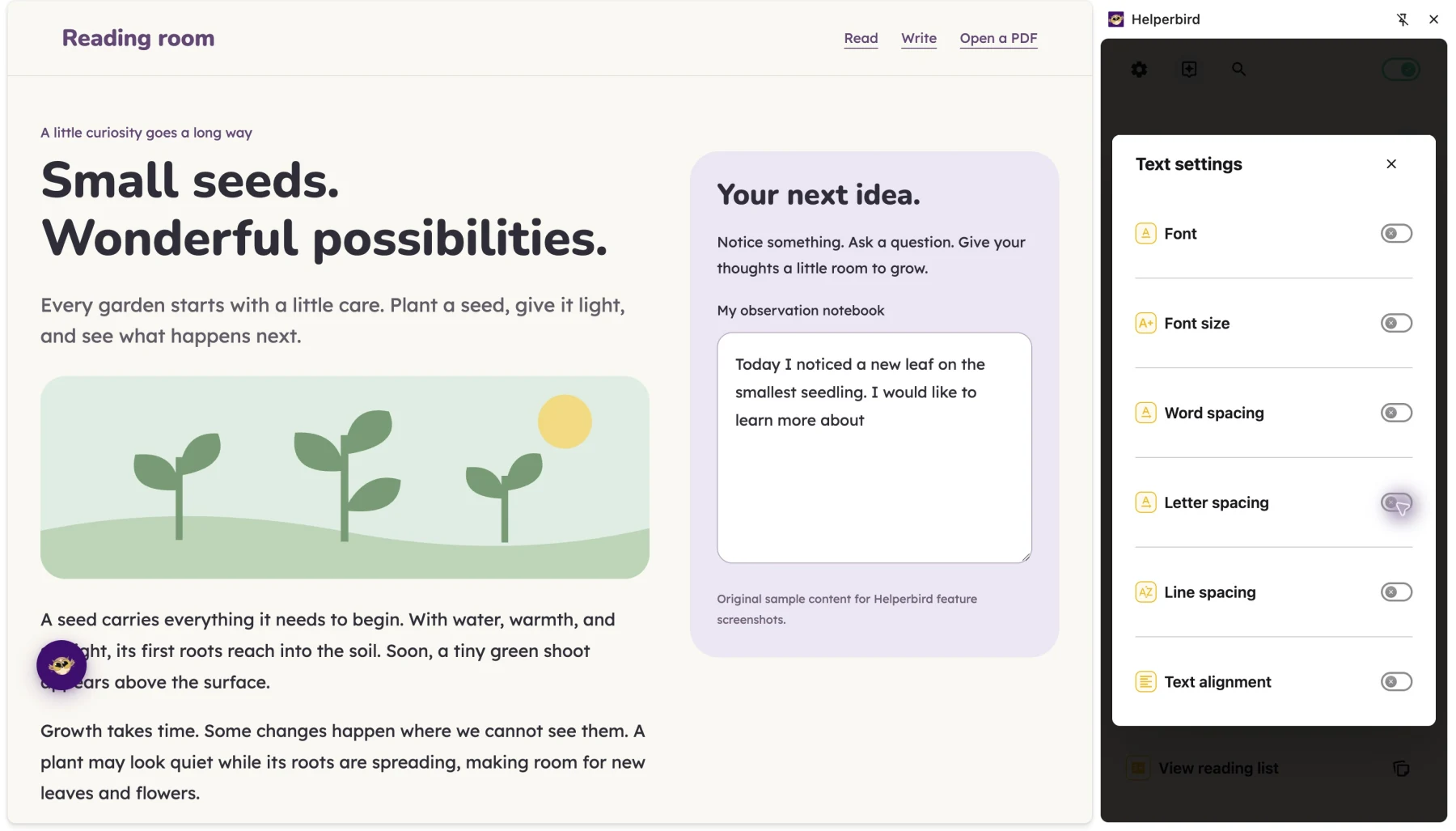
Over 30 tools designed for accessibility

Immersive Reader, dyslexia support, text-to-speech, word prediction, voice typing, and more - all designed to help with reading, writing, and productivity.

color overlays for visual stress
OCR & text extraction

Questions & Answers

Quick answers to common questions. Need more help? Contact us.

What is Helperbird?

Helperbird is a browser extension that makes websites, PDFs, and documents easier to read. It includes text-to-speech, dyslexia-friendly fonts, reading guides, and many other tools to help you read and write online.

How do I install Helperbird?

Visit your browser's extension store (Chrome, Firefox, Edge, or Safari), search for 'Helperbird', and click 'Add to Browser'. Once installed, you'll see the Helperbird icon in your toolbar.

Is Helperbird free?

Yes! Helperbird has a free version with essential features that will always be free. Helperbird Pro is $30/year, Helperbird for Business or Schools is $1,500/year, and for Enterprise pricing, contact us.

How do I log in to Helperbird?

Click the Helperbird icon, go to Settings, and log in using your browser's email account. If you have a subscription key, you can enter it there too.

Can Helperbird read text out loud?

Yes! Select any text on a page, right-click, and choose 'Text to speech' from the Helperbird menu. You can also use the play button in the Helperbird panel.

works on every browser
Google Docs & PDFs too

What People Are Saying

Join over 1,000,000 people who use Helperbird every day.

Helperbird is an excellent extension supporting a range of learning differences. Aside from providing many evidence-based dyslexia-assistive tools, the extension also functions as an easy-to-use, feature-rich web experience customization tool suitable to support a wide range of cognitive differences (i.e., color blindness and ADHD-related focus concerns, among others). Also, the developer is a very good person who supports the various learning-different communities in many ways, including by designing the free version of Helperbird to provide enough functionality to be beneficial to people who cannot afford to subscribe to the full-function version.

Kirk Smith

Kirk Smith

Helperbird user

Just added it and it feels like my eyes are flowing through text!

bondziotek

bondziotek

Helperbird user

Really makes reading easier for dyslexics.

Máiréad Jones

Máiréad Jones

Helperbird user

This extension has been an absolute lifesaver. I have that fantastic combo of ADHD and Dyslexia while trying to go through college. I have difficulty keeping letters in order, seeing the gaps between words, and with ADHD on top, I lose focus A LOT. The immersive reader has been my new best friend. It drowns out the rest of the content on the page, changes the font to something I can read, and highlights the word as it reads to me. My eyes are forced to keep going in the right direction. I can slow down and pay attention to what I'm reading. I don't even have to go back and read the same paragraph 5 times to understand it! The screen overlay has been outstanding for eye strain and being able to distinguish between words and spaces. The custom font and spacing for research articles have been an enormous advantage! I can actually read the research papers now and not have this daunting 2 column fine print page to squint over.All around, this has been the best purchase I've ever had. I use this every day, with every assignment. I don't even struggle with story-based questions anymore. The immersive reader helps me read, listen, and understand the question all at once. I am still exploring what I can use this with and how it can make my academic career, and I keep getting impressed with every new way I find to use it. Seriously, try it out. You won't regret it at all. Even if you don't have dyslexia or ADHD, just try it out. You might find that it helps you understand the content you're trying to learn even better!

Mason Hunter

Mason Hunter

Helperbird user

Making such an useful tool, replying to every single comment or review and giving support to people's issues as soon as possible?? Carefully, he is a hero.

Martin Bui

Martin Bui

Helperbird user

I am getting such great support from Robert. I enjoy working with him. He answers my questions very quickly. Thanks so much for your great support and a great product.

Terry Martin

Terry Martin

Assistive technology specialist