
Accessibility Tools
A web that feels
more like you.
Adjust contrast, reduce distractions, and put useful controls within reach.
Feature examplesChoose a feature to preview.
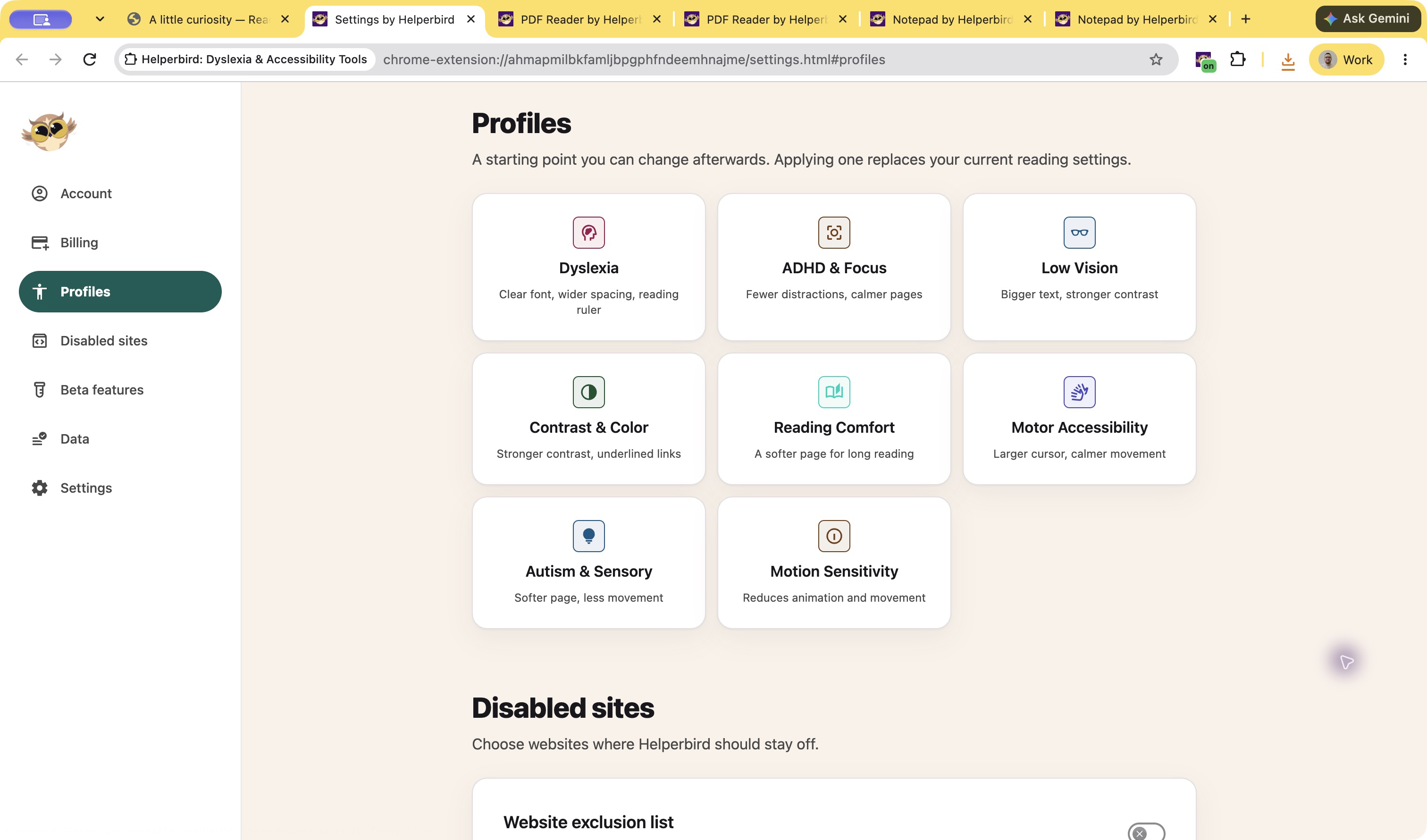
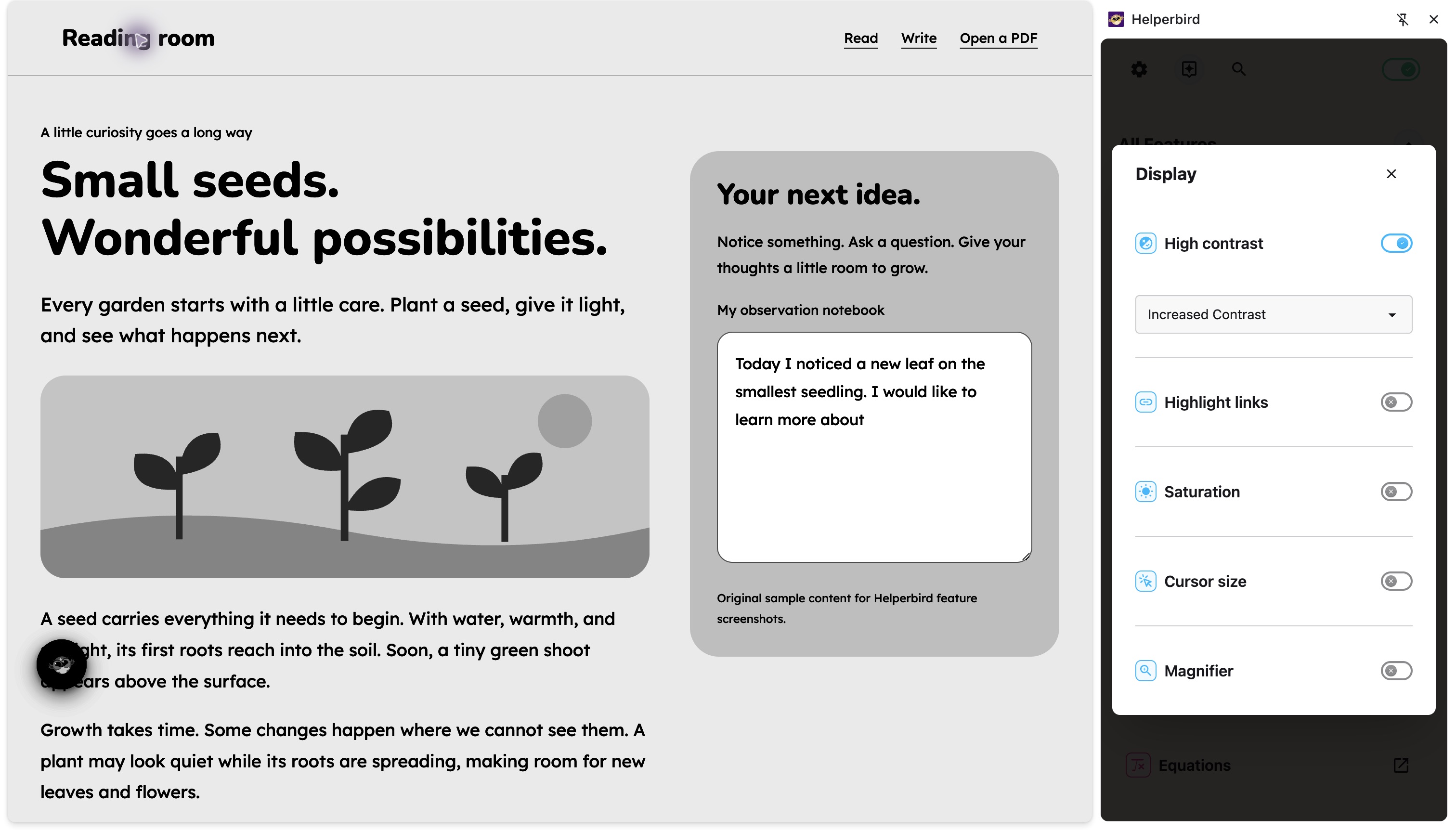
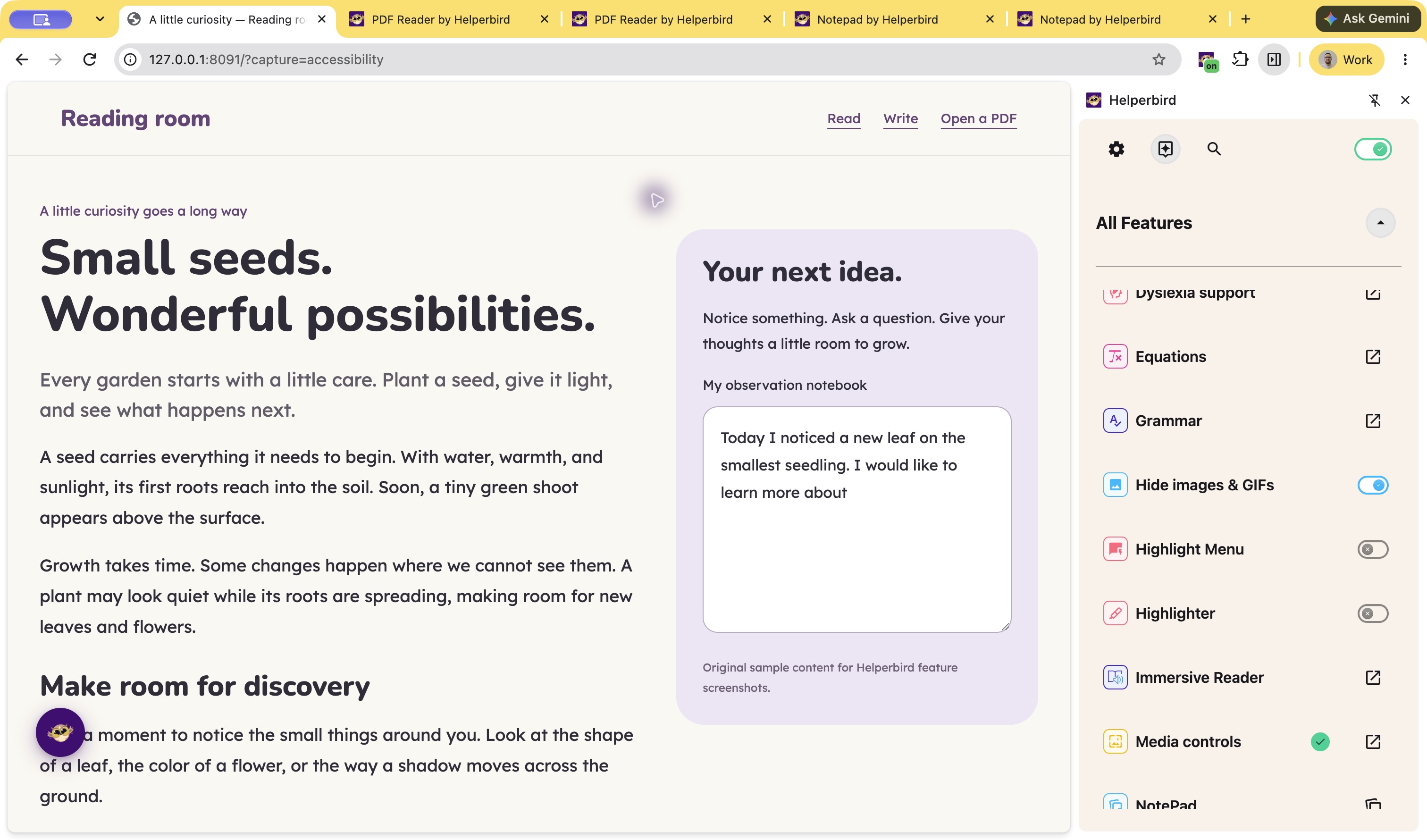
These examples show webpage settings in the browser extension.
Small adjustments. Your choice.
Accessibility Profiles
Start with settings grouped for you.
Free
High Contrast
Make text easier to distinguish.
Free
Hide Images & GIFs
Keep your attention on the words.
Free
Keyboard Shortcuts
Reach tools from your keyboard.
Free
Cursor Size
Make your pointer easier to find.
Free
Color Blindness Support
Choose a webpage color filter.
Free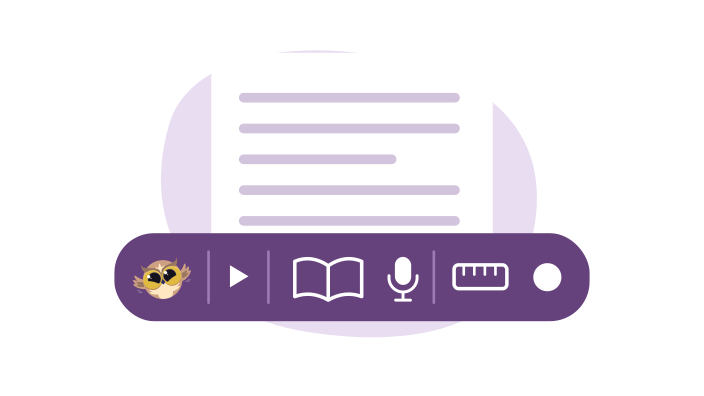
Accessibility Toolbar
A floating Helperbird button on every page that opens a toolbar of your favourite tools. Read aloud, dictionary, translate, immersive reader, voice typing, reading ruler, and more. One click away.
Free
Auto Scroll
Automatically scroll through any webpage at your preferred speed. Useful for long articles or when manual scrolling is difficult.
Free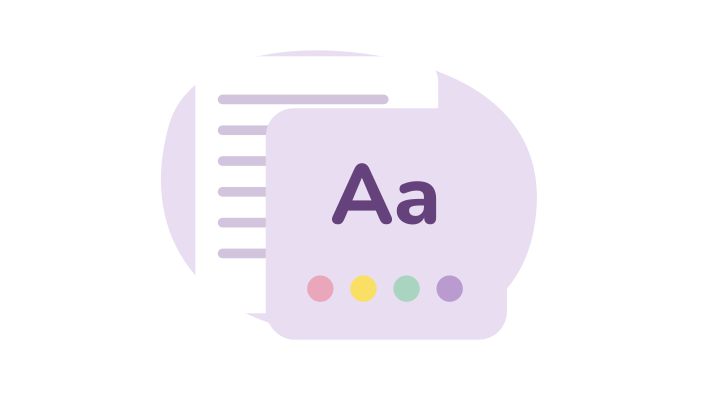
Color Overlay
Add a colored tint over any website to reduce eye strain and make reading more comfortable. Choose from 24 colors or pick your own.
Free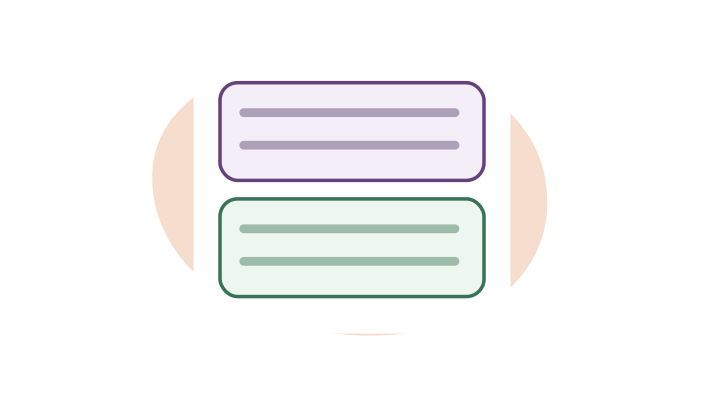
Customize Paragraphs
Add borders around paragraphs to break up walls of text. Makes it easier to track where you are while reading.
Free
Floating Button
A floating button on every page so you can open Helperbird in one tap — ideal for kiosk mode or when the browser toolbar is hidden.
Free
Grayscale
Turn any website grayscale to reduce visual distraction and eye strain. Remove color to focus on content.
Free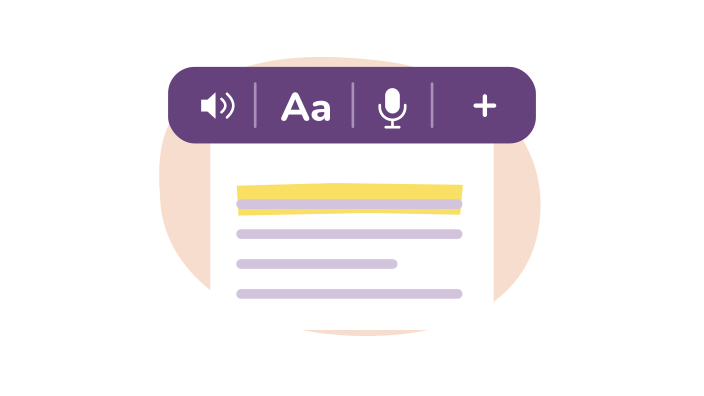
Highlight Menu
A popup menu appears when you highlight text, giving instant access to text-to-speech, dictionary, translation, web search, and more.
Free
Immersive Reader
Use Microsoft's Immersive Reader on any website or PDF. Removes clutter, reads aloud, and helps with grammar. Free to use.
Free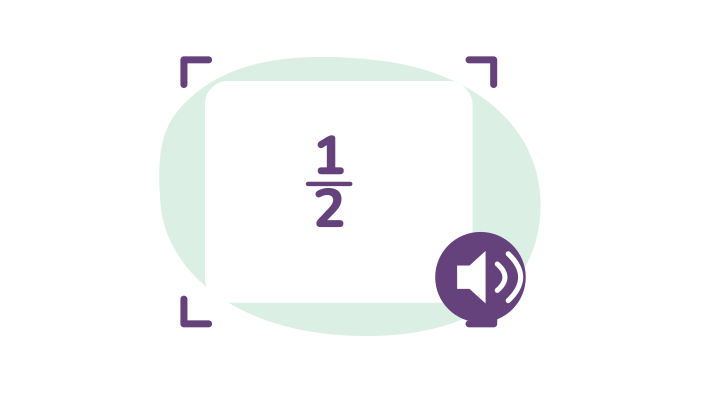
Maths Reader
Extract math problems from any screen and open them in Immersive Reader. Hear problems read aloud and see them in a clean format.
Pro
Mute Videos
Mute every video on a page, or set them all to a comfortable level.
Free
OCR / Screenshot Reader
Extract text from images, screenshots, videos, and PDFs. Copy it, hear it read aloud, or open it in Immersive Reader.
Pro
Page & Text Magnifier
Zoom in on any webpage to make text and images larger. Keeps your zoom level as you browse.
Free
PDF Drawing Tools
Draw directly on PDFs with pens, shapes, arrows, and more. Mark up documents, highlight key sections, and save your drawings.
Free
PDF Reader
Open PDFs, search, zoom, read aloud, draw and add text boxes for free. Pro adds voice typing, grammar, equations and advanced reading tools.
Free
Screenshot Tool
Take screenshots of entire webpages or just selected areas. Save directly to your device.
Free
Show Image & Link Descriptions
See image descriptions and link destinations when you hover over them. Understand images and check where links go before clicking.
Free
Strong Privacy Protection
Helperbird doesn't track you, store your data, or sell your information. COPPA and FERPA compliant for schools. No ads, no third-party tracking.
Free
Text Alignment
Change text alignment on any website. Switch between left-aligned, right-aligned, centered, or justified text.
Free
Voice Typing
Dictate text instead of typing. Speak into your microphone and see your words appear as text. Works in 40+ languages.
Pro
Write on PDFs
Type text straight onto any PDF. Add text boxes anywhere, format the text, or dictate it with your voice - then download the PDF with your writing included.
FreeProfiles are free; individual Pro features within a profile still need Pro.
Explore fonts, colors and spacingYour settings.
Your comfort.
Start with free accessibility tools and adjust them to suit you.