
Web Customization
Every webpage.
Your way.
Your fonts, colors and spacing. A little more comfort, wherever you read.
Feature examplesChoose a feature to preview.
For webpages in Chrome, Edge, Firefox and Safari.
Small changes. A better fit.
Fonts
Try a different typeface.
Free
Text size
Make the words bigger.
Free
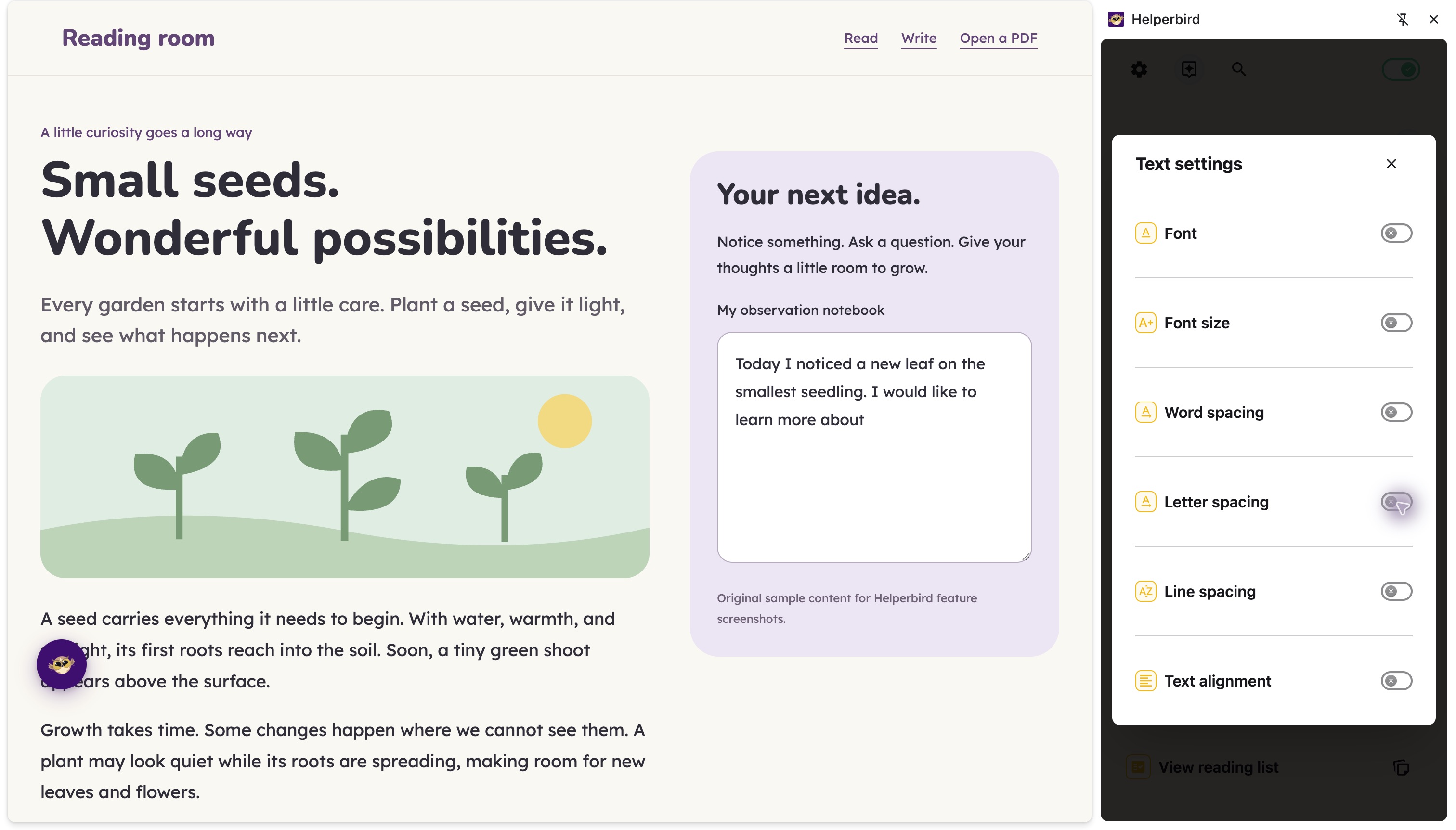
Spacing
Room between letters and lines.
Free
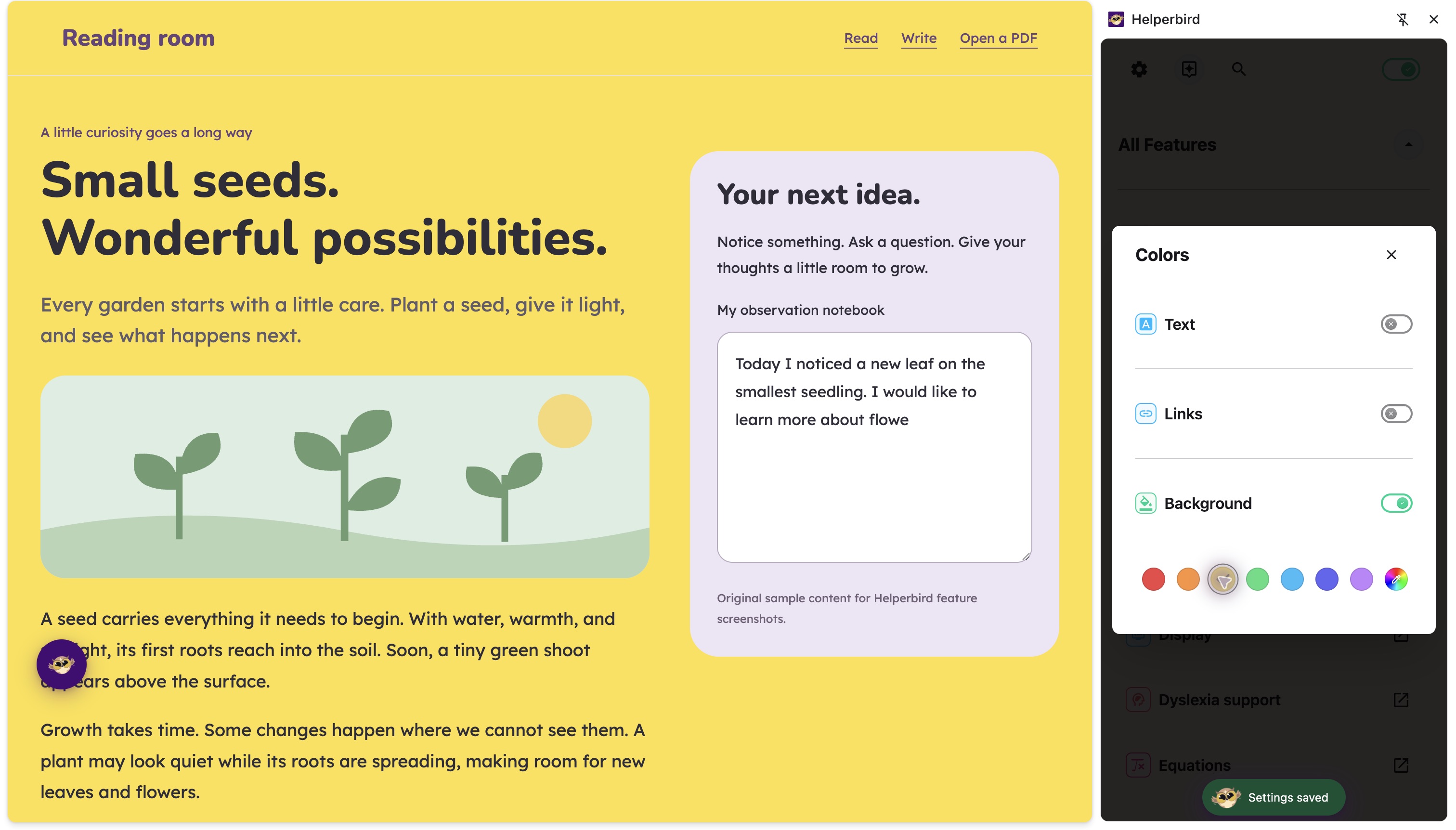
Colors
Your background, text and links.
Free
Color Overlay
Add a gentle page tint.
Free
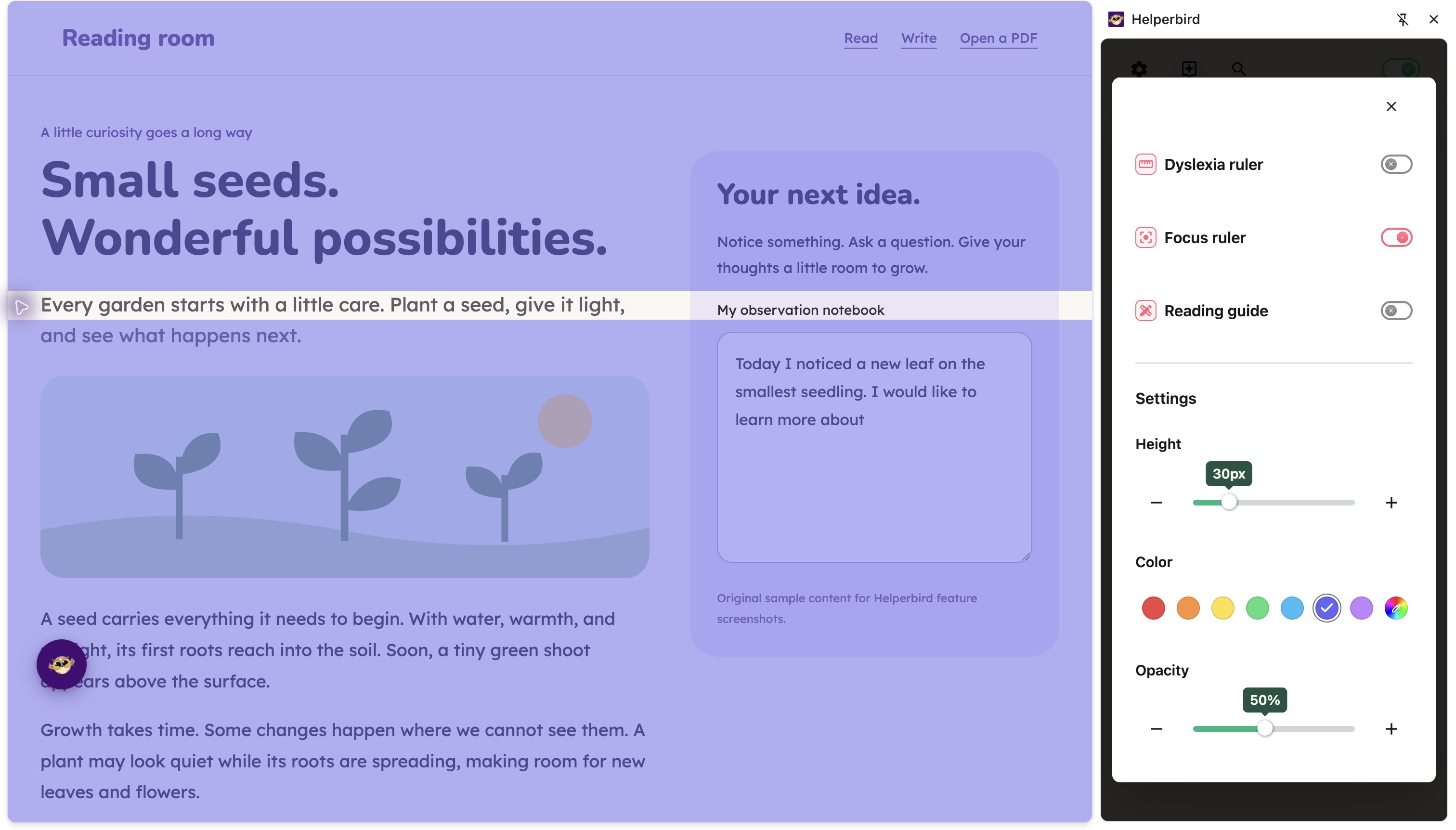
Focus Ruler
Follow one line at a time.
Free
Accessibility Profiles
Start with one of eight profiles for reading, focus, contrast, and movement, then adjust the settings to suit you.
Free
Auto Scroll
Automatically scroll through any webpage at your preferred speed. Useful for long articles or when manual scrolling is difficult.
Free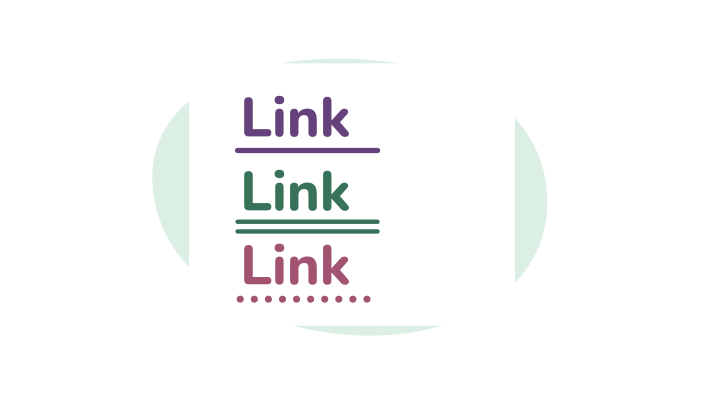
Color Blindness Support
Make links easier to see if you have color blindness. Adds underlines and outlines so links don't rely on color alone.
Free
Customize Paragraphs
Add borders around paragraphs to break up walls of text. Makes it easier to track where you are while reading.
Free
Customize Your Cursor Size
Make your cursor larger and easier to spot on any website. Helpful for low vision or anyone who loses track of their cursor.
Free
Dyslexia Ruler
A colored ruler that highlights the line you're reading, making it easier to focus and track your position. Customizable colors and sizes.
Free
Grayscale
Turn any website grayscale to reduce visual distraction and eye strain. Remove color to focus on content.
Free
Hide Images and GIFs
Hide all images, GIFs, or flashing content on any webpage. Focus on text without visual distractions. Safe for photosensitive users.
Free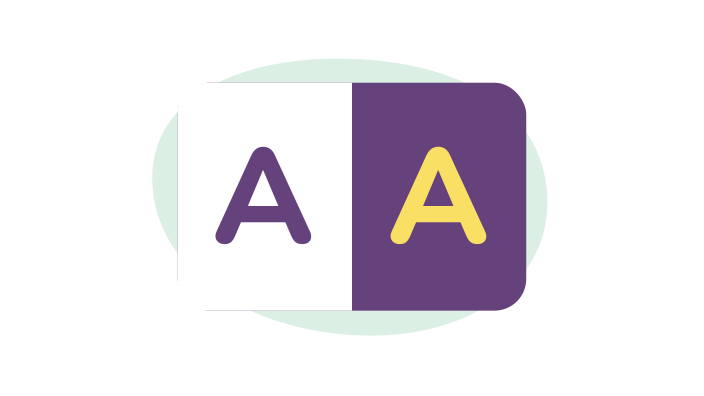
High Contrast Mode
Apply high contrast themes to any website for better readability. Helpful for low vision, color blindness, and reducing eye strain.
Free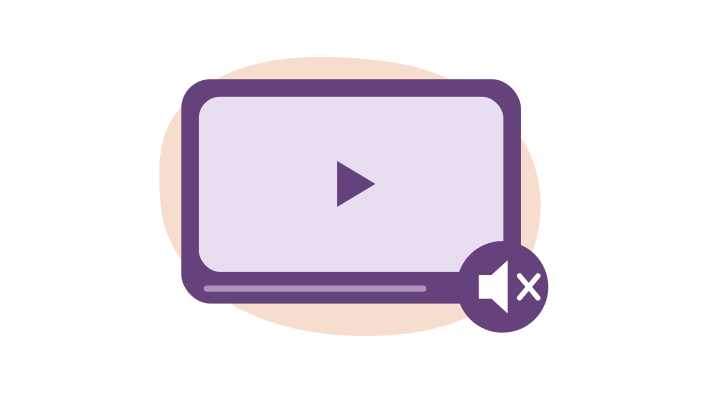
Mute Videos
Mute every video on a page, or set them all to a comfortable level.
Free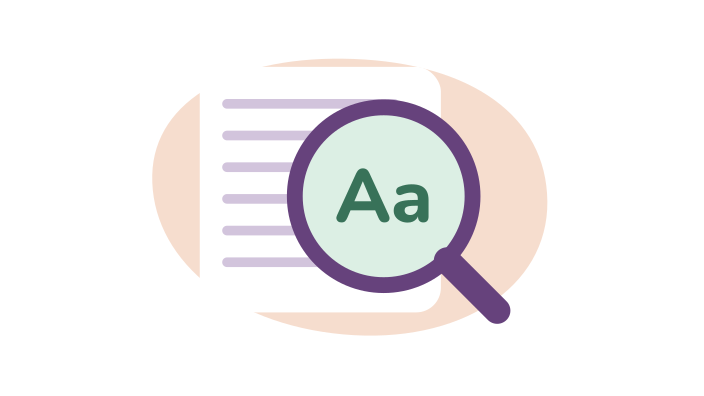
Page & Text Magnifier
Zoom in on any webpage to make text and images larger. Keeps your zoom level as you browse.
Free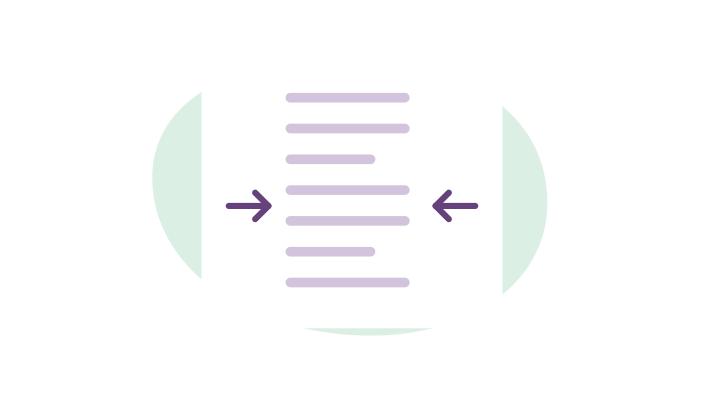
Paragraph Width
Adjust how wide paragraphs are on any website. Narrower columns are easier to read and reduce eye strain.
Free
Reading Mode
Open articles in a focused reading view with read aloud, translation, and a full-screen option.
Free
Text Alignment
Change text alignment on any website. Switch between left-aligned, right-aligned, centered, or justified text.
FreeThese tools change webpages. For PDF text, explore the PDF Reader and Immersive Reader.
Explore PDF ReaderMake yourself
at home.
Fonts, spacing, colors and focus tools are included in Free.