Explore Every Feature
Helperbird gives you 40+ reading, writing, and accessibility tools - including text-to-speech, dyslexia-friendly fonts, Immersive Reader, voice typing, and reading modes - so every page on the web works the way you need it to.
Reading
Line, Letter, and Word Spacing
Adjust letter spacing, word spacing, and line height on any website or PDF. Makes text easier to read, especially for people with dyslexia or low vision.

Auto Scroll
Automatically scroll through any webpage at your preferred speed. Useful for long articles or when manual scrolling is difficult.

Read it Later
Save articles and websites to read later. Keep all your saved content in one place, synced across devices.
Dictionary
Look up English words and short phrases. Read definitions and examples, hear them aloud, and explore similar words.

Focus Ruler
Dim the whole page except a clear band around the line you're reading, so distractions fade away and your eyes stay on track.

Customizable Font Sizes
Increase or decrease font size on any website. Make text easier to read without zooming the whole page.
Translation Support
Translate selected text on any website or PDF into any of 64 languages.

Customize Paragraphs
Add borders around paragraphs to break up walls of text. Makes it easier to track where you are while reading.
Immersive Reader
Use Microsoft's Immersive Reader on any website or PDF. Removes clutter, reads aloud, and helps with grammar. Free to use.

Color Overlay
Add a colored tint over any website to reduce eye strain and make reading more comfortable. Choose from 24 colors or pick your own.
Paragraph Width
Adjust how wide paragraphs are on any website. Narrower columns are easier to read and reduce eye strain.

Reading Guide
A horizontal guide that follows your cursor, helping you keep your place while reading. Customizable color, width, and transparency.

Reading Mode
Open articles in a focused reading view with read aloud, translation, and a full-screen option.

Dyslexia Ruler
A colored ruler that highlights the line you're reading, making it easier to focus and track your position. Customizable colors and sizes.
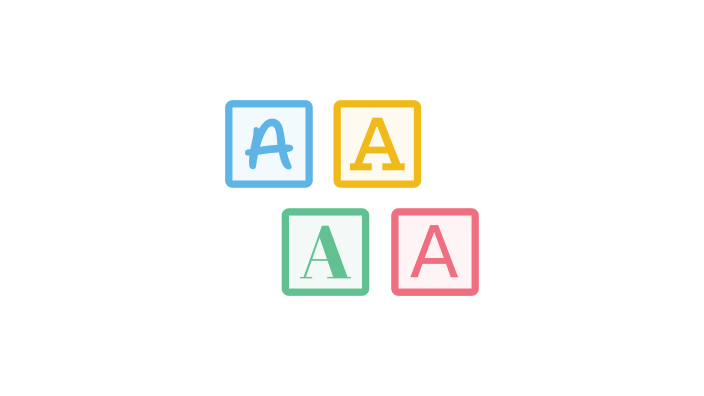
Dyslexia Fonts
Change the font on any website. 32 fonts, including OpenDyslexic, Lexend, Atkinson Hyperlegible and Andika. Makes reading easier for people with dyslexia. Free to use.
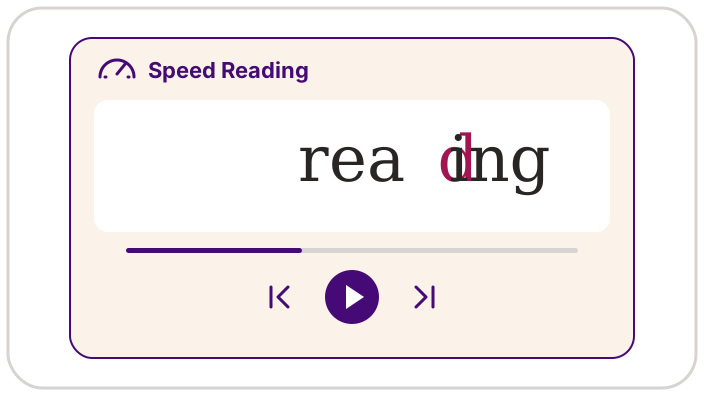
Speed Reading
Read one word at a time in Reading Mode or PDF Reader, with controls for pace, pausing and stepping through words.

Custom Colors
Override website colors to make text easier to read. Change background, text, and link colors to whatever works for you.
Summarize Pages
Turn long articles into bullet-point summaries with one click. Get the main ideas without reading everything.

Text Alignment
Change text alignment on any website. Switch between left-aligned, right-aligned, centered, or justified text.

Text to Speech
Have any text on the web read aloud to you. Works with websites, PDFs, and documents. Supports 90+ languages with natural voices.
Writing

Annotations & Sticky Notes
Add sticky notes and annotations to web pages. Highlight text, leave comments, and organize your research with color-coded notes.
Notepad
Write and format documents, keep your captured notes nearby, and download Word, Markdown, or plain-text files.

Equation Editor
Write equations by typing LaTeX or dictating them out loud, hear them read aloud, and export them as LaTeX, MathML, or an image.

OCR / Screenshot Reader
Extract text from images, screenshots, videos, and PDFs. Copy it, hear it read aloud, or open it in Immersive Reader.

Screenshot Tool
Take screenshots of entire webpages or just selected areas. Save directly to your device.
Speech to Math
Dictate maths, chemistry, and physics out loud — Helperbird turns your speech into properly formatted notation.

Voice Typing
Dictate text instead of typing. Speak into your microphone and see your words appear as text. Works in 40+ languages.
Spelling & Grammar Checker
Check spelling and grammar as you type anywhere online. Works in Gmail, Google Docs, and across the web.
Summarize Pages
Turn long articles into bullet-point summaries with one click. Get the main ideas without reading everything.
Word Prediction
Get contextual word suggestions, spelling support, and optional vocabulary learning in supported text fields.
Text Statistics
Word count, reading time and twelve more figures for the note you are writing.
Note Organizer
View and manage all your notes, highlights, and sticky notes from Helperbird in one dashboard. Synced across devices and exportable.
Accessibility

Accessibility Profiles
Start with one of eight profiles for reading, focus, contrast, and movement, then adjust the settings to suit you.
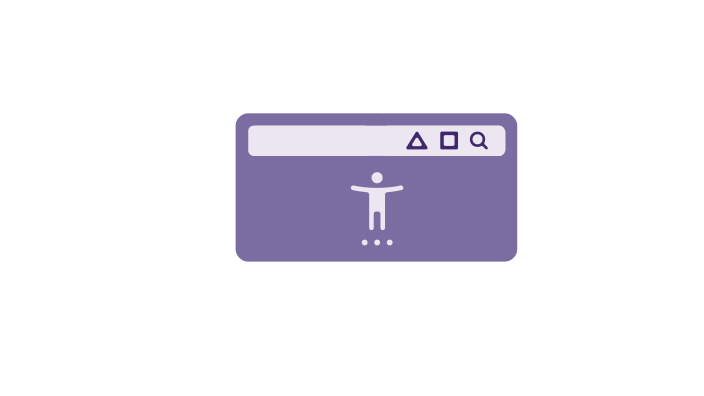
Accessibility Toolbar
A floating Helperbird button on every page that opens a toolbar of your favourite tools. Read aloud, dictionary, translate, immersive reader, voice typing, reading ruler, and more. One click away.
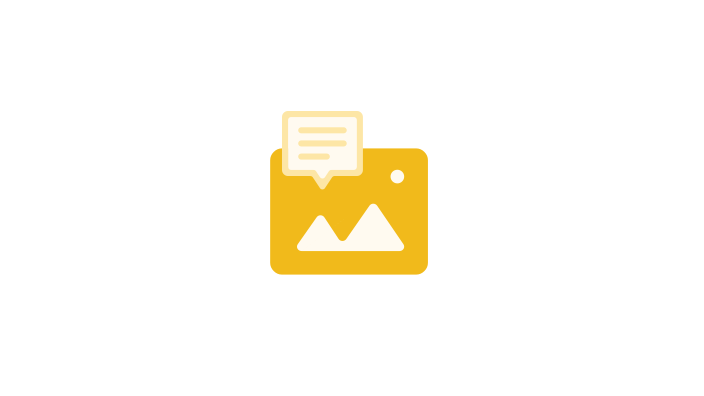
Show Image & Link Descriptions
See image descriptions and link destinations when you hover over them. Understand images and check where links go before clicking.
Auto Scroll
Automatically scroll through any webpage at your preferred speed. Useful for long articles or when manual scrolling is difficult.

Color Blindness Support
Make links easier to see if you have color blindness. Adds underlines and outlines so links don't rely on color alone.

Customize Your Cursor Size
Make your cursor larger and easier to spot on any website. Helpful for low vision or anyone who loses track of their cursor.

Floating Button
A floating button on every page so you can open Helperbird in one tap — ideal for kiosk mode or when the browser toolbar is hidden.

Grayscale
Turn any website grayscale to reduce visual distraction and eye strain. Remove color to focus on content.

Hide Images and GIFs
Hide all images, GIFs, or flashing content on any webpage. Focus on text without visual distractions. Safe for photosensitive users.
High Contrast Mode
Apply high contrast themes to any website for better readability. Helpful for low vision, color blindness, and reducing eye strain.
Customize Paragraphs
Add borders around paragraphs to break up walls of text. Makes it easier to track where you are while reading.
Immersive Reader
Use Microsoft's Immersive Reader on any website or PDF. Removes clutter, reads aloud, and helps with grammar. Free to use.
Maths Reader
Extract math problems from any screen and open them in Immersive Reader. Hear problems read aloud and see them in a clean format.

Mute Videos
Mute every video on a page, or set them all to a comfortable level.
OCR / Screenshot Reader
Extract text from images, screenshots, videos, and PDFs. Copy it, hear it read aloud, or open it in Immersive Reader.
Color Overlay
Add a colored tint over any website to reduce eye strain and make reading more comfortable. Choose from 24 colors or pick your own.
PDF Drawing Tools
Draw directly on PDFs with pens, shapes, arrows, and more. Mark up documents, highlight key sections, and save your drawings.
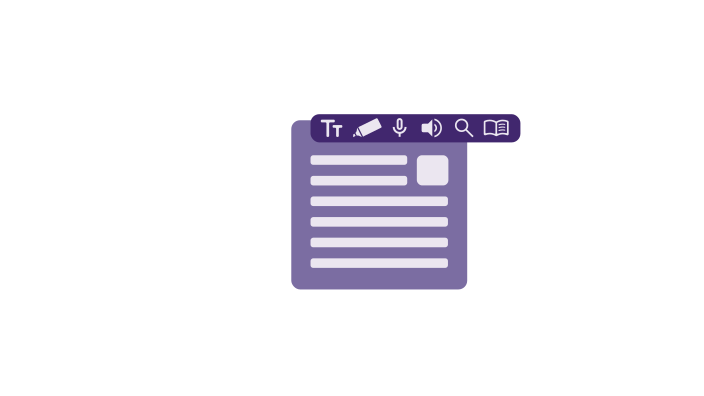
PDF Reader
Open PDFs, search, zoom, read aloud, draw and add text boxes for free. Pro adds voice typing, grammar, equations and advanced reading tools.

Strong Privacy Protection
Helperbird doesn't track you, store your data, or sell your information. COPPA and FERPA compliant for schools. No ads, no third-party tracking.
Screenshot Tool
Take screenshots of entire webpages or just selected areas. Save directly to your device.

Keyboard Shortcuts
Use keyboard shortcuts to quickly access Helperbird features like text-to-speech, reading mode, and more.
Voice Typing
Dictate text instead of typing. Speak into your microphone and see your words appear as text. Works in 40+ languages.
Text Alignment
Change text alignment on any website. Switch between left-aligned, right-aligned, centered, or justified text.
Write on PDFs
Type text straight onto any PDF. Add text boxes anywhere, format the text, or dictate it with your voice - then download the PDF with your writing included.
Page & Text Magnifier
Zoom in on any webpage to make text and images larger. Keeps your zoom level as you browse.
No feature matches that yet
Try another word, or clear the filter to see all 52 again.

Download Helperbird
Text to speech, dyslexia fonts, reading rulers, color overlays, and 44 more.
Free to add, and the everyday tools stay free. Works in Chrome, Edge, Firefox and Safari.