
How to Download an Equation as an Image
Learn how to save a maths equation from Helperbird as an image file, and when a picture is the right choice rather than copying the maths itself.
·
- features
- maths
What This Does
Download as image saves your equation to your computer as a picture, so you can put it anywhere that takes an image.
Who is This For?
This is helpful for:
- Anyone putting an equation into a slide or a poster
- Students whose software will not accept pasted maths
- Anyone sharing an equation in a chat or an email
How to Do It
Write your equation, then click Download as image in the toolbar. It is the downward arrow.
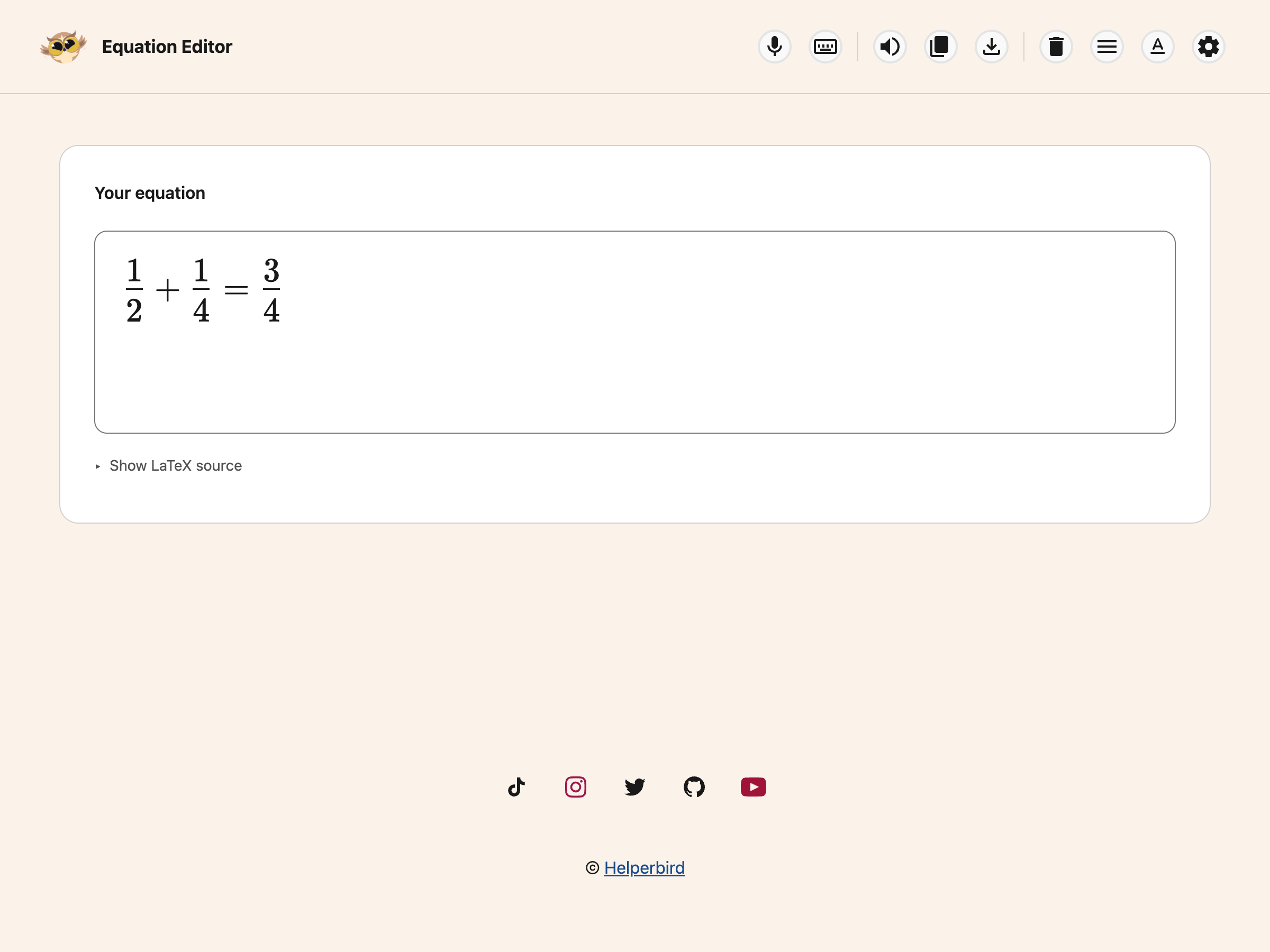
The file goes to your downloads folder like any other download.
When a Picture is the Wrong Choice
A picture of an equation cannot be read by a screen reader, cannot be searched, and cannot be edited later without starting again. If the equation is going somewhere it will be read by other people, that matters.
Where you can, copy it as MathML instead. That keeps it as real maths, which assistive technology can read out. Use an image when nothing else will paste, and add a text description alongside it if the place you are putting it allows one.
Need Additional Help?
If you have any questions or run into any issues, please contact the Helperbird support team. You can reach us at Helperbird support. We are happy to help you get the most out of Helperbird.
Printed from the Helperbird Help Center · Updated September 22nd, 2026
Questions? We are happy to help — helperbird.com/support