
How to Turn On Word Prediction from the Floating Toolbar

Learn how to switch on Helperbird's word prediction from the floating toolbar, so suggestions appear as you type into any box on the page.

·

  • features
  • writing

What This Does

Word prediction suggests words while you type, so you can pick the one you want instead of spelling it out.


Who is This For?

This is helpful for:

  • Anyone who knows the word but not the spelling
  • People with dyslexia writing into a form or a comment box
  • Students typing answers online
  • Anyone who types slowly and wants fewer keystrokes

Step 1: Open the Toolbar

If the toolbar is closed, it sits in the bottom-left corner as a single round button. Click it to open the row of tools.
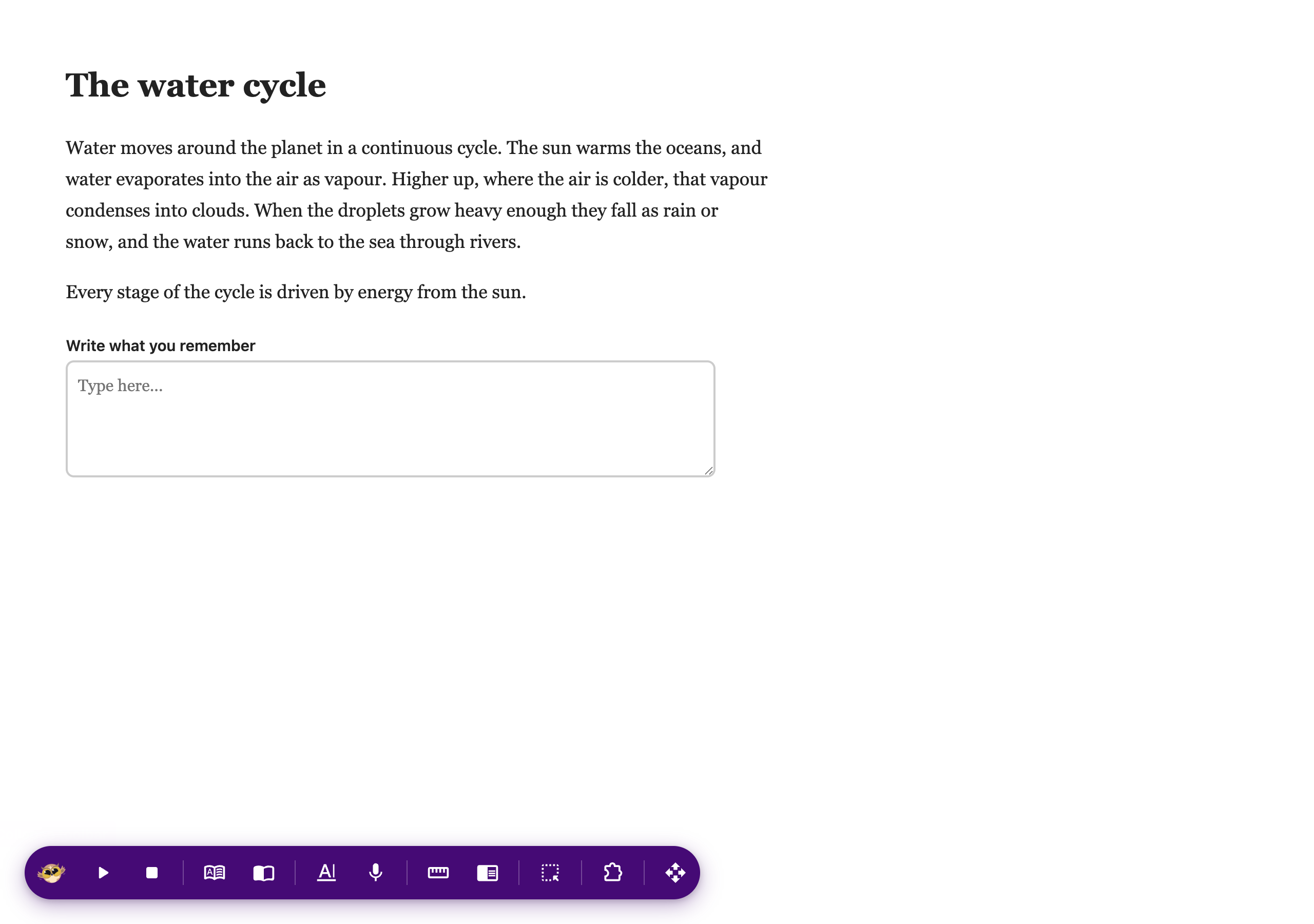
The Helperbird floating toolbar open along the bottom of a web page, showing its row of tools

If you do not see it at all, it needs turning on first. See how to turn on the floating toolbar.


Step 2: Use It

Press Word prediction on the toolbar, then click into any box on the page and start typing. Suggestions appear as you go.
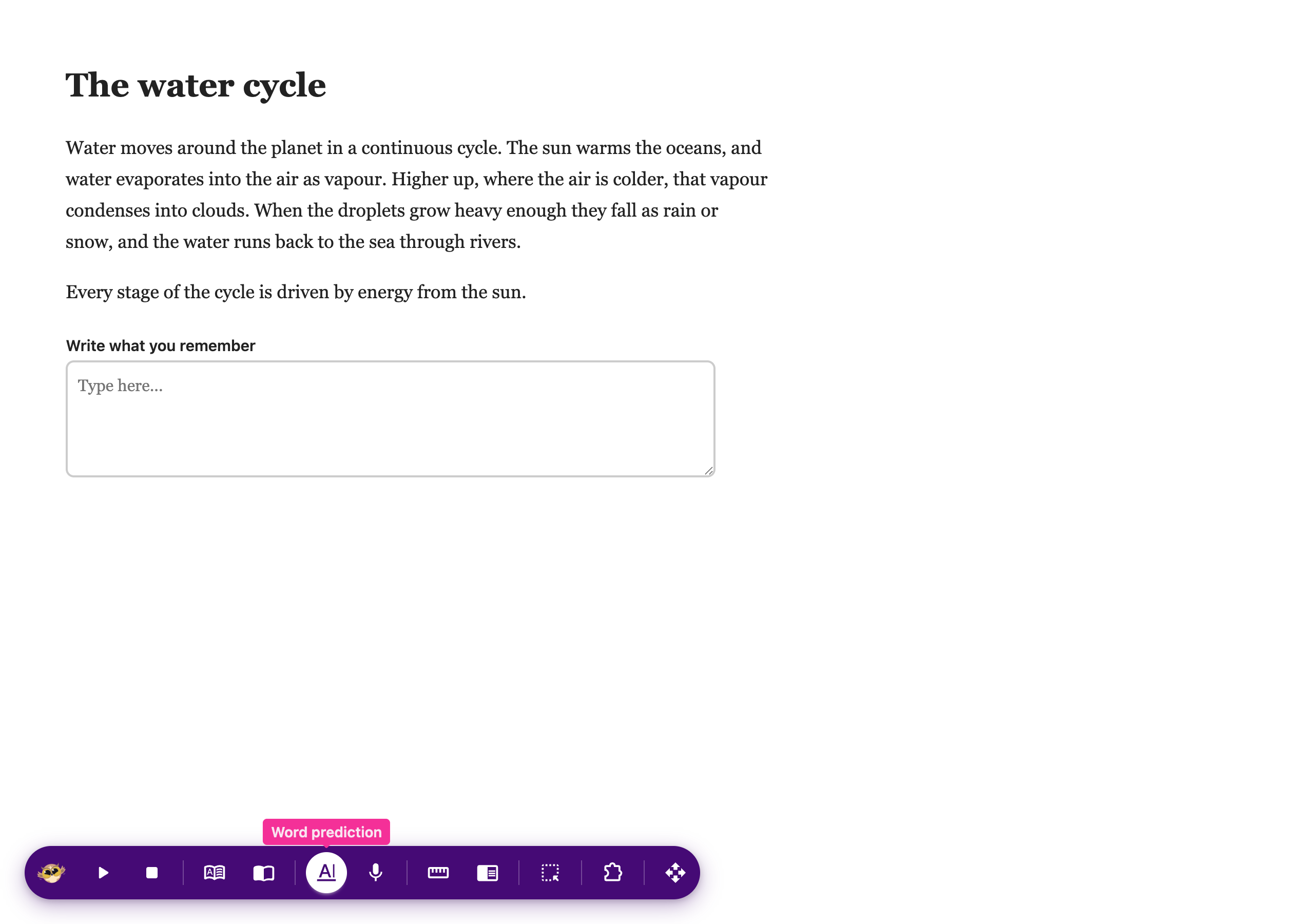
Word prediction turned on from the Helperbird floating toolbar, suggesting words while typing

For the settings behind it, including clearing words it has learned and hearing your sentence read back, see how to use word prediction.


Video Tutorial

Coming soon


Need Additional Help?

If you have any questions or run into any issues, please contact the Helperbird support team. You can reach us at Helperbird support. We are happy to help you get the most out of Helperbird.

What People Are Saying

Join over 1,000,000 people who use Helperbird every day.

It's a great tool! Really simple to use and works as described.

shivashree vysali

shivashree vysali

Helperbird user

Love the new ruler. Thank you so much and cant wait for the Google docs add on.

A Google User

A Google User

Helperbird user

Simplemente increíble. Nunca he tenido una extensión con tantísimas opciones juntas. Como profesor, siempre la recomiendo a las familias de estudiantes con dificultades para mantener la atención, a la hora de leer, y otras necesidades específicas, aunque pienso que puede ser de uso para cualquiera. ¡Un 10!

Firefox user

Firefox user

Profesor / Teacher

Making such an useful tool, replying to every single comment or review and giving support to people's issues as soon as possible?? Carefully, he is a hero.

Martin Bui

Martin Bui

Helperbird user

Huge fan of the zoom feature. It trumps the native zoom in your browser since the zoom level you set actually stays with you no matter what page you go to, which is very helpful and meshes well with the other features the app offers.

Taylor Kirkpatrick

Taylor Kirkpatrick

Helperbird user

A truly great extension! We installed this on all of our 200 Chromebooks across the 3 special schools i work in and it has greatly helped our students use technology to learn. It not only helps our dyslexic learners, but also our autistic and ADHD students by helping remove distractions and making the web a more accessible place. Support is fast and efficient, and updates are very regular with new features constantly being added!

Josh Sharrad

Josh Sharrad

Helperbird user

Helperbird logo: Stylized owl with large yellow eyes and a beige face, against a green background.

Download Helperbird

Make browsing easier and more accessible with tools like Text to Speech, Immersive Reader, and more.