
How to Hear an Equation Read Aloud in Helperbird

Learn how to have Helperbird read a maths equation out loud, so you can check it says what you meant rather than trying to read the symbols.

·

  • features
  • reading
  • maths

What This Does

Read aloud speaks your equation, saying it the way a person would rather than reading the symbols one by one.


Who is This For?

This is helpful for:

  • Anyone who finds a dense line of symbols hard to take in by eye
  • Students checking they have written what they meant
  • People with dyslexia or dyscalculia working through maths
  • Anyone learning how an unfamiliar equation is said out loud

How to Do It

Write your equation, then click Read aloud in the toolbar. It is the speaker on the left.
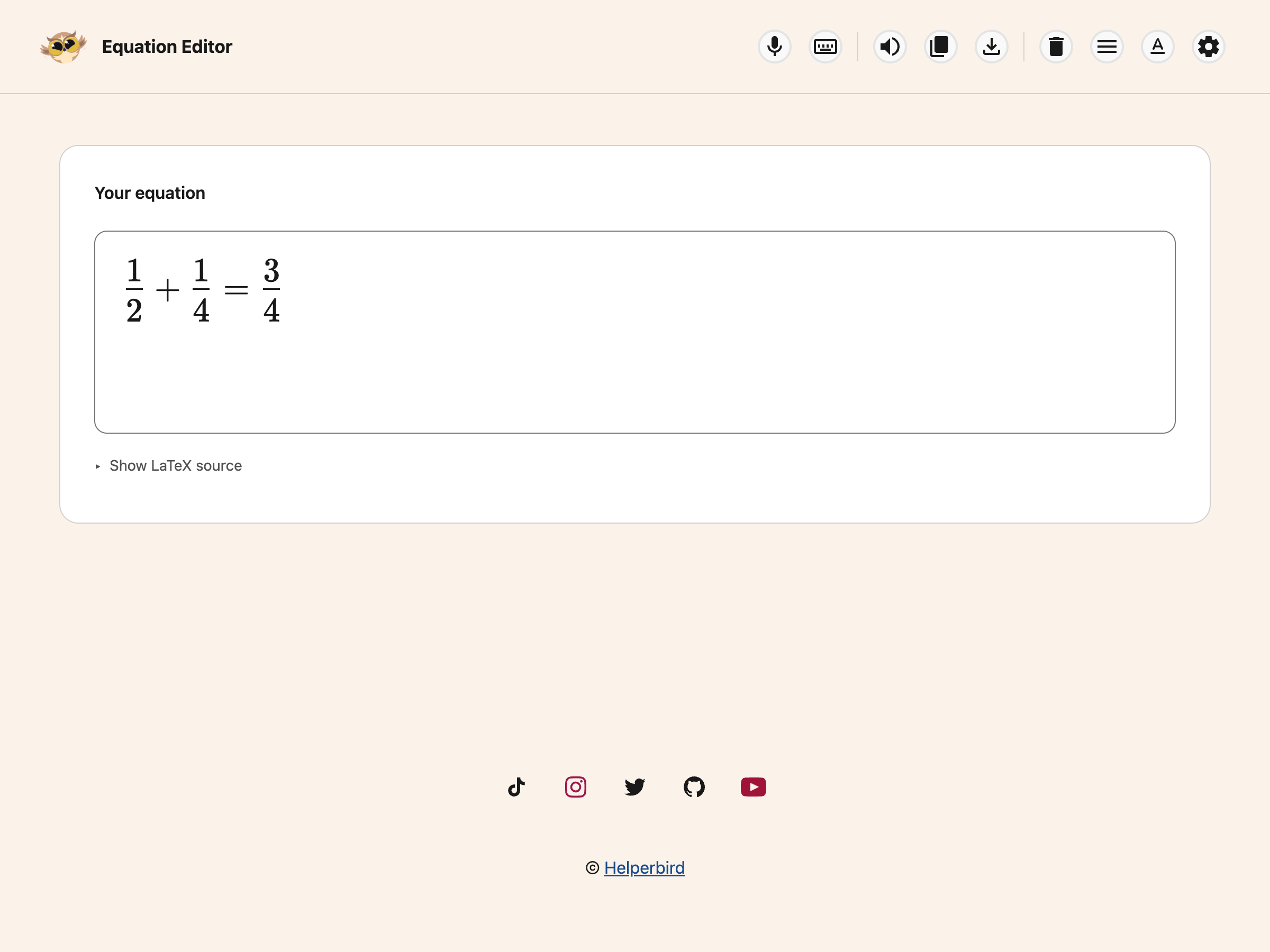
The Helperbird Equation Editor toolbar, with Read aloud, Copy, Download as image, Voice typing, the maths keyboard and Clear

It uses the same voice and speed as the rest of Helperbird's text to speech, so change them there and this follows.


Why It Helps

Reading maths by eye is slow and easy to get wrong, because the meaning is carried by position as much as by the symbols. A squared term and a subscript look similar at a glance and sound completely different.

Hearing it back is the quickest way to catch that you have written the wrong one, in the same way that hearing a sentence read back catches a sentence that does not say what you meant.


Video Tutorial

Coming soon


Need Additional Help?

If you have any questions or run into any issues, please contact the Helperbird support team. You can reach us at Helperbird support. We are happy to help you get the most out of Helperbird.

What People Are Saying

Join over 1,000,000 people who use Helperbird every day.

I have ADHD and yesterday Helperbird and the text-to-speech function (available in free version) turned a 28-page reading assignment from a two-day task to roughly two hours, maybe three at the absolute most. It helped tremendously! And I loved that the text-to-speech has such a fluid voice compared to a lot of others I've used! Honestly, the fact that this was created by someone who knows the struggles is something I love, because then it has neurodivergency in mind. I've tried too many things in the past that were created by neurotypical folk trying to be helpful to us and I do appreciate it, but it doesn't work as well because our brains work different. Highly recommend!

Addison Brown

Addison Brown

Helperbird user

Saw it mentioned at Cast last night! Love Immersive Reader.

Taylor Coffee

Taylor Coffee

Firefox user

I really liked the ease of setting up and also accessing the tool while you are on chrome. I had no trouble, and within a week found myself using it without even noticing.

Daniel C.

Daniel C.

Account Executive

Awesome! I don't suffer fatigue when I use this extension. Highly Recommended

G OA

G OA

Helperbird user

Helperbird is one of the most helpful tools I've ever used. It has so many great features that not many other apps or software have. The free version can be installed and stay forever on your browser. Other companies don't always give you access for free or give access for free forever. When you do get access to the Pro version or other paid plans, you expand your opportunity to read and stay focused better. One of the other great things about Helperbird is their support service. They have a video for every single feature that you can use. They are simple and helpful videos that make the learning process a lot easier. In addition, they have great live chat support. They are super nice and helpful. They always encourage people to give suggestions on how to improve Helperbird. Why is this important? It shows they really care about people with disabilities or people in general.

Alex R

Alex R

Helperbird user

Helperbird has helped me with school work.

Heather Zuniga

Heather Zuniga

Helperbird user

Helperbird logo: Stylized owl with large yellow eyes and a beige face, against a green background.

Download Helperbird

Make browsing easier and more accessible with tools like Text to Speech, Immersive Reader, and more.