How to Start a New Document in the Helperbird Notepad

Learn how to start a fresh document in the Helperbird Notepad without losing the one you were already working on.

·

  • features
  • writing

What This Does

New document clears the page and starts you on a fresh one, so you can keep separate pieces of writing apart instead of piling everything into one.


Who is This For?

This is helpful for:

  • Students with more than one assignment on the go
  • Anyone who keeps a separate page per subject, per class or per day
  • Anyone who has finished one thing and wants to start the next

Step 1: Save What You Have

If you want to keep what is on the page, save it first. Starting a new document clears the page.


Step 2: Click New Document

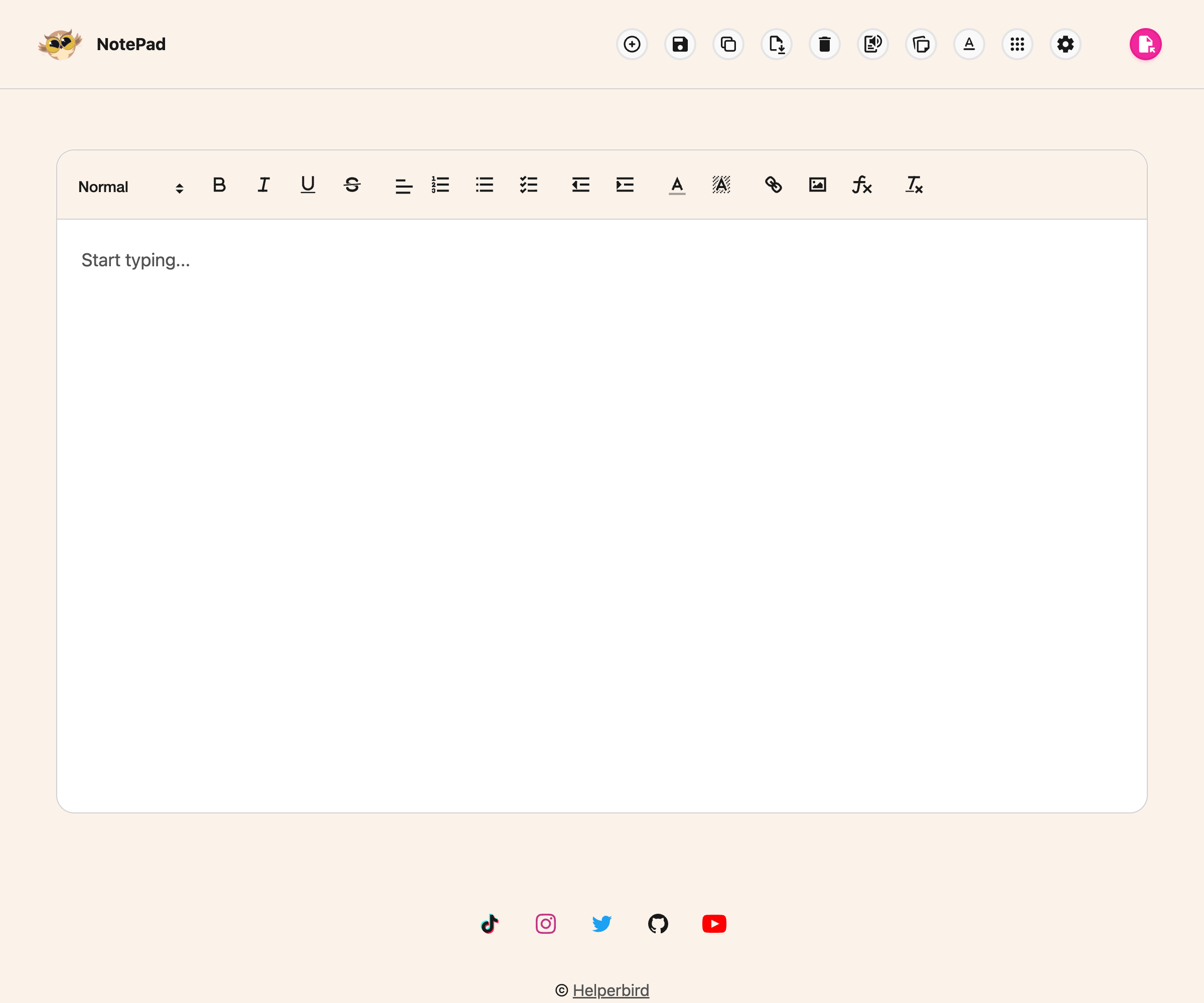
Click New document in the toolbar. It is the circled plus on the left, next to the Helperbird owl.

The Helperbird Notepad cleared and ready for a new document

The page clears and you can start typing.

Everything you saved before is still there. Open it again from View whenever you need it.


Video Tutorial

Coming soon


Need Additional Help?

If you have any questions or run into any issues, please contact the Helperbird support team. You can reach us at Helperbird support. We are happy to help you get the most out of Helperbird.

What People Are Saying

Join over 1,000,000 people who use Helperbird every day.

The update fixed opening issue of the app!! Tip: the Helperbird app, the width can be changed.

Firefox user

Firefox user

Helperbird user

Helperbird is one of the most helpful tools I've ever used. It has so many great features that not many other apps or software have. The free version can be installed and stay forever on your browser. Other companies don't always give you access for free or give access for free forever. When you do get access to the Pro version or other paid plans, you expand your opportunity to read and stay focused better. One of the other great things about Helperbird is their support service. They have a video for every single feature that you can use. They are simple and helpful videos that make the learning process a lot easier. In addition, they have great live chat support. They are super nice and helpful. They always encourage people to give suggestions on how to improve Helperbird. Why is this important? It shows they really care about people with disabilities or people in general.

Alex R

Alex R

Helperbird user

Immersive Reader from Microsoft is amazing, but my friends in Google districts were missing out until I found Helperbird. Great for proofreading! Simply highlight the text and have it read back to you, change the spacing in your view, highlight parts of speech, even translate by word or by document to have it read to you and adjust the speed! So amazing that I posted a YouTube tutorial within days of installing it. Plus, unlike many extensions, it didn't ask for obnoxious permissions like asking to delete everything in my Google Drive. #Winner #a11y

GK Techies

GK Techies

Helperbird user

They were super fast with response time when helping me meet a deadline and very kind when corresponding. If the app is anything like their customer service then I am happy with my purchase!

DD BA

DD BA

Helperbird user

Really makes reading easier for dyslexics.

Máiréad Jones

Máiréad Jones

Helperbird user

Simplemente increíble. Nunca he tenido una extensión con tantísimas opciones juntas. Como profesor, siempre la recomiendo a las familias de estudiantes con dificultades para mantener la atención, a la hora de leer, y otras necesidades específicas, aunque pienso que puede ser de uso para cualquiera. ¡Un 10!

Firefox user

Firefox user

Profesor / Teacher

Helperbird logo: Stylized owl with large yellow eyes and a beige face, against a green background.

Download Helperbird

Make browsing easier and more accessible with tools like Text to Speech, Immersive Reader, and more.